









10월 13일 오전 01:42:07·완료 · 1 min 8 sec 소요 · −816 크레딧
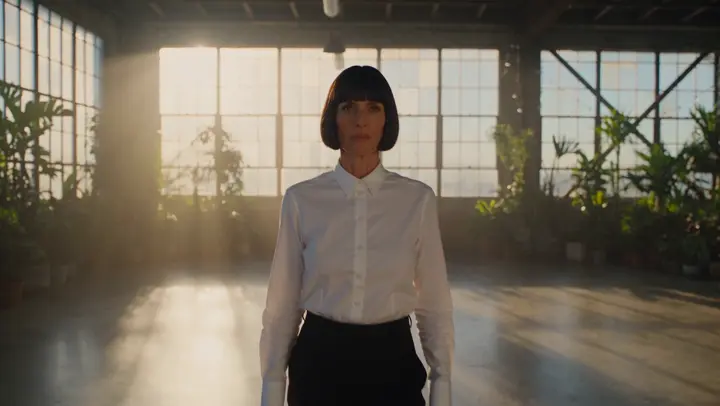
@Mara가 해 질 녘 옥상에 서 있다. 코트가 바람에 날리고, 발아래 도시에 불이 켜진다. 아나모픽, 35밀리 필름. 푸시 인
Veo 3.1 Fast · 8s · 1080p · 16:9 · 테이크 2개


이어 만들기 앞 샷 만들기
Tool
eroq re-shoots a clip with Ref-to-video in Video › Edit: bring the clip, write the new scene, light or style ("the same dance on a neon rooftop in the rain", "as claymation"), and the engine copies its motion and camera into a new render. It runs on eroq Motion One, Seedance 2.5, Seedance 2.0, Seedance 2.0 Fast and Seedance 2.0 Mini.
무료 크레딧 40개 · 카드 등록 불필요 · 모든 계정에 프라이빗 모드
동영상 · 생성
10월 13일 오전 01:42:07·완료 · 1 min 8 sec 소요 · −816 크레딧
@Mara가 해 질 녘 옥상에 서 있다. 코트가 바람에 날리고, 발아래 도시에 불이 켜진다. 아나모픽, 35밀리 필름. 푸시 인
Veo 3.1 Fast · 8s · 1080p · 16:9 · 테이크 2개
@Mara가 해 질 녘 옥상에 서 있다. 코트가 바람에 날리고, 발아래 도시에 불이 켜진다. 아나모픽, 35밀리 필름. 푸시 인
Ref-to-video makes a new clip with the old one's motion. Replace keeps the clip itself and changes who is in it. And Video › Effects restyles a clip in one click: Comic, Particles, Canvas, Tracking, Windows and Palette.
Clap · AI 에이전트
Ask에서 원하는 결과를 설명하세요. Clap이 필요한 것을 묻고, 엔진을 고르고, 프롬프트를 쓰고, 플랜 가격을 보여 줘요. 승인하면 모든 것을 렌더링해 라이브러리에 저장해요. 완전 자동이고, 승인하기 전에는 아무것도 실행되지 않아요.
Ask · Clap
Clap · 6초 동안 생각함
같은 움직임을 3테이크로, 각각 별도 클립으로. 플랜은 이렇습니다.
프로덕션
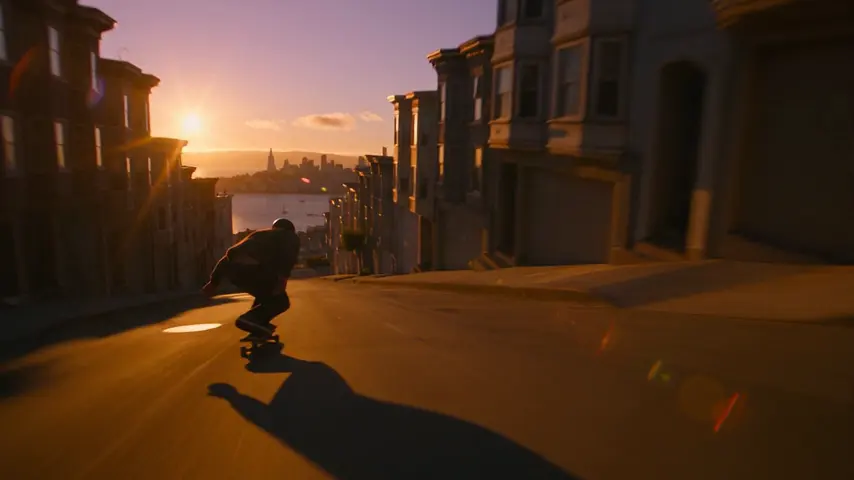


라이브러리에 저장돼요
프라이버시
프라이빗하고, 제한 없이
Yes. Bring the clip to Ref-to-video in Video › Edit and describe the new style or scene: the engine keeps the motion and the camera and renders everything else from your words.
It follows it closely (the timing, the gestures, the camera move) in a new render; it is not a filter laid over the old frames. To keep every frame and change only the people, use Replace.
Yes: @mention a Character in the prompt and they perform the moves of the clip.
Free to start: every new account gets 40 free credits with no card. A clip costs from 50 credits for five seconds on eroq Motion One at 480p, shown before you click, and a failed render refunds itself. More credits start with a $10 pack (1,000 credits) or a plan from $15/month.
무료 크레딧 40개 · 카드 등록 불필요 · 모든 계정에 프라이빗 모드
더 둘러보기