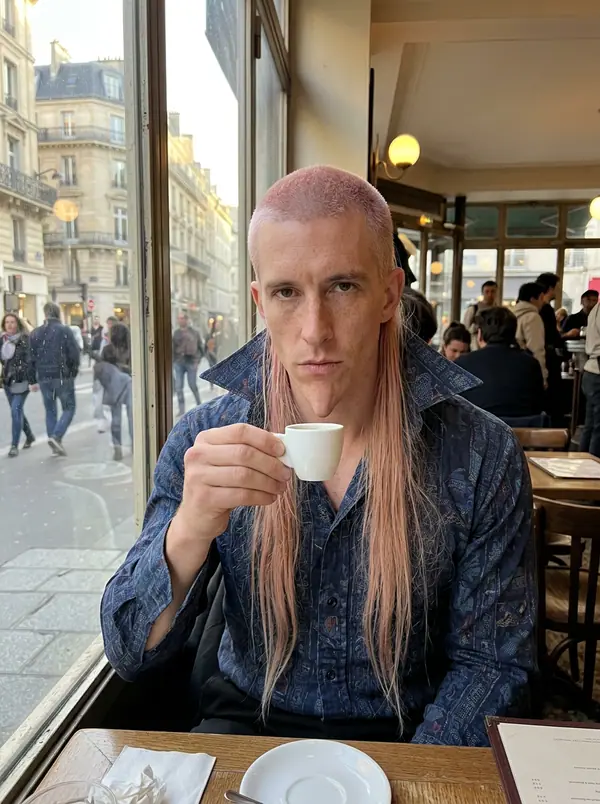
13 de out., 01:39:36·Pronto · Levou 31 sec · −10 créditos
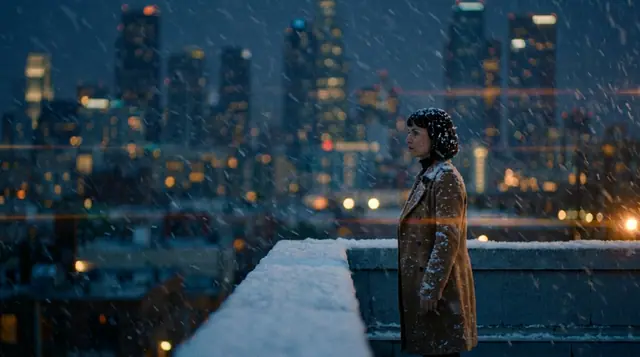
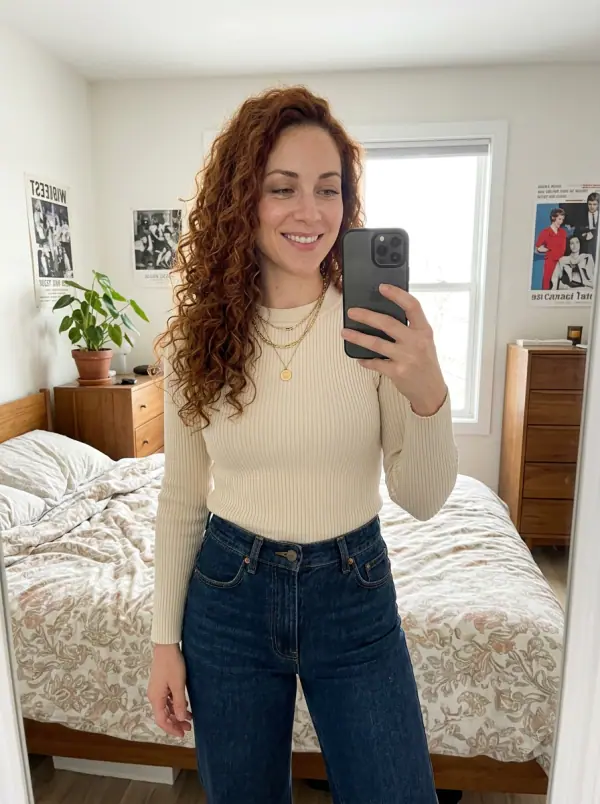
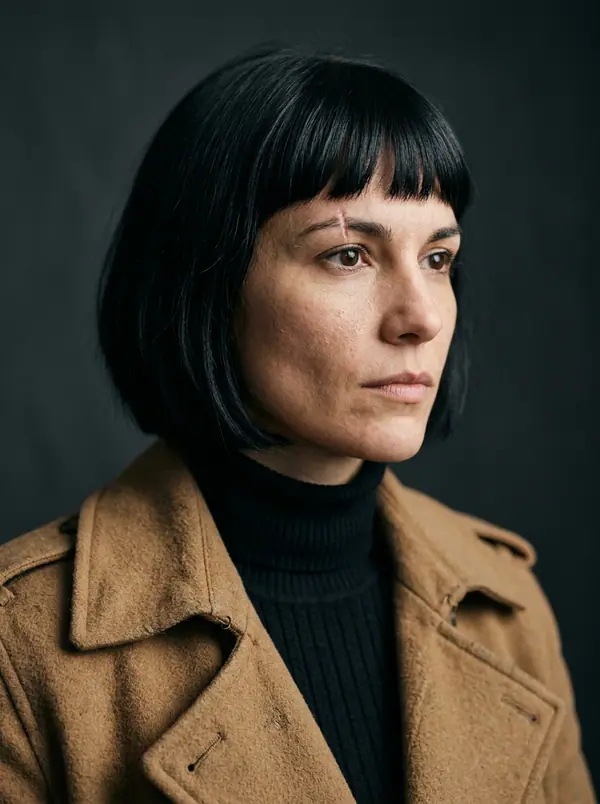
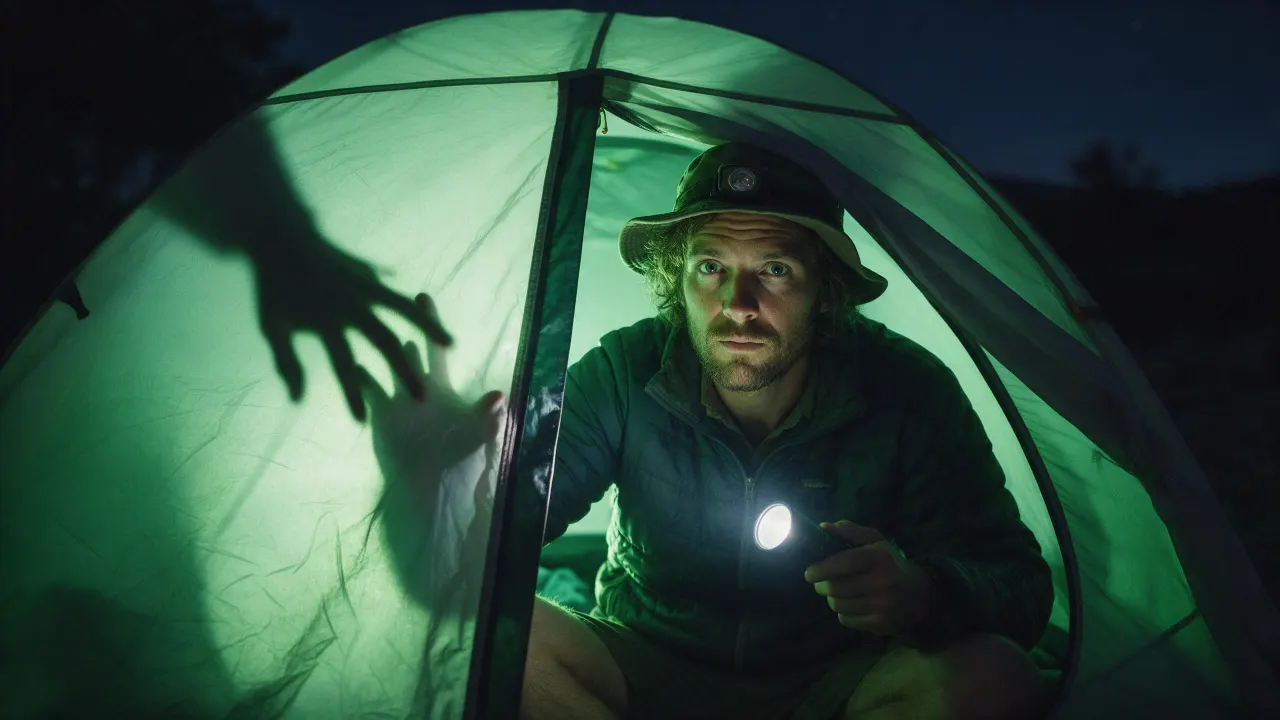
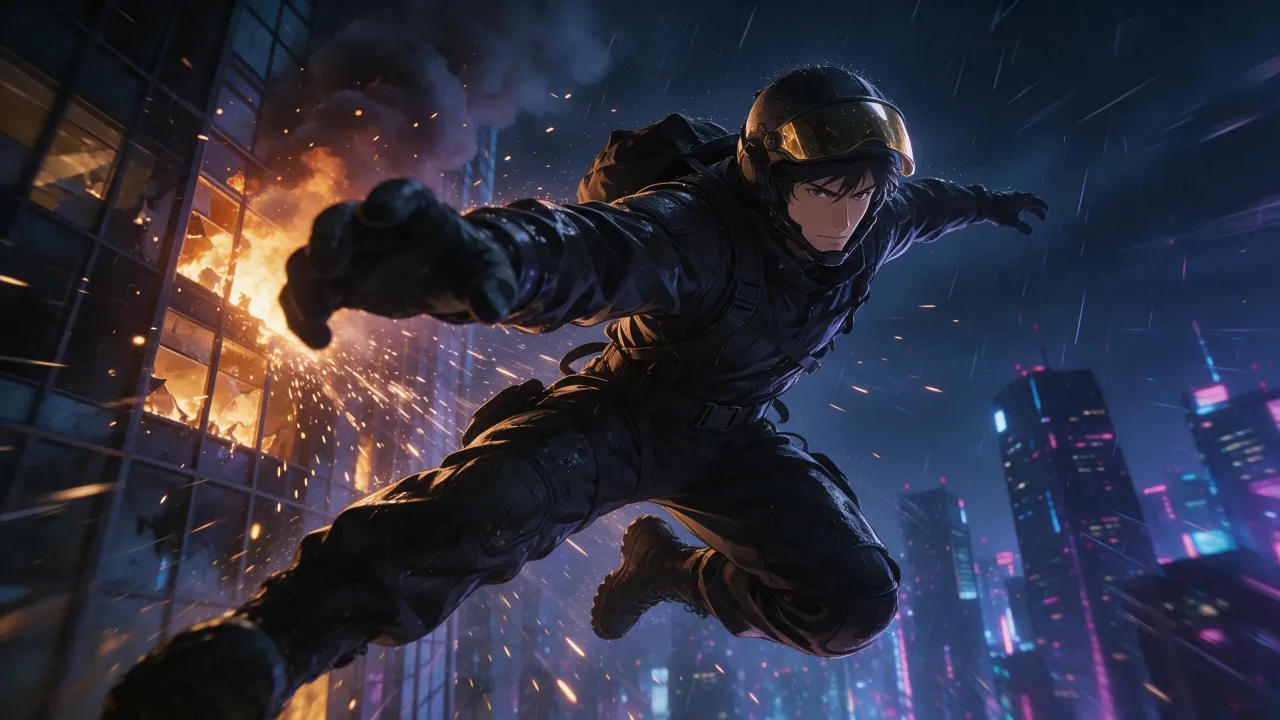
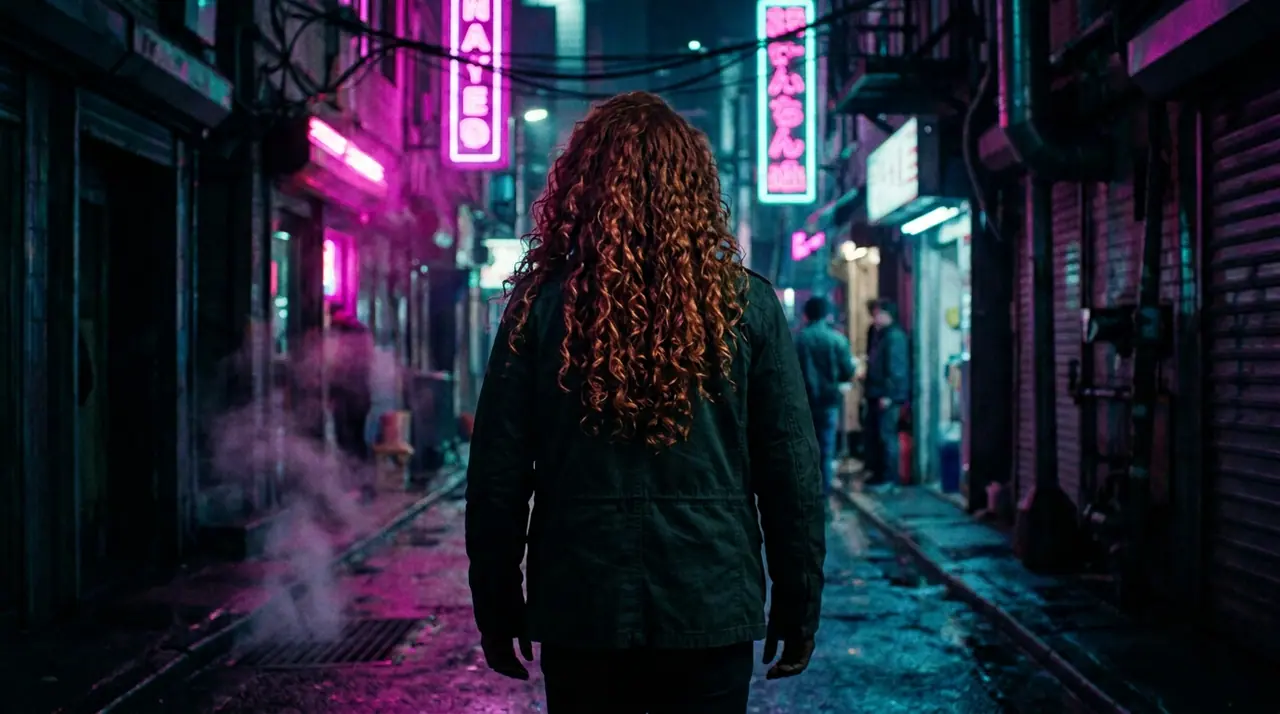
@Picture 1: troque o homem pela mulher da @Picture 2, mesma jaqueta, mesmo beco, mesmo neon
Eroq One · Manter · 1 tomada
Tool
eroq edits a picture from a sentence: in Image › Edit, add your photo or a render, write what should change ("make it night", "give her a red coat"), and the editor renders the change while the rest holds. Eroq Uncensored, Krea2 and Eroq One all edit, from 10 credits a picture, and Private mode keeps the picture in your browser only.
40 créditos grátis · sem cartão · modo privado em todas as contas
Imagem · Criar
13 de out., 01:39:36·Pronto · Levou 31 sec · −10 créditos
@Picture 1: troque o homem pela mulher da @Picture 2, mesma jaqueta, mesmo beco, mesmo neon
Eroq One · Manter · 1 tomada
13 de out., 01:42:07·Pronto · Levou 26 sec · −40 créditos
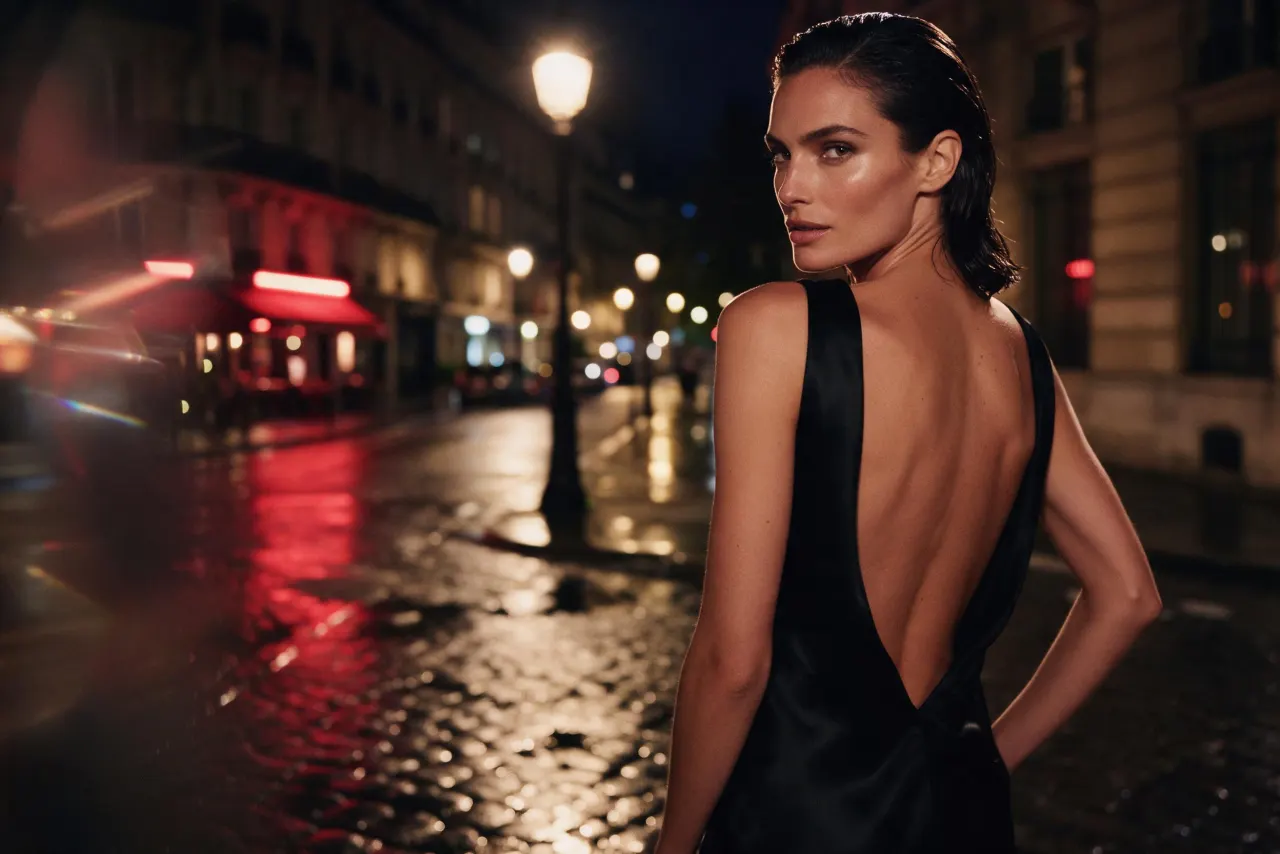
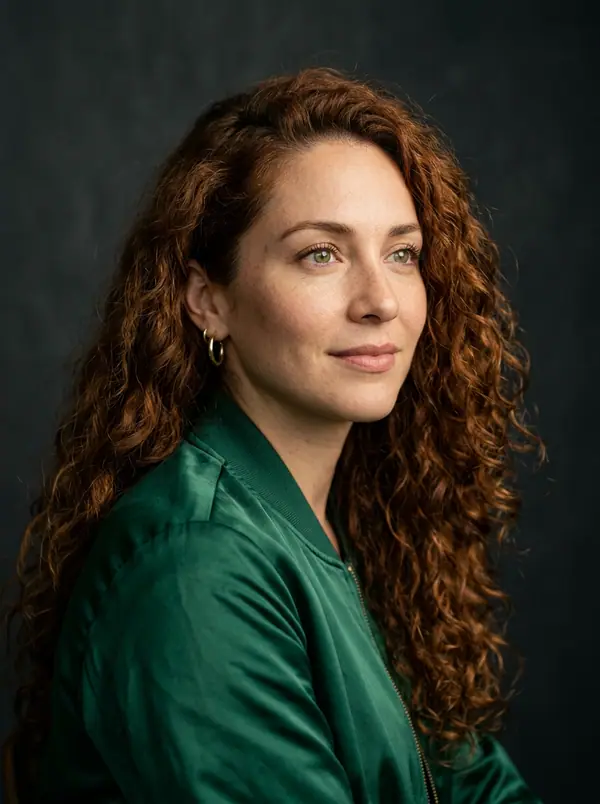
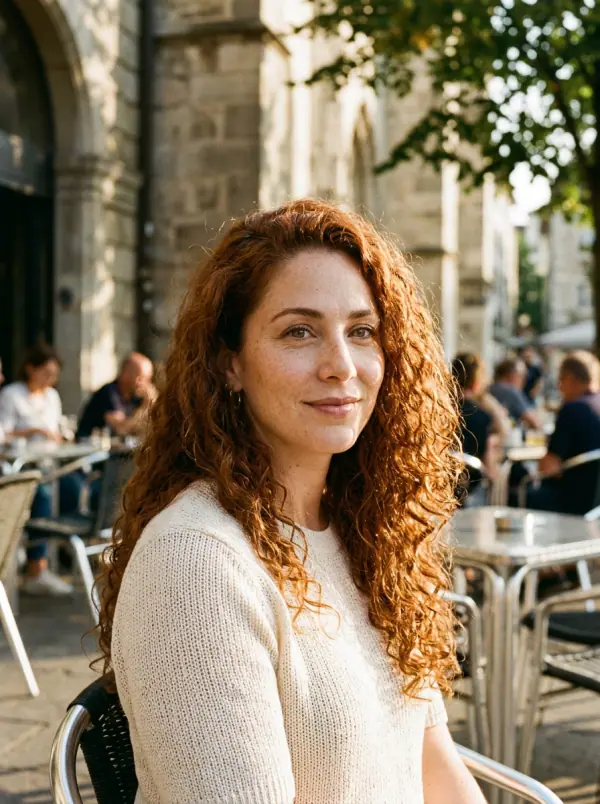
@Lena, retratos espontâneos em 35mm em casa, luz quente da janela, granulação suave de filme
Eroq One · 3:4 · 4 tomadas
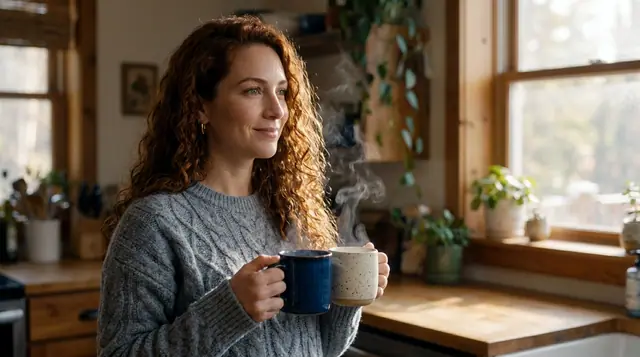
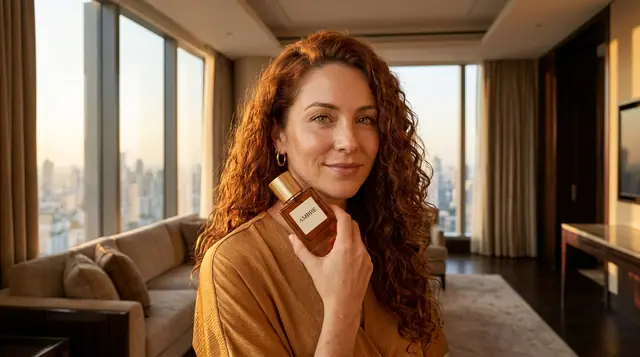
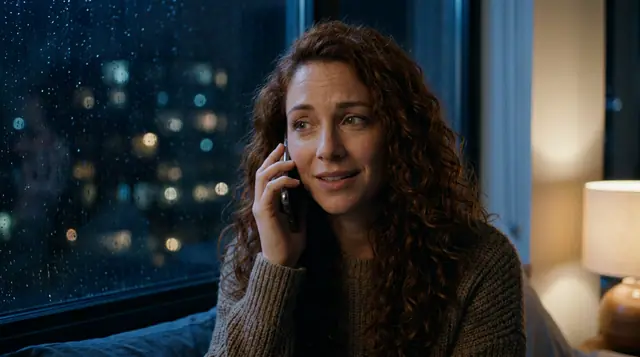
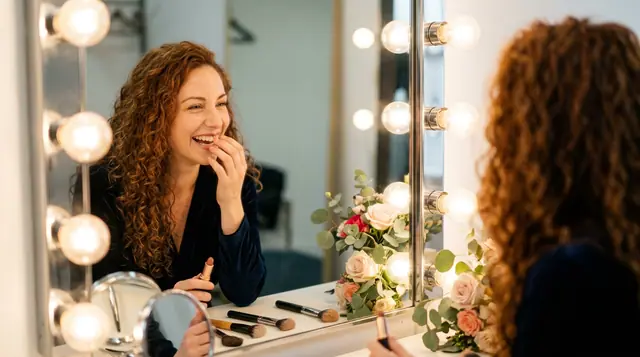
@Lena, retratos espontâneos em 35mm em casa, luz quente da janela, granulação suave de filme
Privacidade
Privado e sem restrições
There is no brush or mask: you name the part to change in words. It edits pictures you have the rights to, a real, identifiable person only with their consent, under one written policy: fiction only, nothing involving minors, no real identifiable people without their consent, nothing illegal.
Clap · agente de IA
Descreva o resultado no Ask. O Clap pergunta o que precisa, escolhe os motores, escreve os prompts e calcula o preço do plano. Quando você aprova, ele renderiza tudo na sua biblioteca. Tudo automático, e nada roda antes do seu sim.
Ask · Clap
Clap · Pensou por 6s
Três fotos, o mesmo rosto da ficha da Lena. Aqui está o plano.
Produção
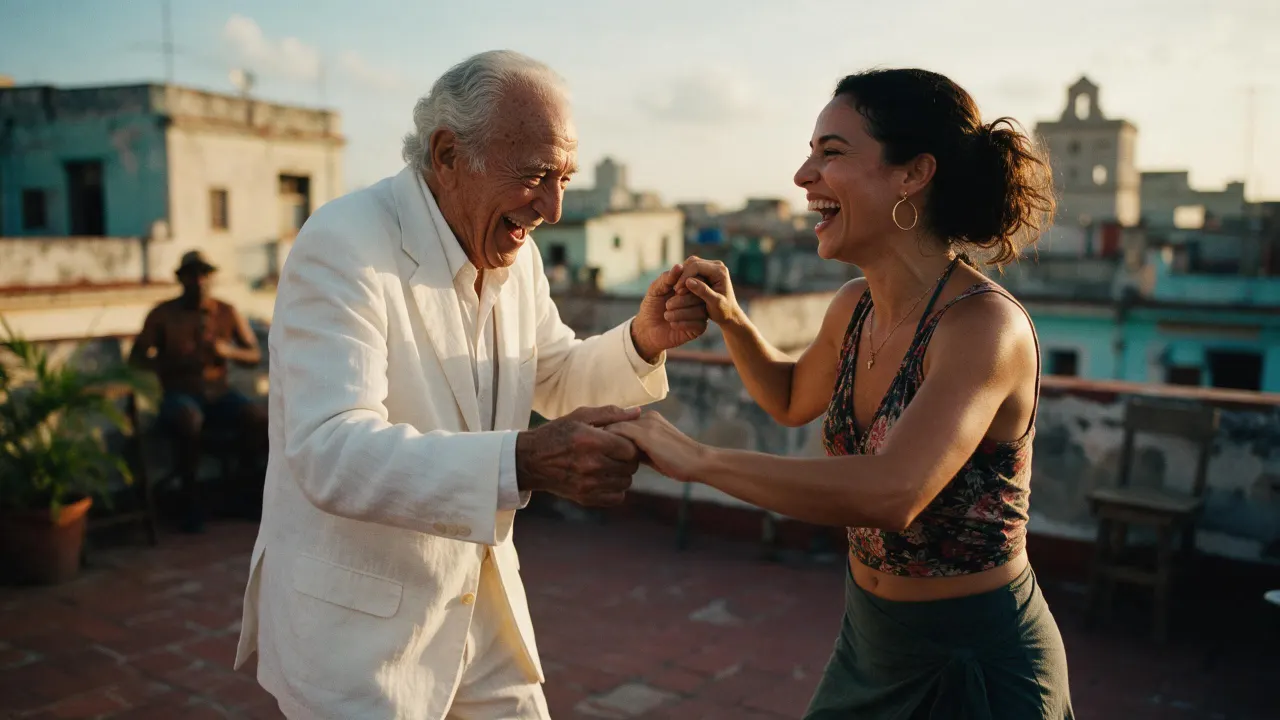
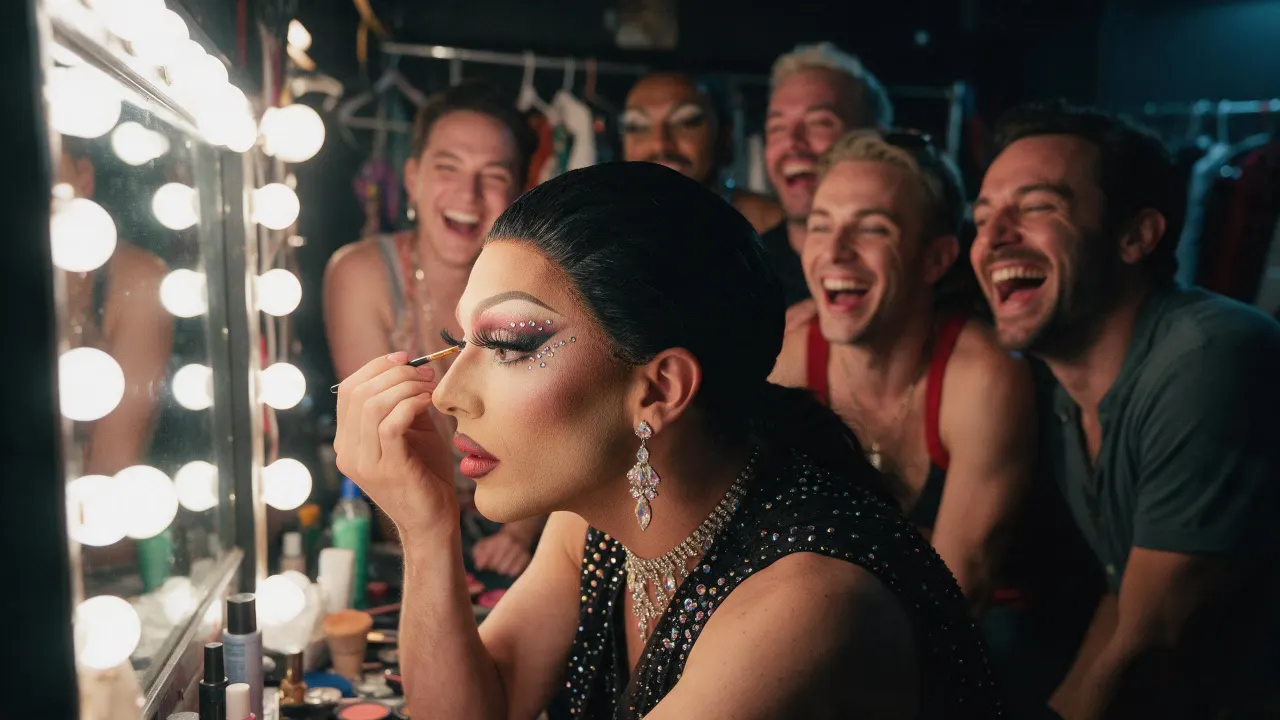
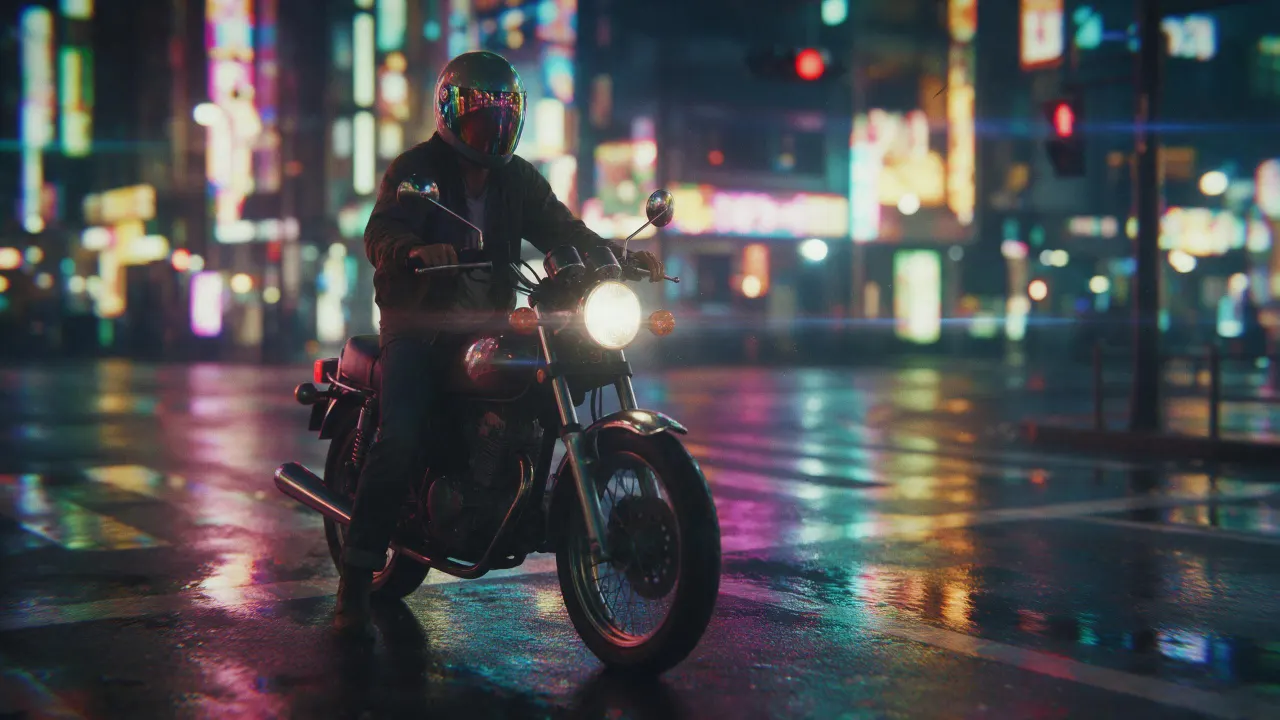
Salvo na sua biblioteca
Cada card abre a trend no estúdio, pronta para usar.
Open Image › Edit, add the photo and write the change in plain words, as you would ask a retoucher: "make it night", "remove the cup", "give her a red coat". The editor renders the new picture and keeps what you did not mention.
Yes: name that part and say the rest stays the same ("replace only the sofa; keep everything else exactly the same"). There is no mask to draw; Eroq One holds the rest most faithfully.
Eroq One keeps the person as they are unless you ask otherwise. To keep one face across many pictures, save the person as a Character: their identity sheet holds the face in every render.
Eroq Uncensored and Eroq One edit with no provider filter, within the written policy (fiction only, nothing involving minors, no real identifiable people without their consent, nothing illegal). New web accounts start with a content filter on; the account holder can switch it off in Settings, confirming they are 18 or older.
The editors are run by eroq and keep nothing upstream. Turn on Private mode and your picture stays in your browser: the edit leaves no file and no Library entry.
Free to start: every new account gets 40 free credits with no card, enough for 4 edits at 10 credits each. More credits start with a $10 pack (1,000 credits) or a plan from $15/month.
40 créditos grátis · sem cartão · modo privado em todas as contas