
Black Friday

50% de desconto em um ano inteiro de qualquer plano

Aproveitar
eroq

Tool

Image to video

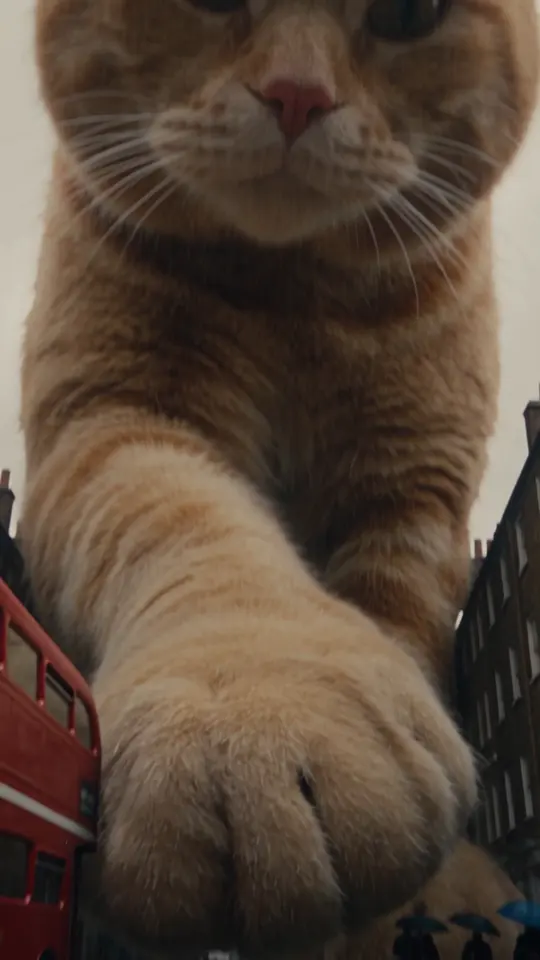
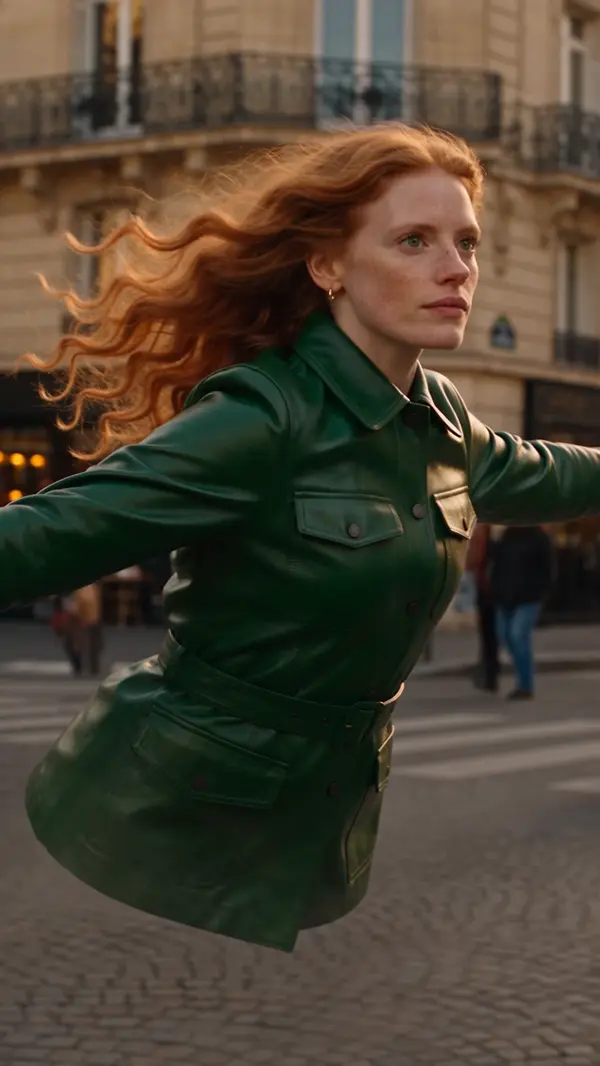
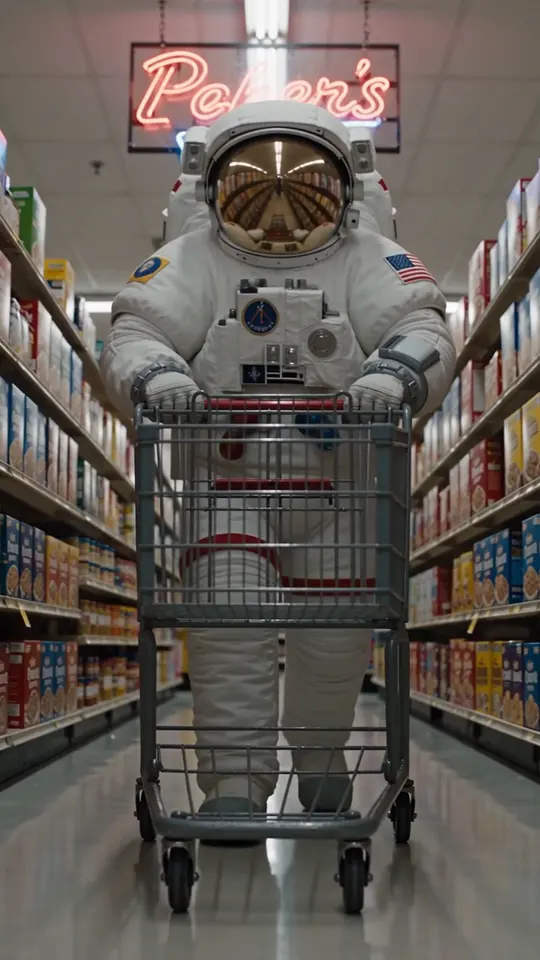
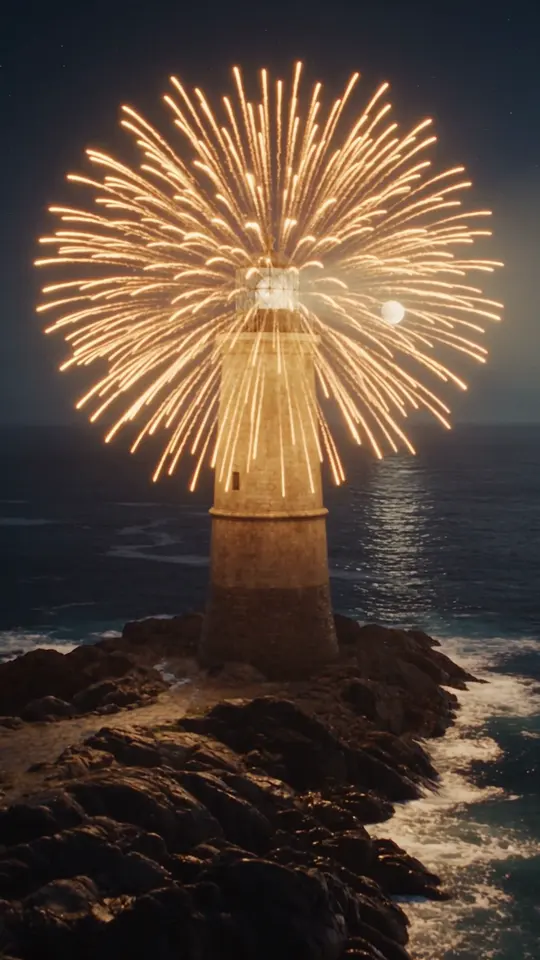
Image to video AI turns a still picture into a moving clip: you bring a photo or a render, say what moves, and an engine animates it while keeping the face, the wardrobe and the framing. Every video engine on eroq takes a start frame, and the Seedance, Veo 3.1, Kling and Hailuo engines add an end frame, so a clip can travel from one exact image to another. Describe only the motion: the picture already says who and where.

Vídeo

Abre o estúdio com isto preenchido. Crie sua conta na hora de gerar: 40 créditos grátis, sem cartão.40 créditos grátis · sem cartão · modo privado em todas as contas

Vídeo · Criar

13 de out., 01:42:07·Pronto · Levou 1 min 8 sec

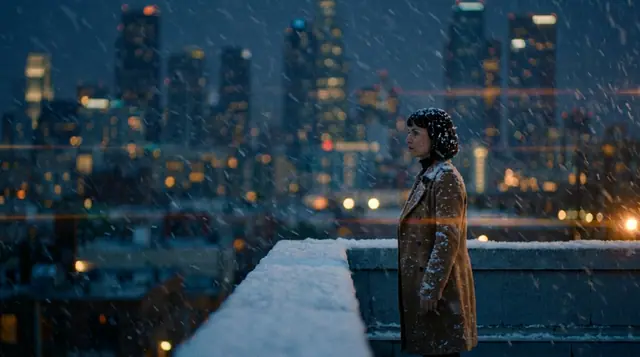
@Mara em um terraço ao entardecer, o casaco ao vento, a cidade se acendendo lá embaixo. lente anamórfica, 35mm. aproximação lenta

Veo 3.1 Fast · 8s · 1080p · 16:9 · 2 tomadas
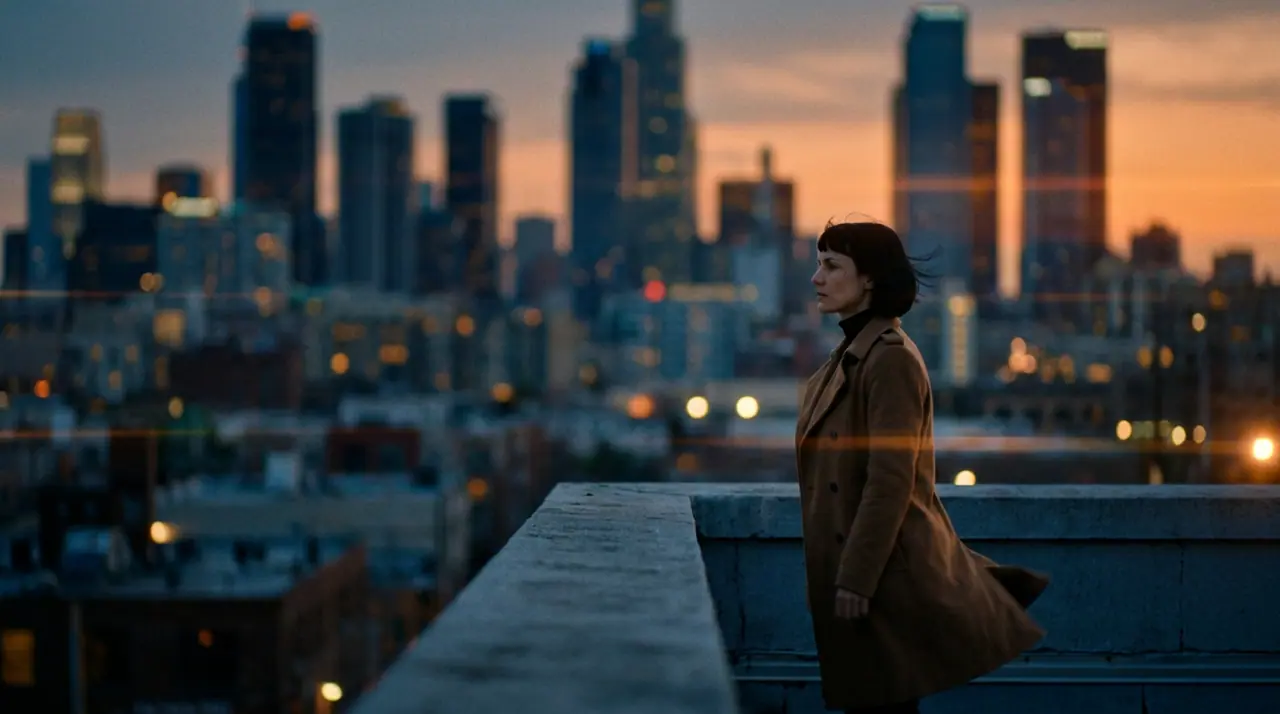
@Mara em um terraço ao entardecer, o casaco ao vento, a cidade se acendendo lá embaixo. lente anamórfica, 35mm. aproximação lenta
Estender Anteceder
Criar Editar Novo Replace Popular Efeitos
Adicionar personagem

@Mara em um terraço ao entardecer, o casaco ao vento, a cidade se acendendo lá embaixo. lente anamórfica, 35mm. aproximação lenta

Veo 3.1 Fast Sintaxe4s6s8s
Gerar 816

Three ways in

  • Set the First frame in the composer:pick a picture from your Library or Storage, or paste or drop one. On the engines that take one, a Last frame ends the clip on another picture.
  • Add a Character with Add character:on the engines that read reference pictures their look sheet rides along, so the same face carries into the clip. Motion One does not take characters yet.
  • Press Animate on any image in your library:it opens the video studio with that render as the source.

Prompting for motion, not for the picture

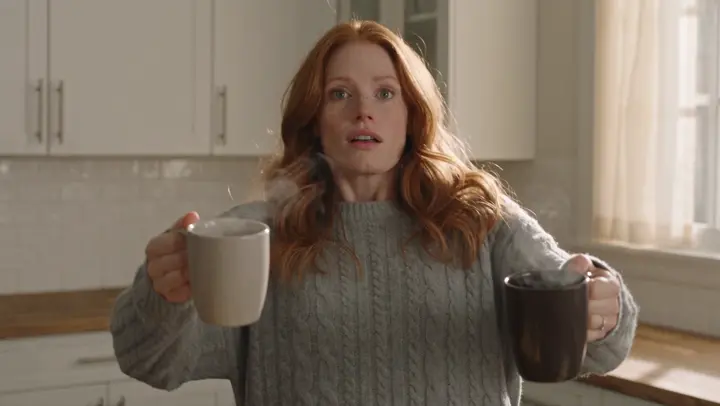
The reference already says who and where. The prompt should say what happens: "she turns toward the window and the curtain lifts in the breeze", "slow push-in as steam rises off the cup". Describing the subject again fights the reference; describing the motion directs it.

Engines and controls

Every video engine on eroq accepts a start frame. eroq Motion One, Seedance, Veo, Kling and Hailuo also accept an end frame and interpolate the motion between the two; Seedance, Veo, Runway Gen-4.5 and Wan 3.0 honor a seed for repeatable takes. Kling is the pick for faces, Hailuo 3 for physics, Motion One for uncensored, private renders. Each engine renders its own set of native aspect ratios.

Clap · agente de IA

Ou deixe o Clap fazer os clipes

Descreva o resultado no Ask. O Clap pergunta o que precisa, escolhe os motores, escreve os prompts e calcula o preço do plano. Quando você aprova, ele renderiza tudo na sua biblioteca. Tudo automático, e nada roda antes do seu sim.

  • 1O Clap faz uma pergunta por vez e mantém o briefing, o elenco e o storyboard em dia.
  • 2O plano lista cada render e o preço dele antes de qualquer coisa rodar.
  • 3Um clique em Aprovar e tudo é renderizado. Tomadas que falham são reembolsadas sozinhas.

Ask · Clap

Três clipes de 5 segundos, cheios de clima, de Kai andando na chuva neon, 16:9.

Clap · Pensou por 6s

Três tomadas do mesmo movimento, cada uma em um clipe. Aqui está o plano.

Plano · 3 renders435 cr
Clipe · Cena 1 · eroq Motion One · 5s · 16:9145 cr
Clipe · Cena 2 · eroq Motion One · 5s · 16:9145 cr
Clipe · Cena 3 · eroq Motion One · 5s · 16:9145 cr
Pronto · tudo entregue

Produção

Salvo na sua biblioteca

Pontos de partida

Escolha um: ele vai para a caixa lá em cima, pronto para gerar.

Privacidade

Privado e sem restrições

  • Sem filtro nos motores do próprio eroq: uma política escrita no lugar.
  • Eles não guardam nada, e nada é treinado com o seu trabalho.
  • O modo privado não guarda nenhum arquivo.

Perguntas frequentes

Can I animate a photo of myself?

You can animate photos of fictional characters and original creations. Real, identifiable people without consent — including deepfakes — are banned by the acceptable-use policy and enforced.

Which engines support image-to-video?

Every engine: eroq Motion One, Motion Pro, Seedance, Veo, Kling, Hailuo, Runway Gen-4.5, Grok Imagine and Wan 3.0. eroq Motion One, Seedance, Veo, Kling and Hailuo additionally take an end frame.

How do I keep the same character across clips?

Save them as a Character and @mention them in each prompt: on the engines that read reference pictures their identity sheet rides along, so the face holds. In Cinema, each scene of a film has its own cast.

Does image-to-video cost more than text-to-video?

Only on Grok Imagine, which adds 5 credits per frame picture. Everywhere else the start image is free: the price is the engine's per-second rate at your resolution, or Motion One's 29 a second.

Can I turn a photo into a video for free?

Not with the welcome credits alone: a new account gets 40 free credits, and the cheapest five-second clip is 50 credits on eroq Motion One at 480p. Credits start with a $10 pack (1,000 credits), every price shows on the Generate button before you click, and a failed render refunds itself.

What is the best AI to turn a picture into a video?

It depends on the shot. On eroq, Kling is the pick for faces, Hailuo 3 for physics, and Motion One, eroq's own engine, for uncensored and private renders. The same picture can go to several engines and the takes sit side by side, each priced before you click.

How long can a clip made from a photo be?

Up to 30 seconds, depending on the engine and your plan. For a longer video, Extend continues a clip from its last frame and Cinema chains shots into a film.

Can I animate a photo without a content filter?

Yes, on Motion One, eroq's own engine: it takes a start frame and renders what you write within the acceptable-use policy (fiction only; nothing involving minors, no real identifiable people without consent, nothing illegal). The third-party engines are moderated by their providers.

Experimente grátis

Vídeo

Abre o estúdio com isto preenchido. Crie sua conta na hora de gerar: 40 créditos grátis, sem cartão.40 créditos grátis · sem cartão · modo privado em todas as contas