
Black Friday

50% de desconto em um ano inteiro de qualquer plano

Aproveitar
eroq

Tool

Camera controls

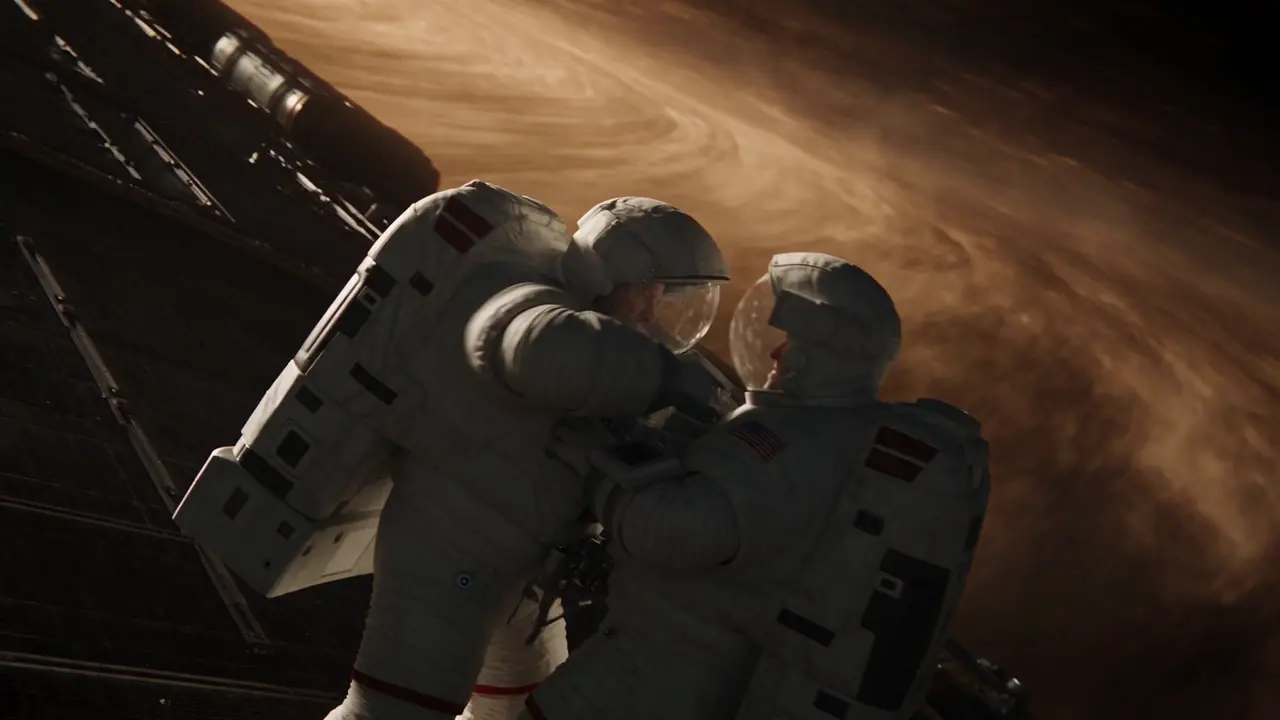
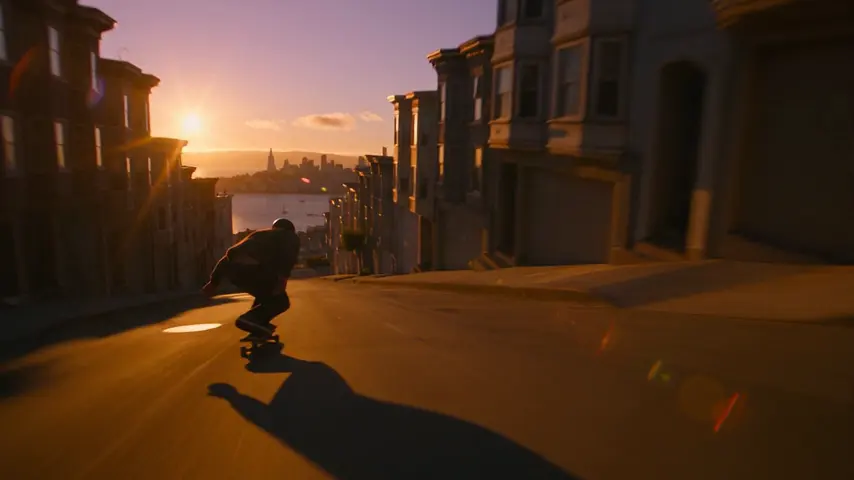
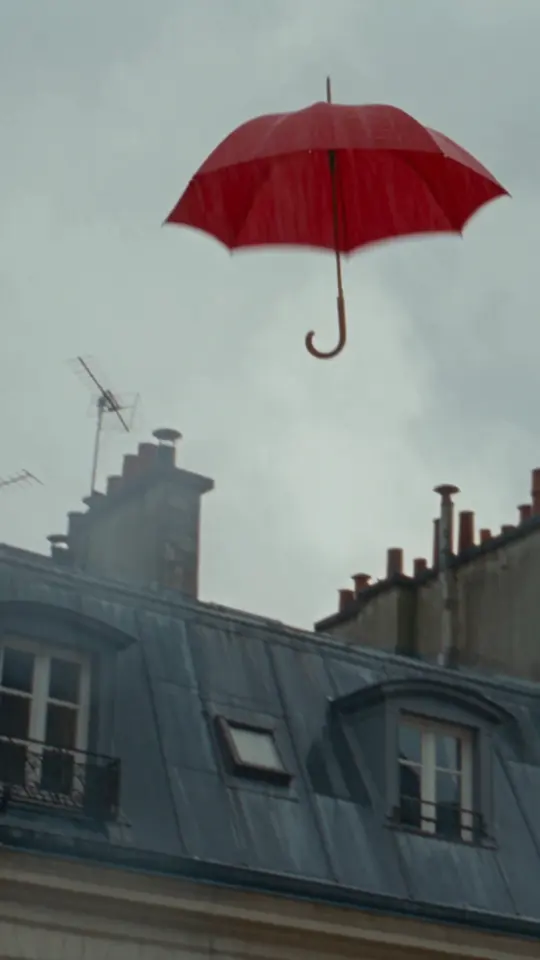
A prompt says what happens; the camera says how it feels. On eroq you direct the camera in words: write "slow push-in" or "dolly zoom" in the prompt, or insert a move, a lens or an aperture from the Syntax menu at the foot of the composer. The prompt lights up every phrase it recognizes, 24 camera moves among them, from a locked-off static frame to a snorricam rig, and each one rides the render in the register the engine understands. Lighting and palette sit in Settings.

Vídeo

Abre o estúdio com isto preenchido. Crie sua conta na hora de gerar: 40 créditos grátis, sem cartão.40 créditos grátis · sem cartão · modo privado em todas as contas

Vídeo · Criar

13 de out., 01:42:07·Pronto · Levou 1 min 8 sec

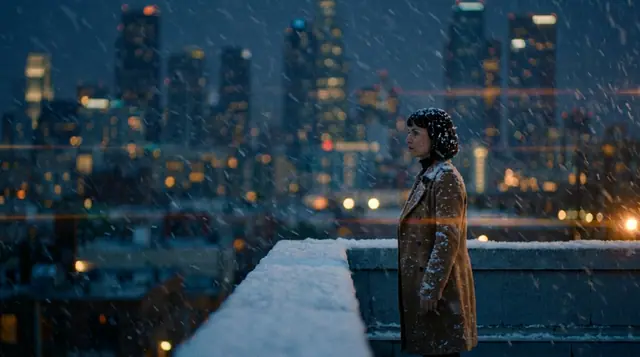
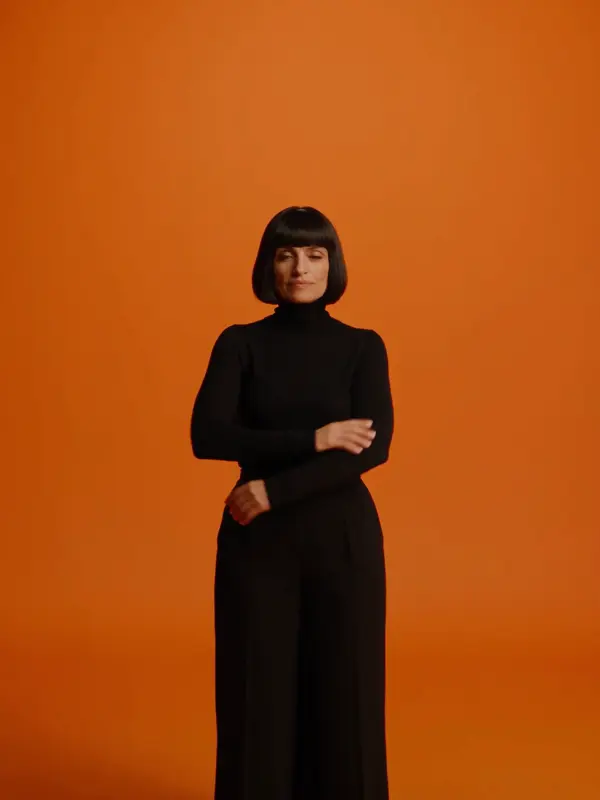
@Mara em um terraço ao entardecer, o casaco ao vento, a cidade se acendendo lá embaixo. lente anamórfica, 35mm. aproximação lenta

Veo 3.1 Fast · 8s · 1080p · 16:9 · 2 tomadas
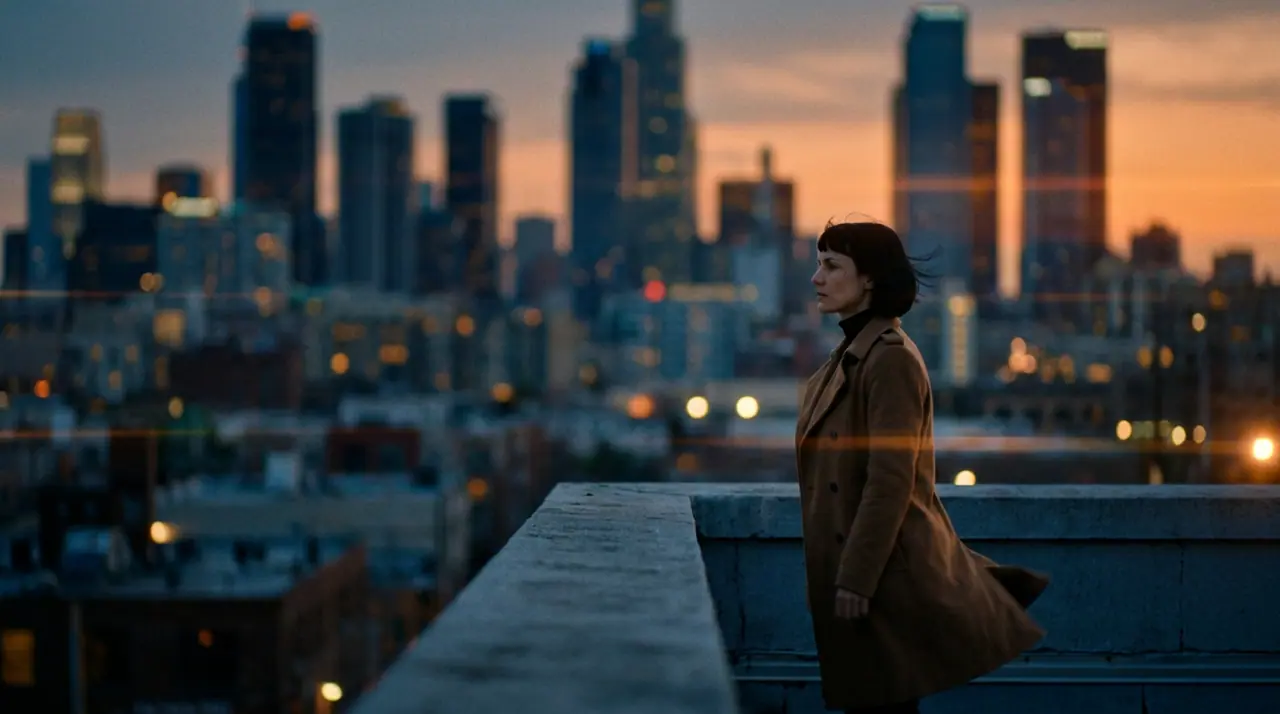
@Mara em um terraço ao entardecer, o casaco ao vento, a cidade se acendendo lá embaixo. lente anamórfica, 35mm. aproximação lenta
Estender Anteceder
Criar Editar Novo Replace Popular Efeitos
Adicionar personagem

@Mara em um terraço ao entardecer, o casaco ao vento, a cidade se acendendo lá embaixo. lente anamórfica, 35mm. aproximação lenta

Veo 3.1 Fast Sintaxe4s6s8s
Gerar 816

The moves

  • All 24:Static, Slow pan, Push-in, Tracking, Orbit, Handheld, Close-up, Wide, Pull-back, Dolly zoom, Crane up, Crane down, Whip pan, FPV drone, Aerial pull-back, POV, Snorricam, Bullet time, Slider, Roll, Dutch angle, Overhead, Crash zoom, Steadicam.
  • Each move answers to the words people use:"dolly in" is a push-in, "vertigo shot" a dolly zoom, "gimbal shot" a Steadicam. Write it anywhere in the prompt and it is detected and applied.
  • The Syntax menu at the foot of the composer lists them by group (camera moves, gear, lenses, apertures): one click drops the phrase into the prompt.
  • In Cinema, each shot picks its own camera move, and the Film tab sets the lens, the aperture and the light once for every shot (a scene can override them).

Lens, aperture, light

Lenses: clean sharp, anamorphic, vintage anamorphic, soft portrait, macro, fisheye. Apertures: f/1.4 wide open, f/4, f/11 deep focus. Lighting: silhouette, practicals, window light, overhead fall, contre-jour, soft cross, neon glow. A soft-portrait lens at f/1.4 with a slow push-in is the intimate close-up; an anamorphic lens with a crane up and contre-jour is the trailer shot.

Pairing moves with engines

Slow moves (pan, push-in, orbit) render cleanly everywhere. Fast moves (whip pan, FPV, chaotic tempo) are best on Hailuo and Seedance. Handheld suits Kling's human motion and the UGC ad template. Keep one move per clip: stacking two in five seconds reads as a mistake.

Clap · agente de IA

Ou deixe o Clap fazer os clipes

Descreva o resultado no Ask. O Clap pergunta o que precisa, escolhe os motores, escreve os prompts e calcula o preço do plano. Quando você aprova, ele renderiza tudo na sua biblioteca. Tudo automático, e nada roda antes do seu sim.

  • 1O Clap faz uma pergunta por vez e mantém o briefing, o elenco e o storyboard em dia.
  • 2O plano lista cada render e o preço dele antes de qualquer coisa rodar.
  • 3Um clique em Aprovar e tudo é renderizado. Tomadas que falham são reembolsadas sozinhas.

Ask · Clap

Três clipes de 5 segundos, cheios de clima, de Kai andando na chuva neon, 16:9.

Clap · Pensou por 6s

Três tomadas do mesmo movimento, cada uma em um clipe. Aqui está o plano.

Plano · 3 renders435 cr
Clipe · Cena 1 · eroq Motion One · 5s · 16:9145 cr
Clipe · Cena 2 · eroq Motion One · 5s · 16:9145 cr
Clipe · Cena 3 · eroq Motion One · 5s · 16:9145 cr
Pronto · tudo entregue

Produção

Salvo na sua biblioteca

Pontos de partida

Escolha um: ele vai para a caixa lá em cima, pronto para gerar.

Privacidade

Privado e sem restrições

  • Sem filtro nos motores do próprio eroq: uma política escrita no lugar.
  • Eles não guardam nada, e nada é treinado com o seu trabalho.
  • O modo privado não guarda nenhum arquivo.

Perguntas frequentes

Can I control the camera in AI video?

On eroq, yes: write the move in the prompt or insert it from the Syntax menu. 24 camera moves, 6 lenses and 3 apertures are recognized and applied with the render, and 7 lighting setups sit in Settings.

Do all engines understand camera moves?

All of them take the move as part of the prompt; the Seedance, Kling, Hailuo and Veo families follow complex moves like dolly zoom and FPV faithfully.

What is the difference between a push-in and a dolly zoom?

A push-in moves the camera toward the subject. A dolly zoom moves in while zooming out (or the reverse), so the subject stays the same size while the background stretches — the vertigo effect.

Experimente grátis

Vídeo

Abre o estúdio com isto preenchido. Crie sua conta na hora de gerar: 40 créditos grátis, sem cartão.40 créditos grátis · sem cartão · modo privado em todas as contas