01:39:36 13 thg 10·Sẵn sàng · Mất 31 sec · −10 credit
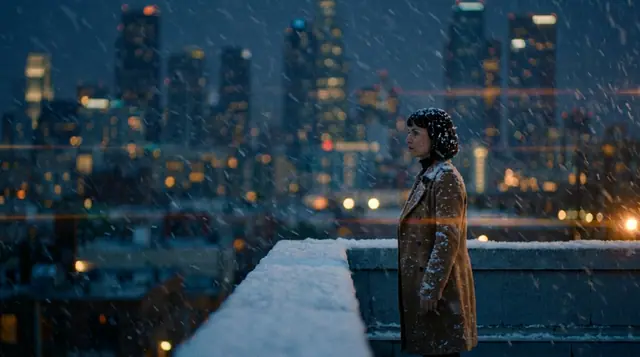
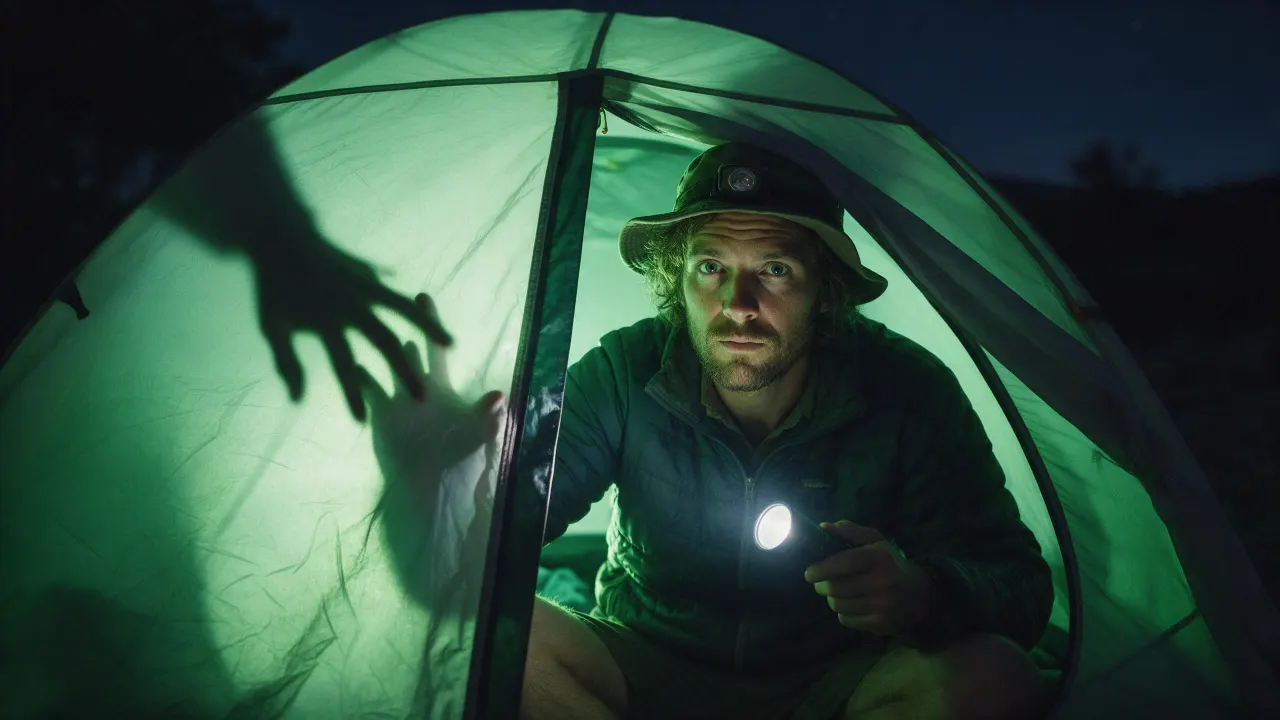
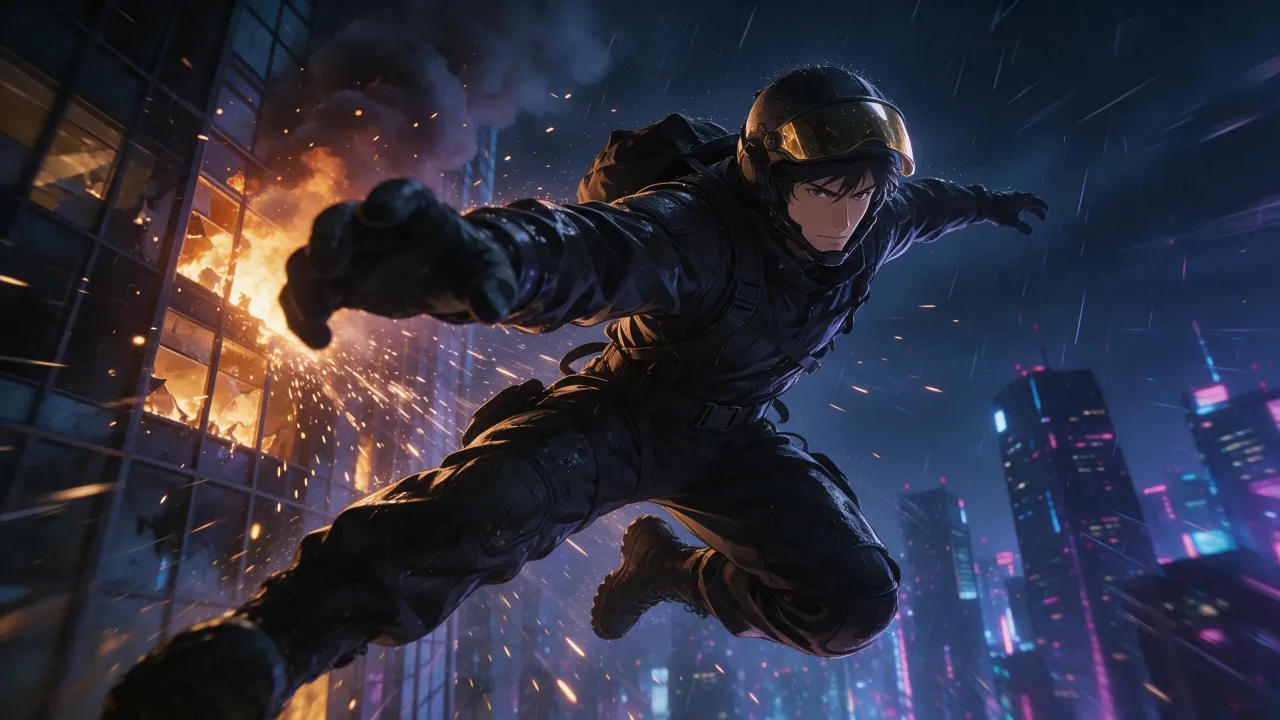
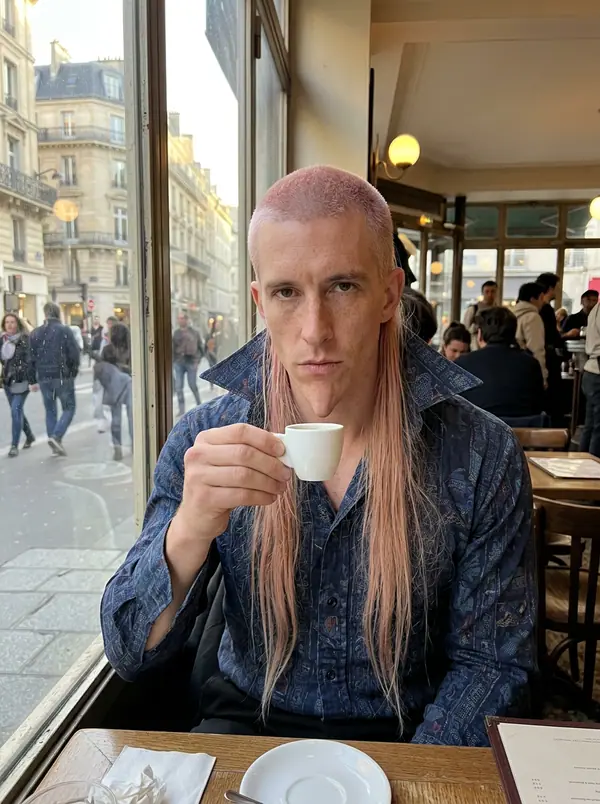
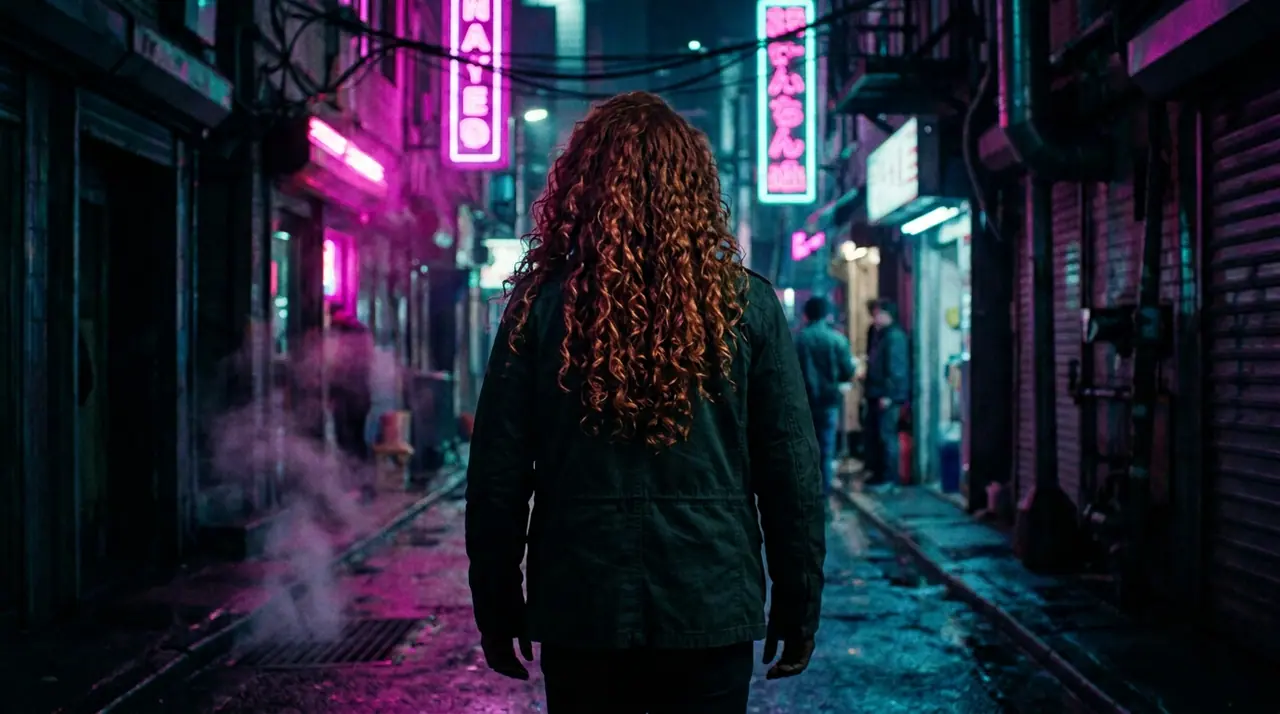
@Ảnh 1: thay người đàn ông bằng người phụ nữ trong @Ảnh 2, cùng áo khoác, cùng con hẻm, cùng ánh neon
Eroq One · Giữ nguyên · 1 bản
Tool
eroq edits a picture from a sentence: in Image › Edit, add your photo or a render, write what should change ("make it night", "give her a red coat"), and the editor renders the change while the rest holds. Eroq Uncensored, Krea2, Eroq One, Flash Image and Nano Banana Pro all edit, from 10 credits a picture, and Private mode keeps the picture in your browser only.
40 credit miễn phí · không cần thẻ · chế độ riêng tư cho mọi tài khoản
Ảnh · Tạo
01:39:36 13 thg 10·Sẵn sàng · Mất 31 sec · −10 credit
@Ảnh 1: thay người đàn ông bằng người phụ nữ trong @Ảnh 2, cùng áo khoác, cùng con hẻm, cùng ánh neon
Eroq One · Giữ nguyên · 1 bản
01:42:07 13 thg 10·Sẵn sàng · Mất 26 sec · −40 credit
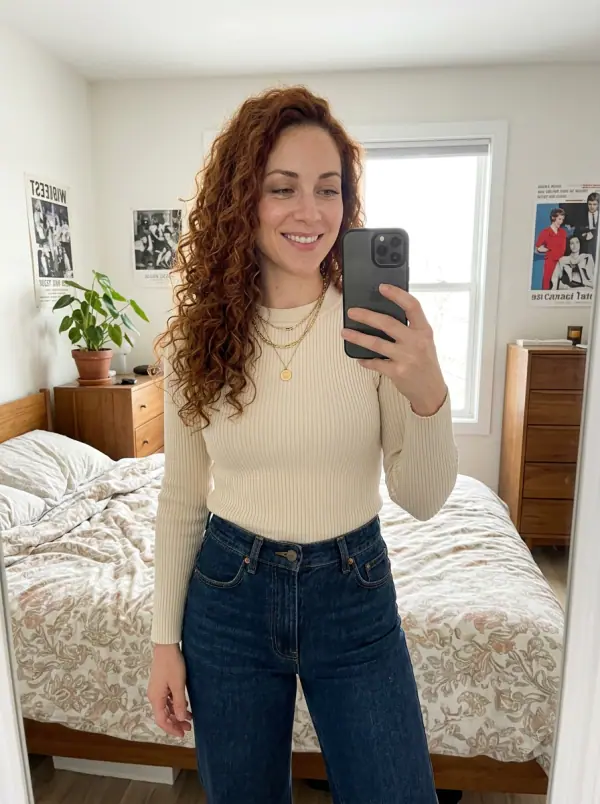
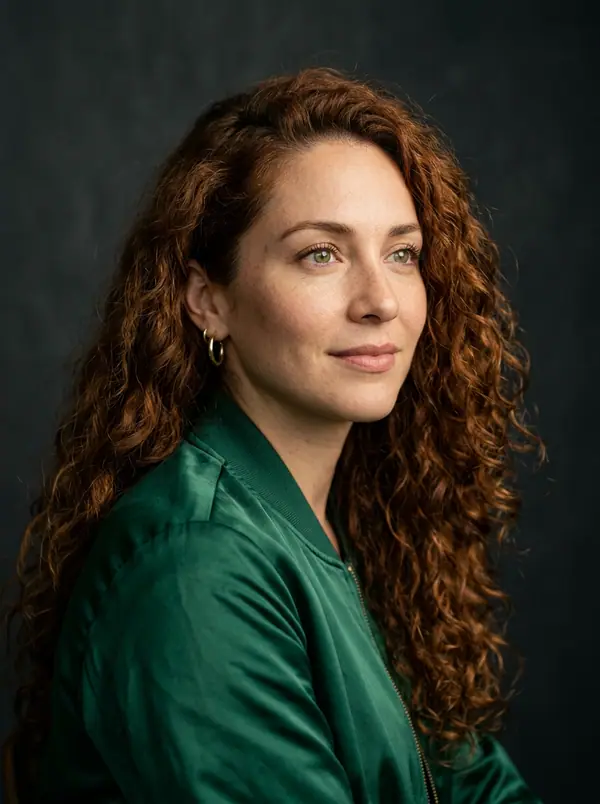
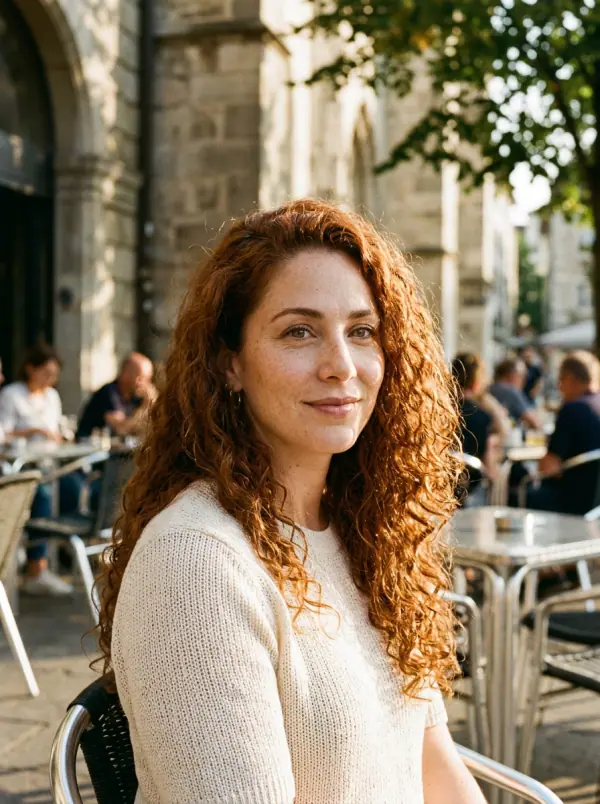
@Lena, ảnh chân dung tự nhiên bằng phim 35mm ở nhà, ánh sáng cửa sổ ấm, hạt phim mịn
Eroq One · 3:4 · 4 bản
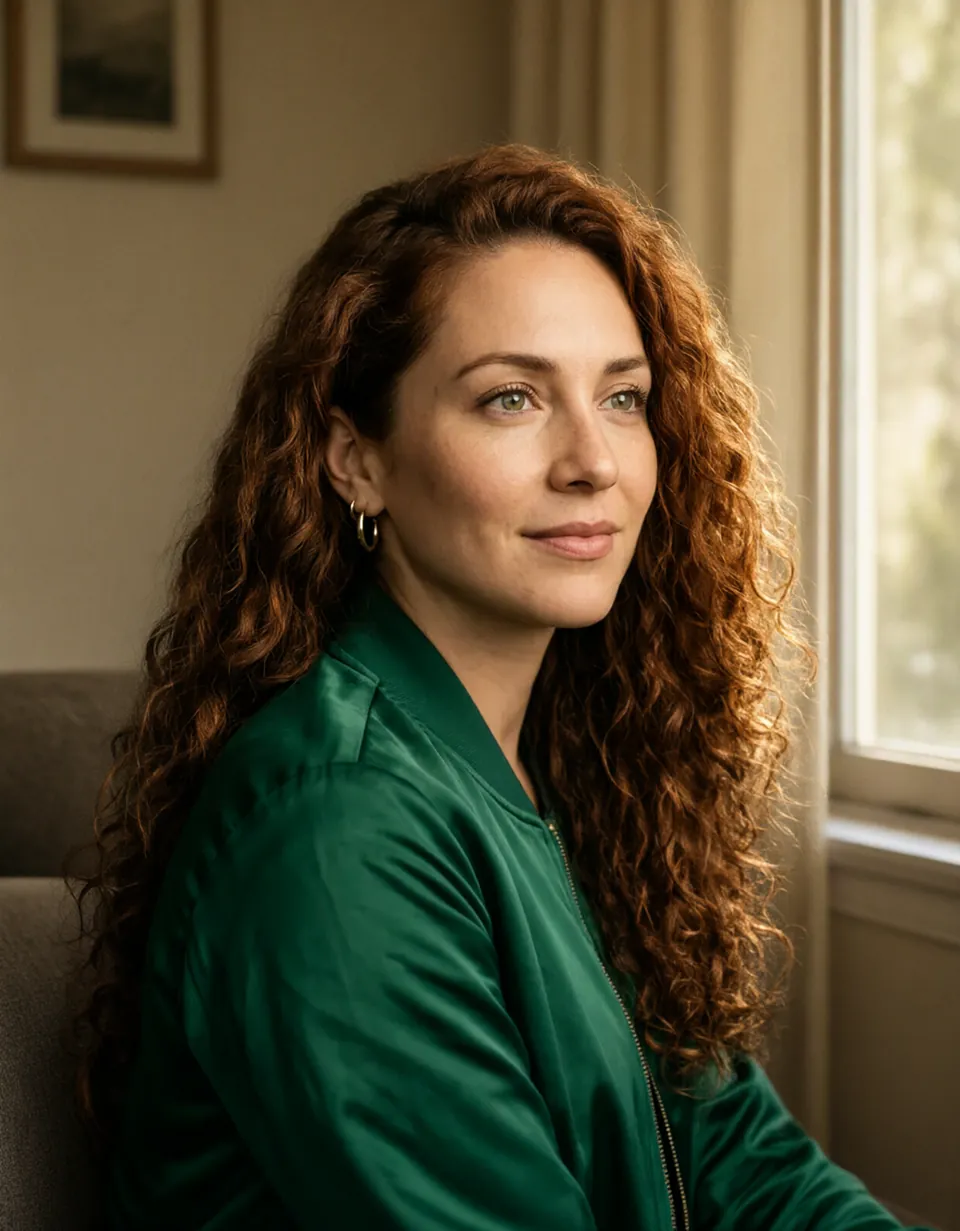
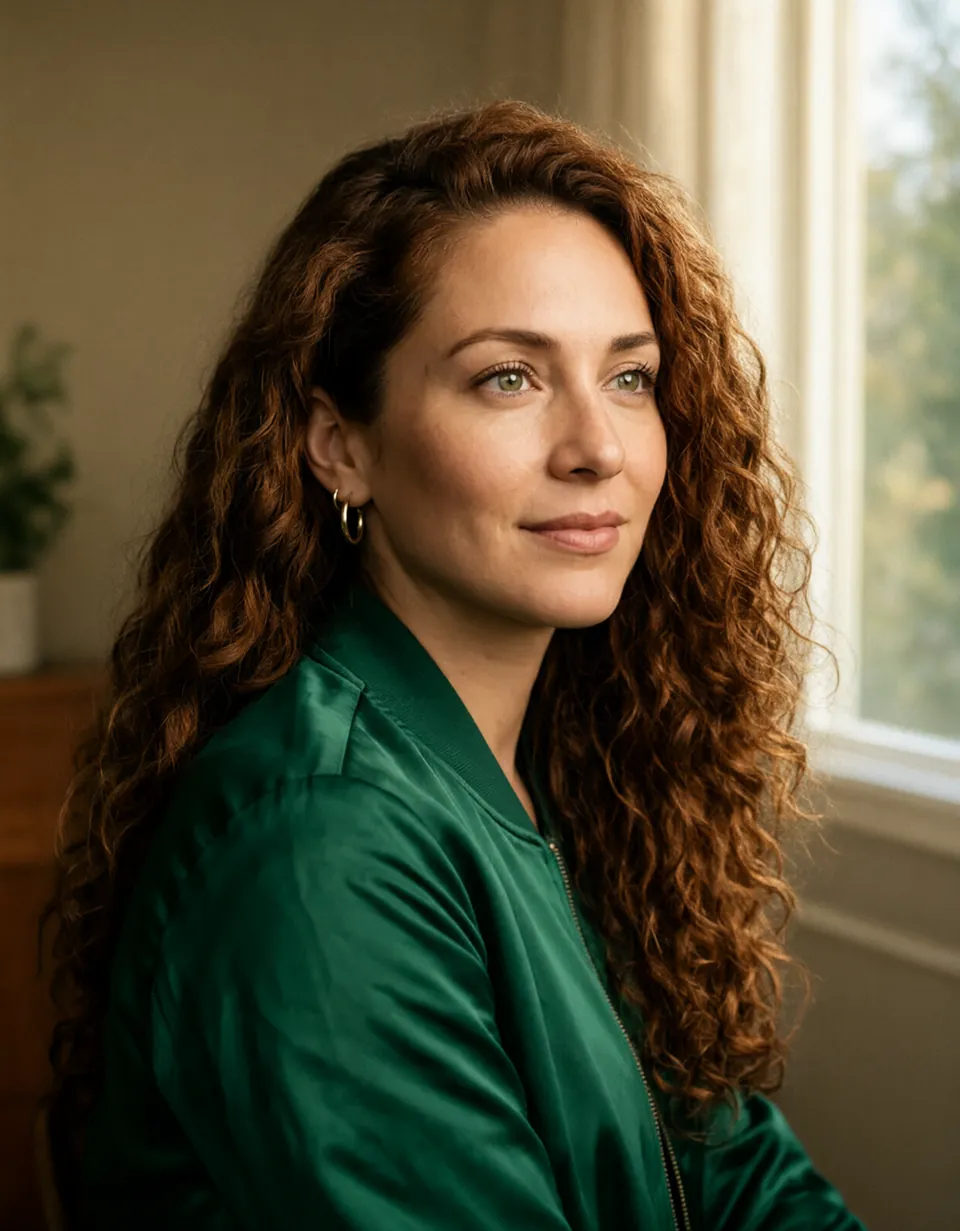
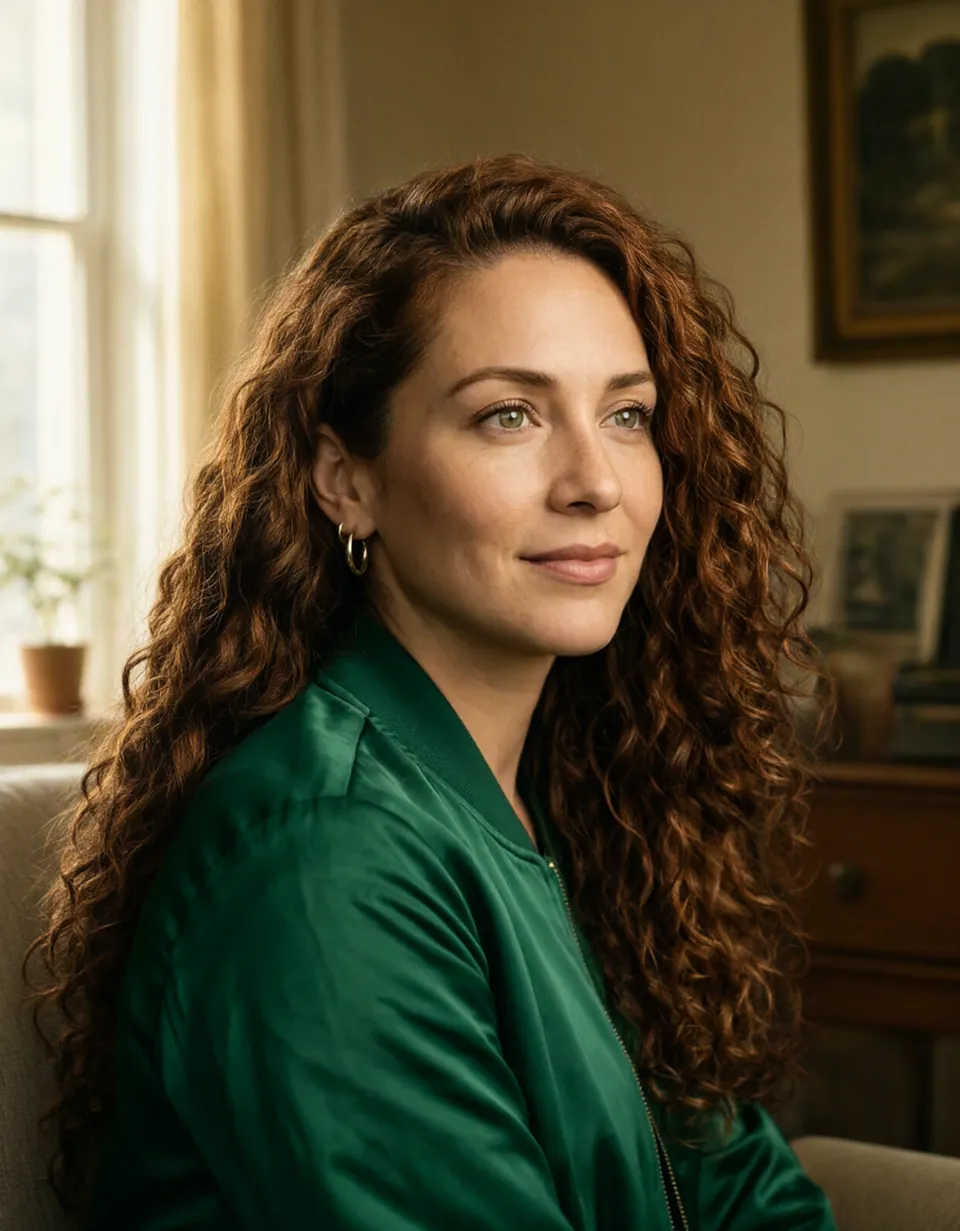
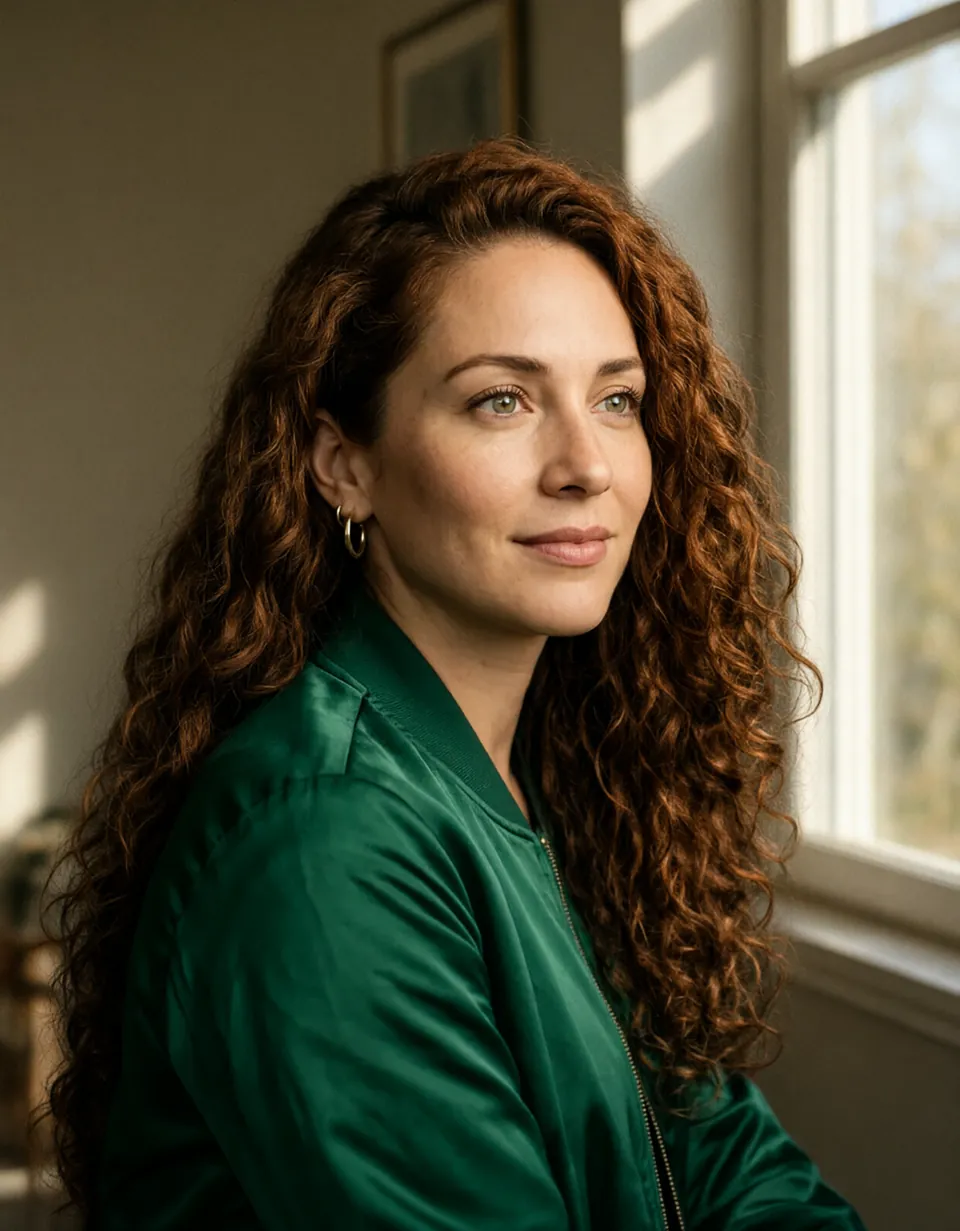
@Lena, ảnh chân dung tự nhiên bằng phim 35mm ở nhà, ánh sáng cửa sổ ấm, hạt phim mịn
Quyền riêng tư
Riêng tư và không giới hạn
There is no brush or mask: you name the part to change in words. It edits pictures you have the rights to, a real, identifiable person only with their consent, under one written policy: fiction only, nothing involving minors, no real identifiable people without their consent, nothing illegal.
Clap · Tác nhân AI
Mô tả kết quả trong Ask. Clap hỏi những gì cần biết, chọn engine, viết prompt và báo giá kế hoạch. Khi bạn duyệt, nó render tất cả vào thư viện của bạn. Hoàn toàn tự động, và không gì chạy trước khi bạn đồng ý.
Ask · Clap
Clap · Đã nghĩ 6s
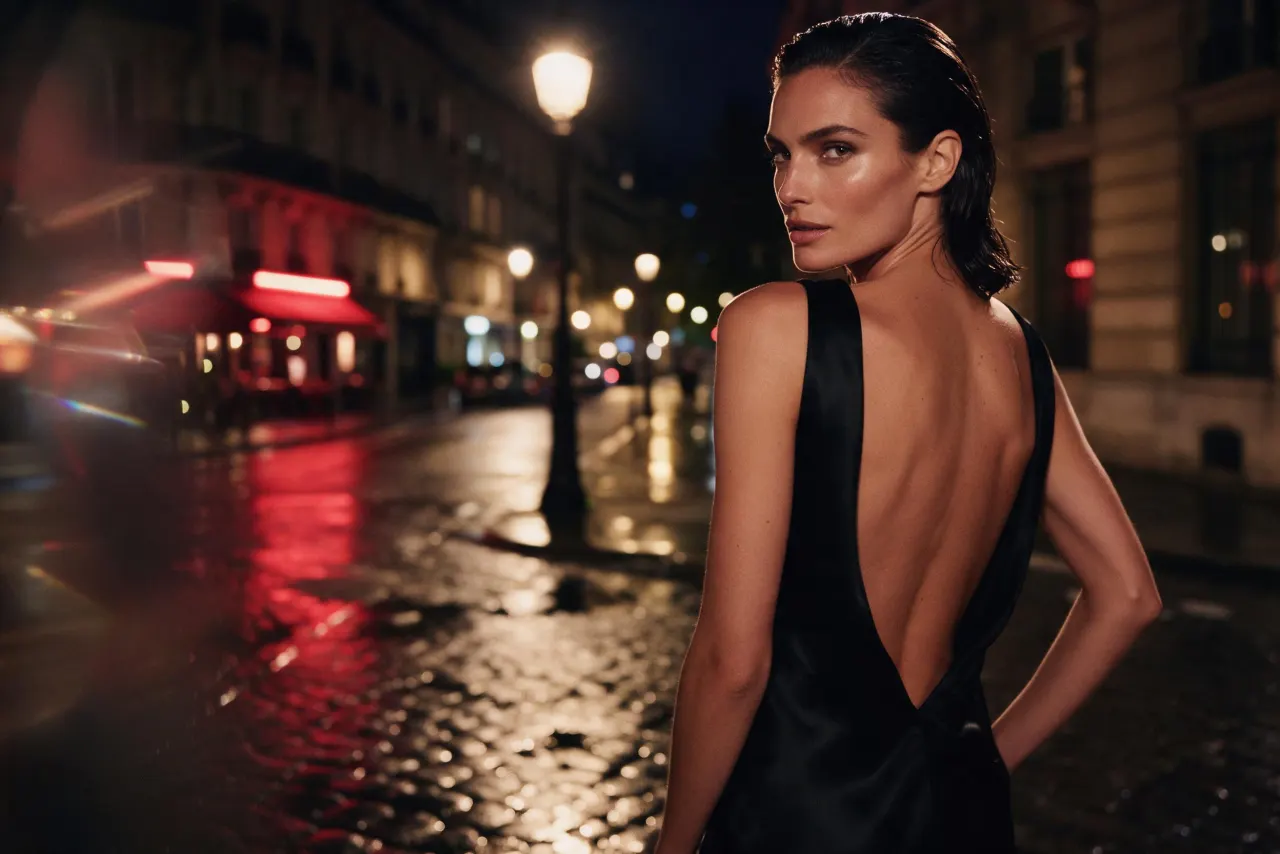
Ba khung hình, cùng khuôn mặt từ bảng nhân vật của Lena. Đây là kế hoạch.
Sản xuất
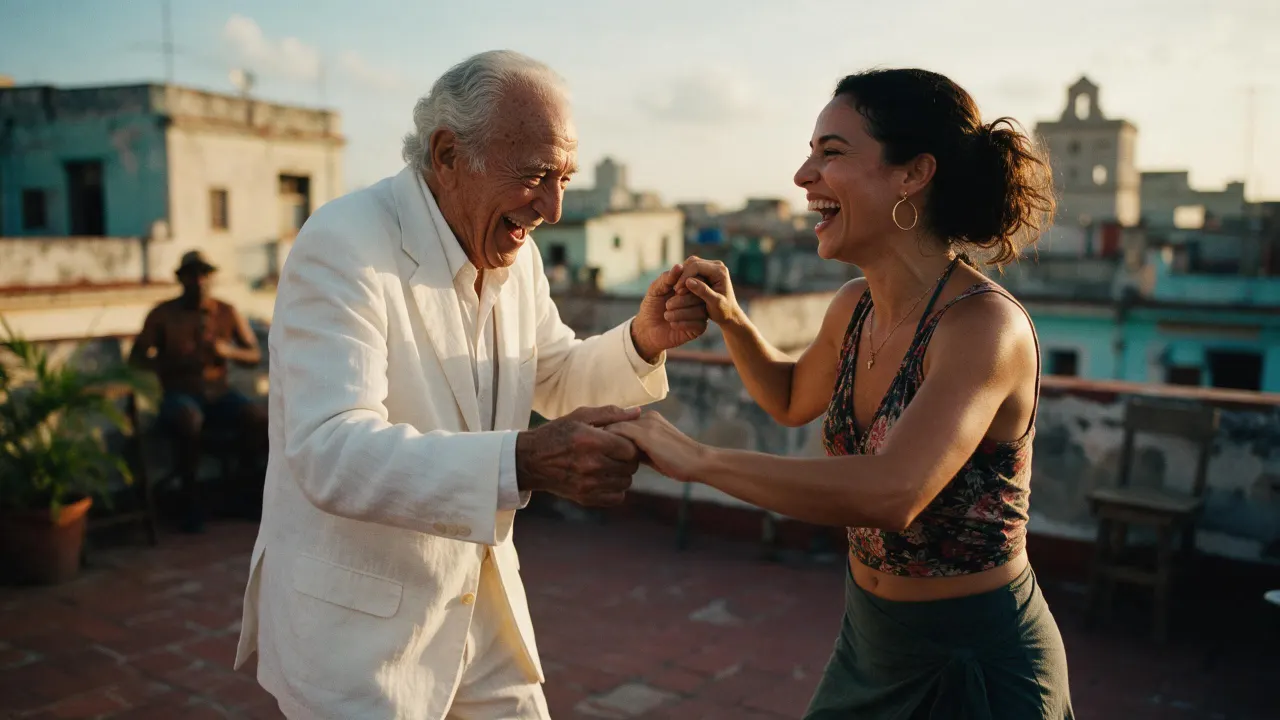
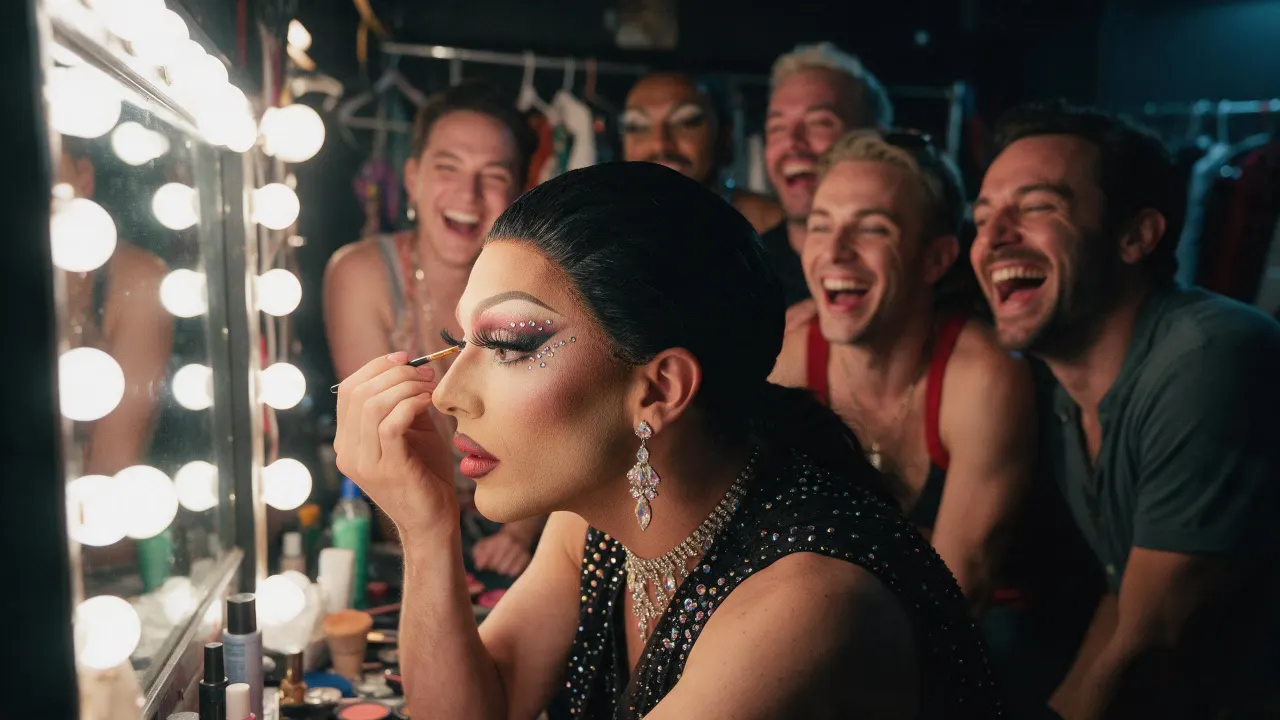
Đã lưu vào thư viện của bạn
Mỗi ô mở xu hướng của nó trong studio, sẵn sàng để chạy.
Open Image › Edit, add the photo and write the change in plain words, as you would ask a retoucher: "make it night", "remove the cup", "give her a red coat". The editor renders the new picture and keeps what you did not mention.
Yes: name that part and say the rest stays the same ("replace only the sofa; keep everything else exactly the same"). There is no mask to draw; Eroq One holds the rest most faithfully.
Eroq One keeps the person as they are unless you ask otherwise. To keep one face across many pictures, save the person as a Character: their identity sheet holds the face in every render.
Eroq Uncensored and Eroq One edit with no provider filter, within the written policy (fiction only, nothing involving minors, no real identifiable people without their consent, nothing illegal). New web accounts start with a content filter on; the account holder can switch it off in Settings, confirming they are 18 or older.
The editors are run by eroq and keep nothing upstream. Turn on Private mode and your picture stays in your browser: the edit leaves no file and no Library entry.
Free to start: every new account gets 40 free credits with no card, enough for 4 edits at 10 credits each. More credits start with a $10 pack (1,000 credits) or a plan from $15/month.
40 credit miễn phí · không cần thẻ · chế độ riêng tư cho mọi tài khoản