Black Friday

50 % Rabatt auf ein ganzes Jahr, jeder Plan

Zum Angebot
eroq

Tool

AI camera control

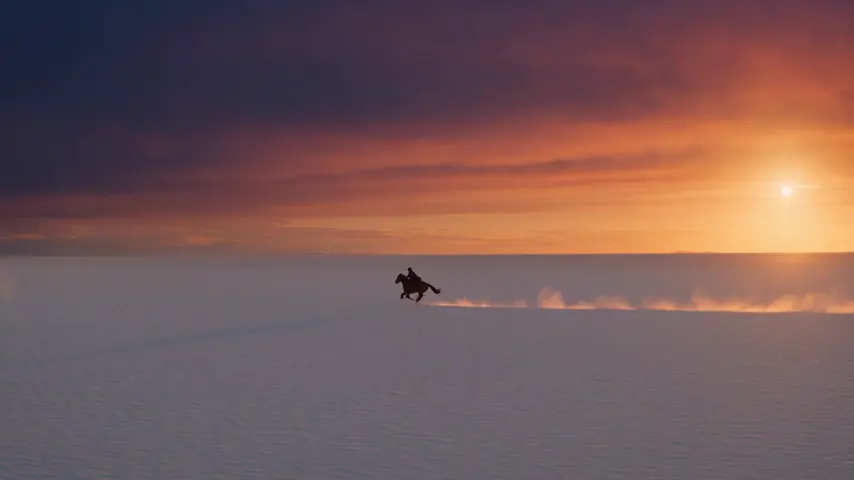
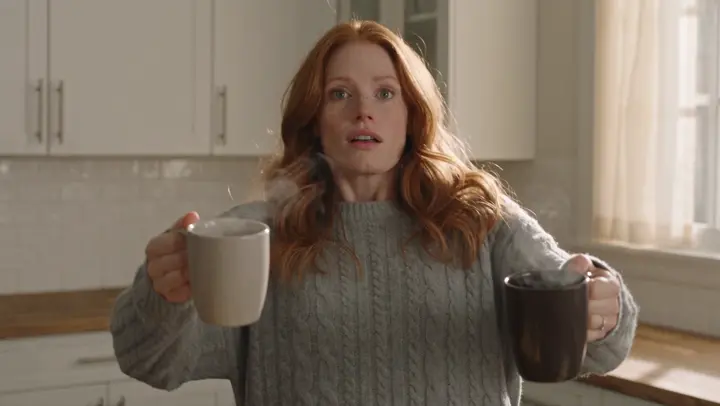
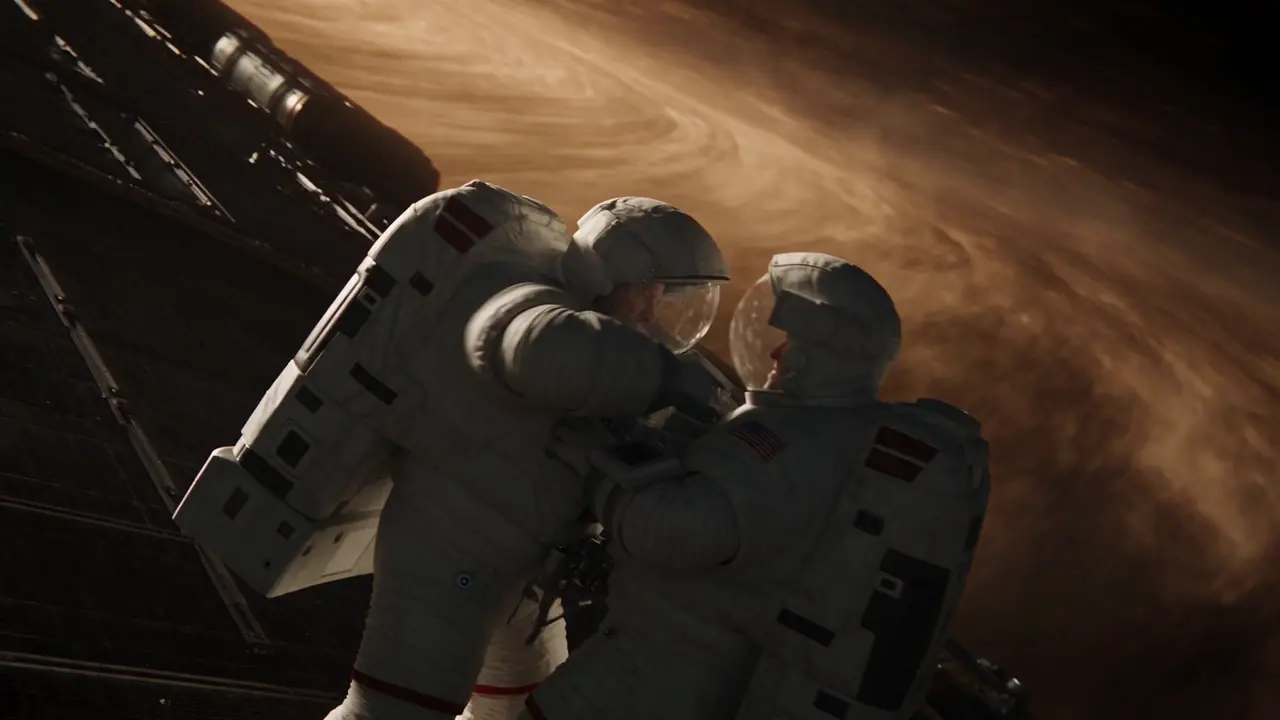
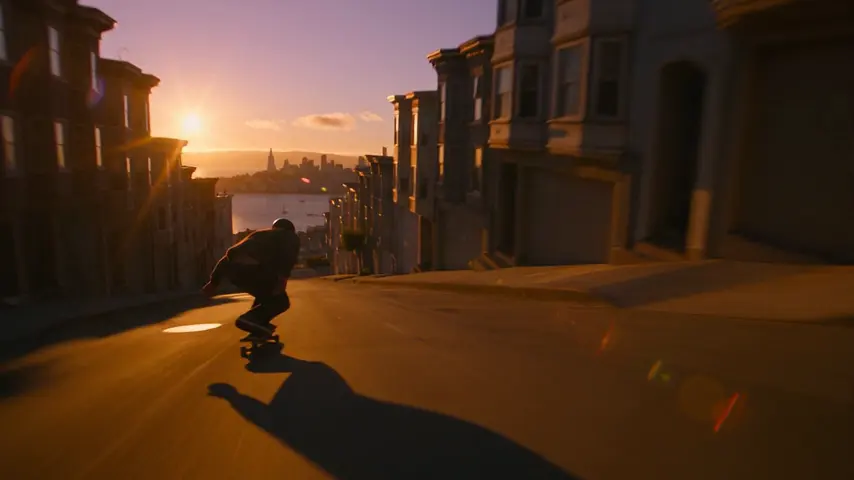
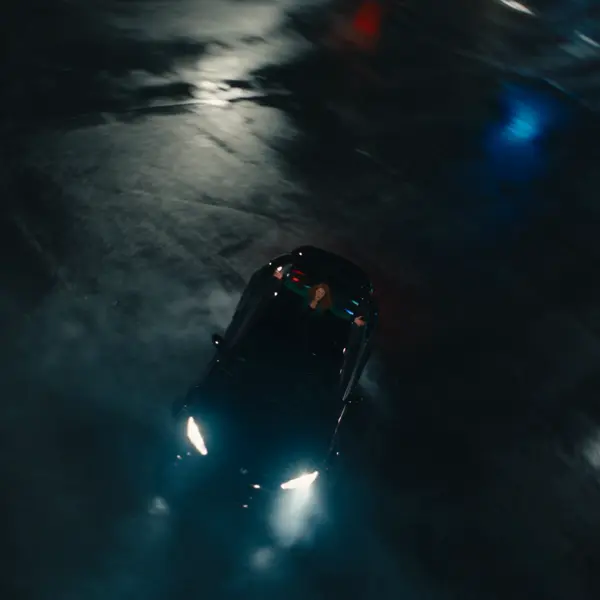
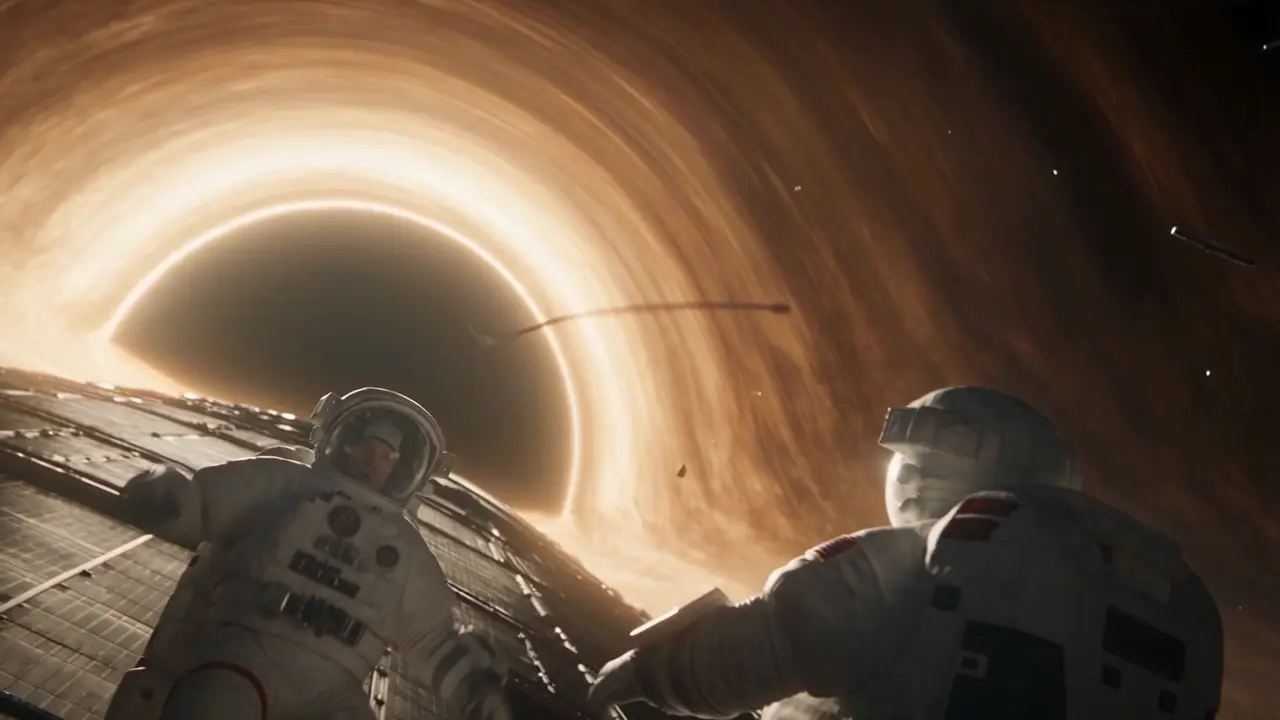
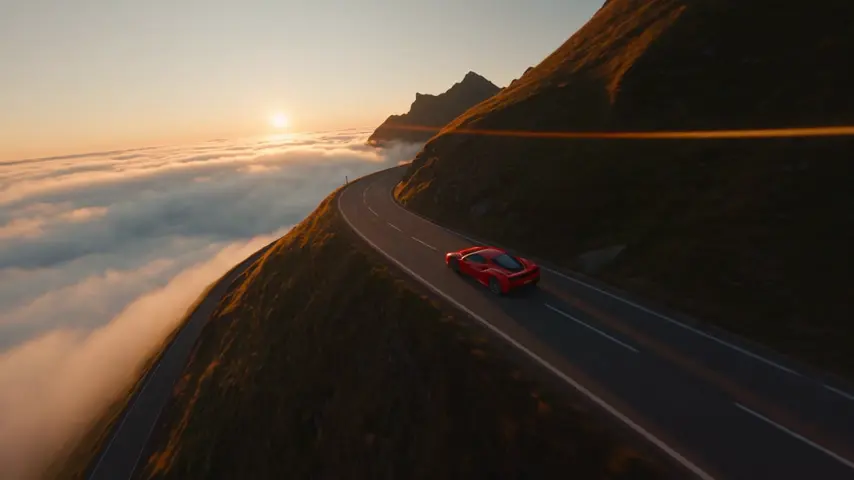
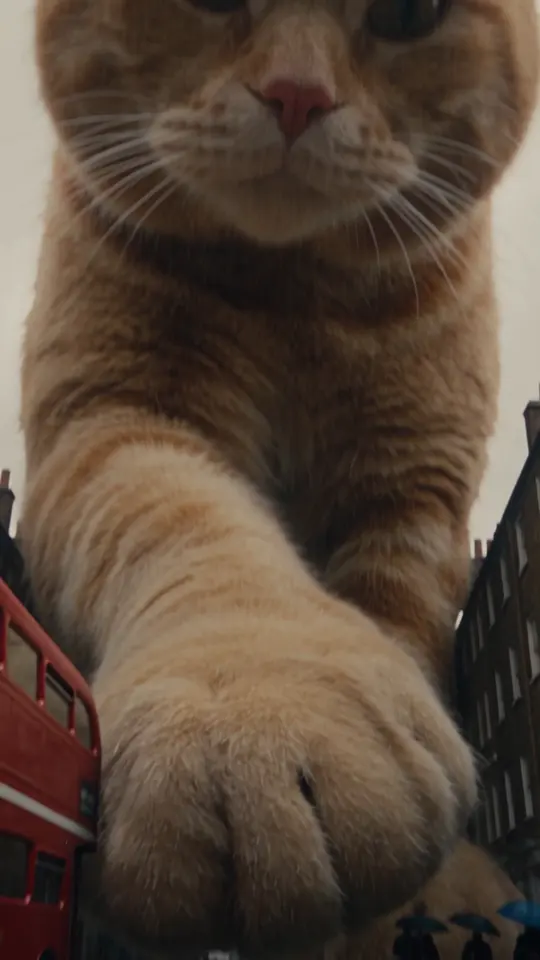
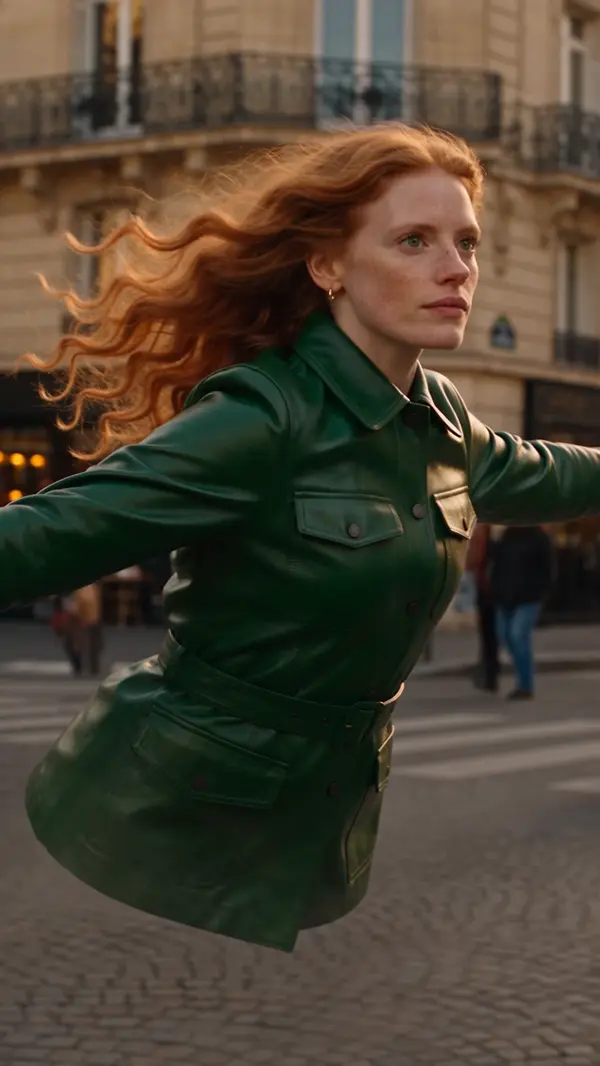
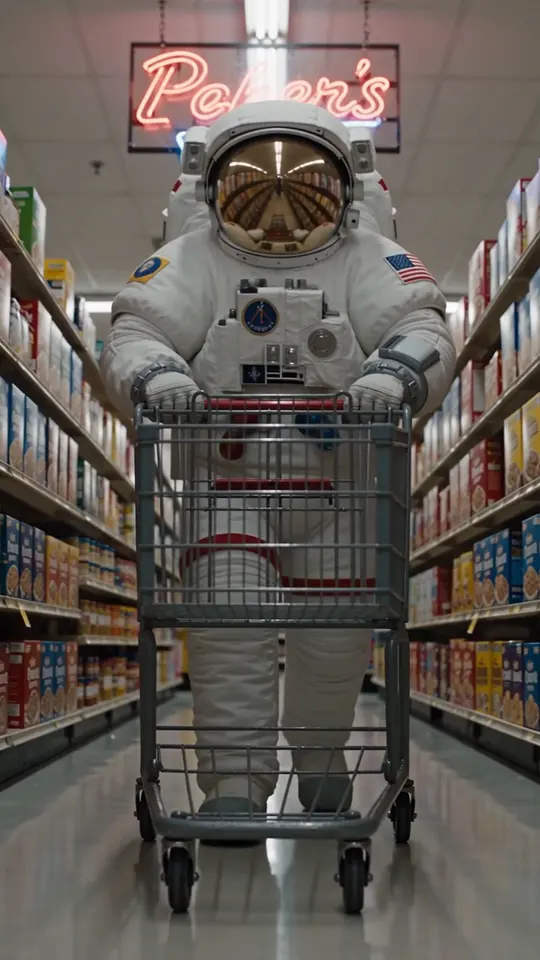
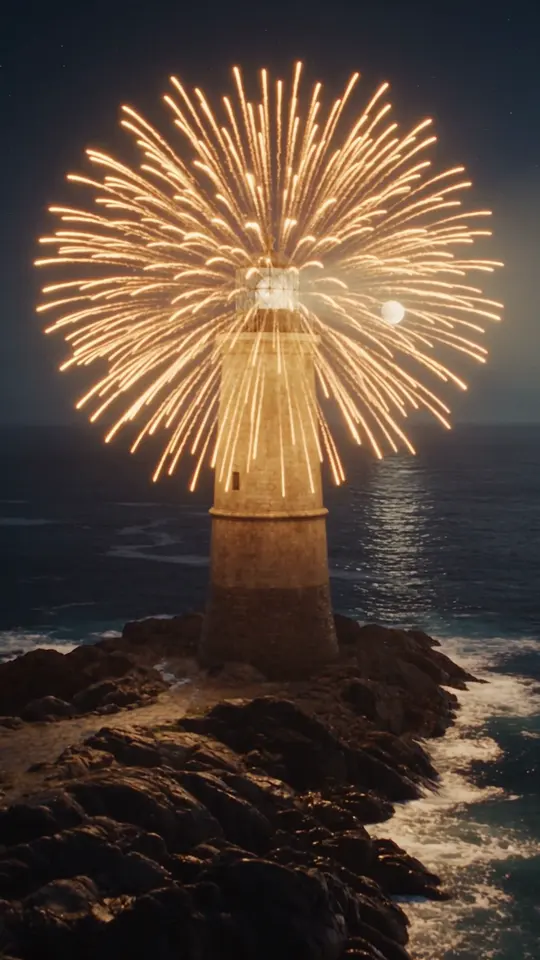
eroq directs the camera from the prompt: write "slow push-in", "orbit" or "FPV drone dive" in Video, or pick one of 24 moves from the Syntax menu at the foot of the composer, and the move rides the render. Lenses, apertures and lighting sit beside them, and in Cinema each shot gets its own move.

Video

Öffnet das Studio mit allem ausgefüllt. Registrier dich beim Generieren: 40 Gratis-Credits, keine Kreditkarte.

Video · Erstellen

13. Okt., 01:42:07·Fertig · Dauer 1 min 8 sec

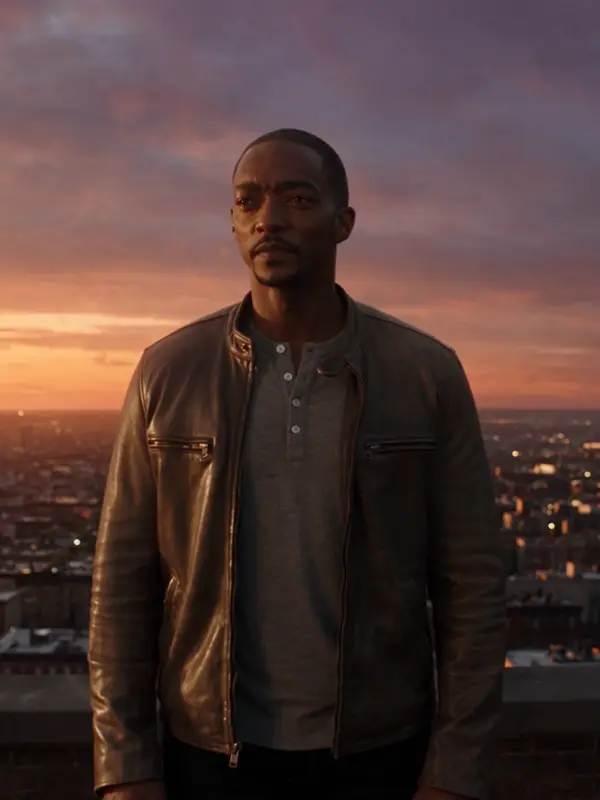
@Mara auf einem Dach in der Dämmerung, der Mantel im Wind, unter ihr gehen die Lichter der Stadt an. anamorphotisches Objektiv, 35-mm-Film. Ranfahrt

Veo 3.1 Fast · 8s · 1080p · 16:9 · 2 Takes
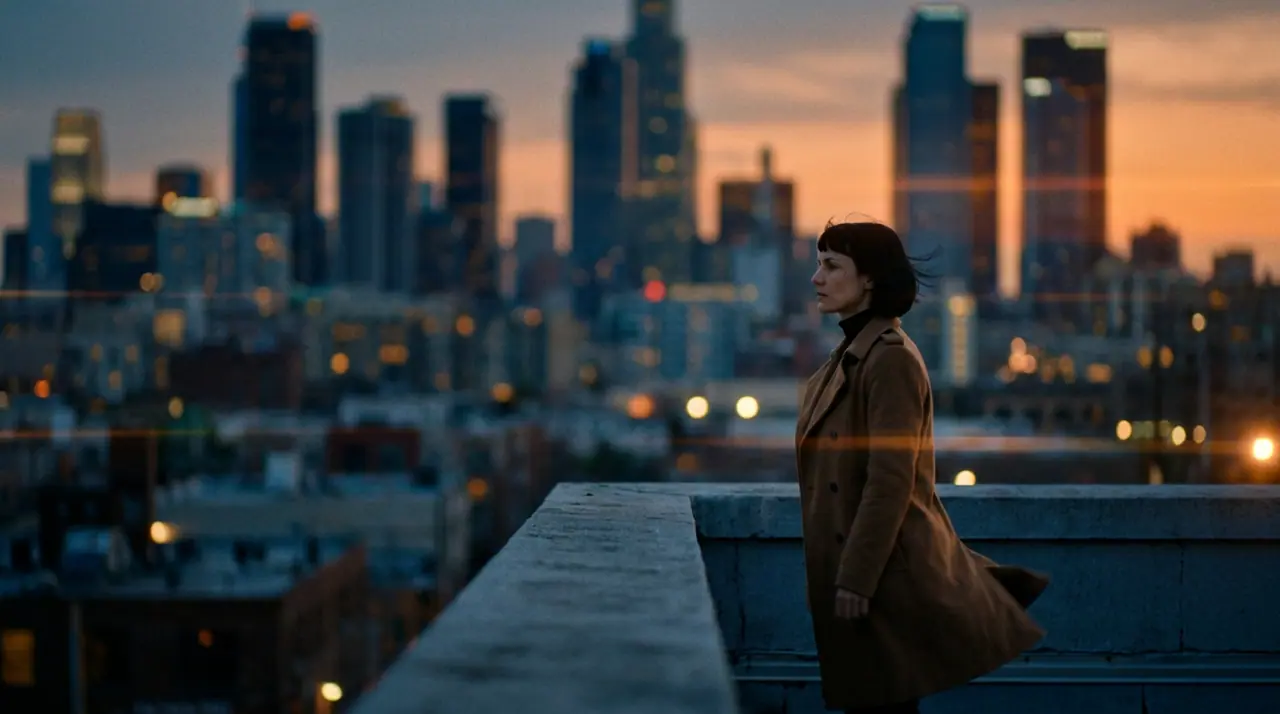
@Mara auf einem Dach in der Dämmerung, der Mantel im Wind, unter ihr gehen die Lichter der Stadt an. anamorphotisches Objektiv, 35-mm-Film. Ranfahrt
Verlängern Hinführen
Erstellen Edit Neu Replace Beliebt Effekte
Figur hinzufügen

@Mara auf einem Dach in der Dämmerung, der Mantel im Wind, unter ihr gehen die Lichter der Stadt an. anamorphotisches Objektiv, 35-mm-Film. Ranfahrt

Veo 3.1 Fast Syntax4s6s8s
Generieren 816
Camera moves
24, written or from the Syntax menu
Lenses · apertures · light
6 · 3 · 7
Engines
Every video engine reads the move in the prompt
Price
The clip's price, from 50 credits for five seconds on eroq Motion One at 480p

Moves you can call

  • →24 moves, among them static, slow pan, push-in, tracking, orbit, handheld, close-up and wide.
  • →Each answers to the words people use: "dolly in" is a push-in, "vertigo shot" a dolly zoom.
  • →6 lenses, 3 apertures and 7 lighting setups finish the look.

One move per shot

Five seconds hold one clear move: a push-in or an orbit, not both. For a sequence of moves, cut several shots in Cinema, each with its own.

From a picture, too

Add a photo as the first frame and name the move: the camera travels from your picture, the scene built around it.

Clap · KI-Agent

Oder lass Clap die Clips machen

Beschreib das Ergebnis in Ask. Clap fragt, was es braucht, wählt die Engines, schreibt die Prompts und nennt den Preis des Plans. Sobald du zustimmst, rendert es alles in deine Bibliothek. Vollautomatisch, und nichts läuft, bevor du Ja sagst.

  • 1Clap stellt eine Frage nach der anderen und hält Briefing, Besetzung und Storyboard aktuell.
  • 2Der Plan zeigt jedes Render und seinen Preis, bevor irgendetwas läuft.
  • 3Ein Klick auf Freigeben, und alles wird gerendert. Fehlgeschlagene Takes erstatten sich selbst.

Ask · Clap

Drei stimmungsvolle 5-Sekunden-Clips von Kai im Neonregen, 16:9.

Clap · 6s nachgedacht

Drei Takes derselben Bewegung, jeder ein eigener Clip. Hier ist der Plan.

Plan · 3 Renders435 Cr
Clip · Szene 1 · eroq Motion One · 5s · 16:9145 Cr
Clip · Szene 2 · eroq Motion One · 5s · 16:9145 Cr
Clip · Szene 3 · eroq Motion One · 5s · 16:9145 Cr
Fertig · alles ist da

Produktion

In deiner Bibliothek gespeichert

Startideen

Wähl einen aus: Er landet im Feld oben, bereit zum Generieren.

Privatsphäre

Privat und uneingeschränkt

  • →Kein Filter auf den eigenen Engines von eroq: stattdessen eine schriftliche Richtlinie.
  • →Sie behalten nichts, und nichts wird mit deiner Arbeit trainiert.
  • →Der Privatmodus speichert keine einzige Datei.

Häufig gestellte Fragen

Can I control the camera in AI video?

Yes: write the move in the prompt, or pick it from the Syntax menu at the foot of the composer. 24 moves are recognized and folded into the render.

What camera moves can I use?

Static, Slow pan, Push-in, Tracking, Orbit, Handheld, Close-up, Wide, Pull-back, Dolly zoom, Crane up, Crane down, Whip pan, FPV drone, Aerial pull-back, POV, Snorricam, Bullet time, Slider, Roll, Dutch angle, Overhead, Crash zoom and Steadicam.

Does it work from a picture?

Yes: add the picture as the first frame and name the move; the camera starts on your picture.

Is it free?

Free to start: every new account gets 40 free credits with no card. A clip costs from 50 credits for five seconds on eroq Motion One at 480p, shown before you click, and a failed render refunds itself. More credits start with a $10 pack (1,000 credits) or a plan from $15/month.

Kostenlos ausprobieren

Video

Öffnet das Studio mit allem ausgefüllt. Registrier dich beim Generieren: 40 Gratis-Credits, keine Kreditkarte.

Weiter entdecken
