Tool
Cinema: the AI film maker
A film is not one prompt. Cinema is a room for films: pick a show and one of its episodes, or pitch your own in a sentence, and Clap writes the shots with your characters cast in them. Shoot them on the engine you choose at the price shown, cut them on a timeline, export one file in your browser and post it to TikTok, Shorts and Reels, or let the series post an episode every day.
Mở studio với nội dung này đã điền sẵn. Đăng ký khi bạn tạo: 40 credit miễn phí, không cần thẻ.40 credit miễn phí · không cần thẻ · chế độ riêng tư cho mọi tài khoản


Cinema
Kể một câu chuyện. Đóng vai chính trong đó.
Hãy kể phim của bạn. Tôi viết các cảnh quay.
Xu hướng
Chọn một định dạng, chọn dàn nhân vật, bấm máy.
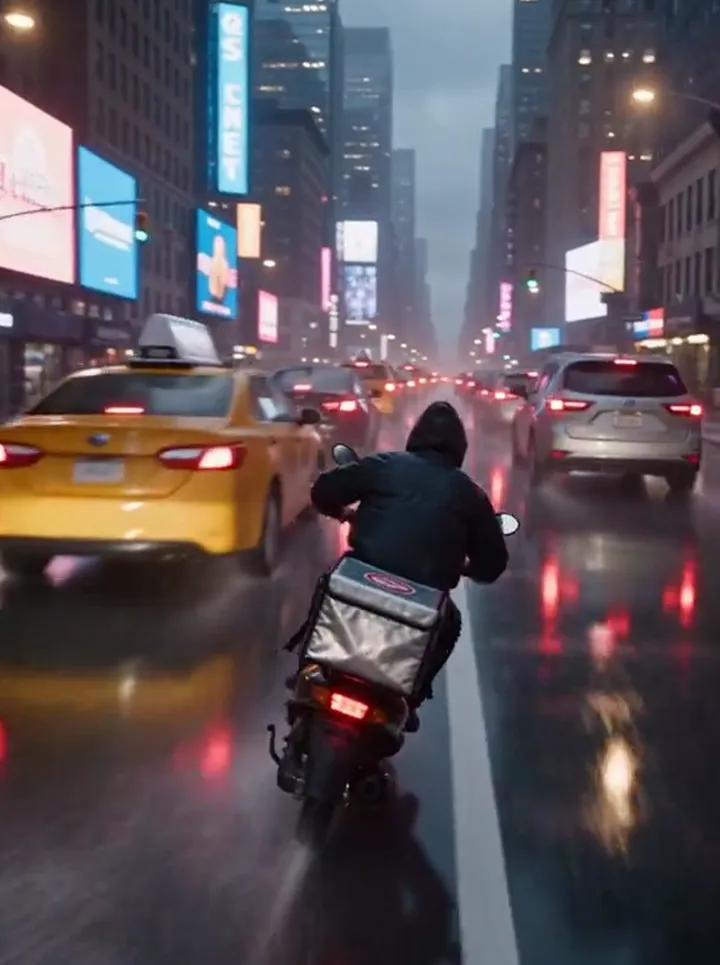 MớiTập phim gameplay GTA2 vai · 3 cảnh quay · 30s
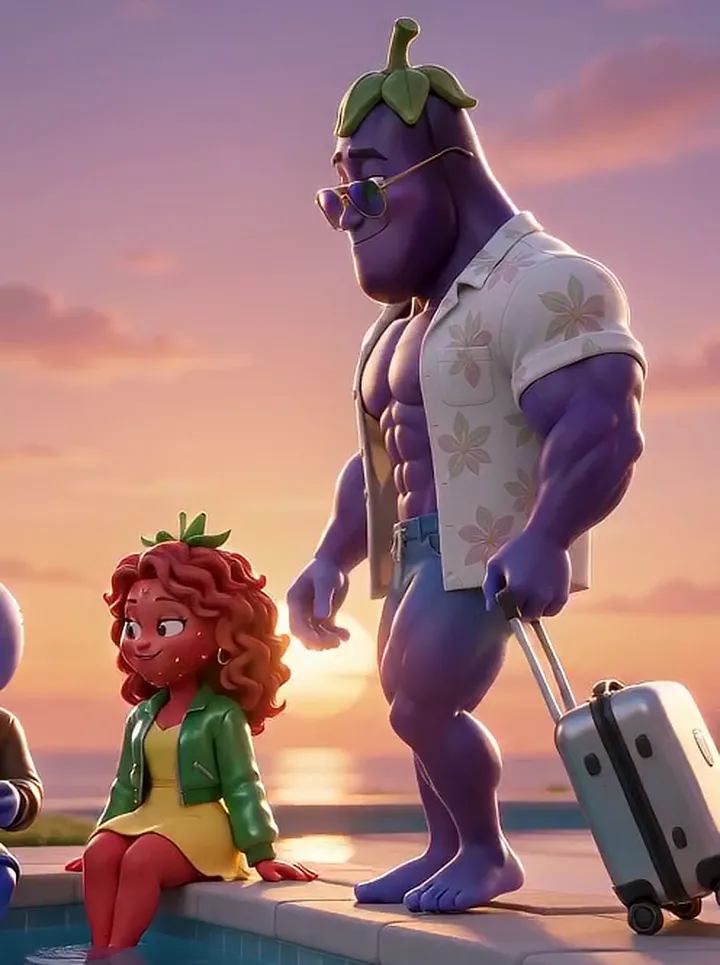 Thịnh hànhFruit Temptation Island4 vai · 5 cảnh quay · 25s
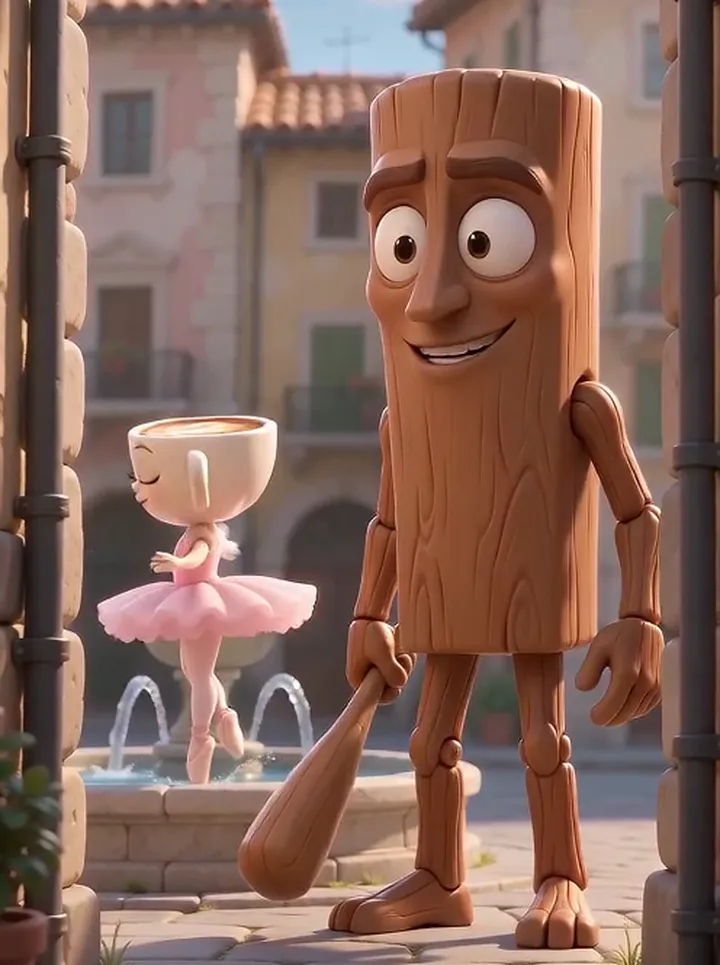 Thịnh hànhItalian brainrot4 vai · 4 cảnh quay · 20s
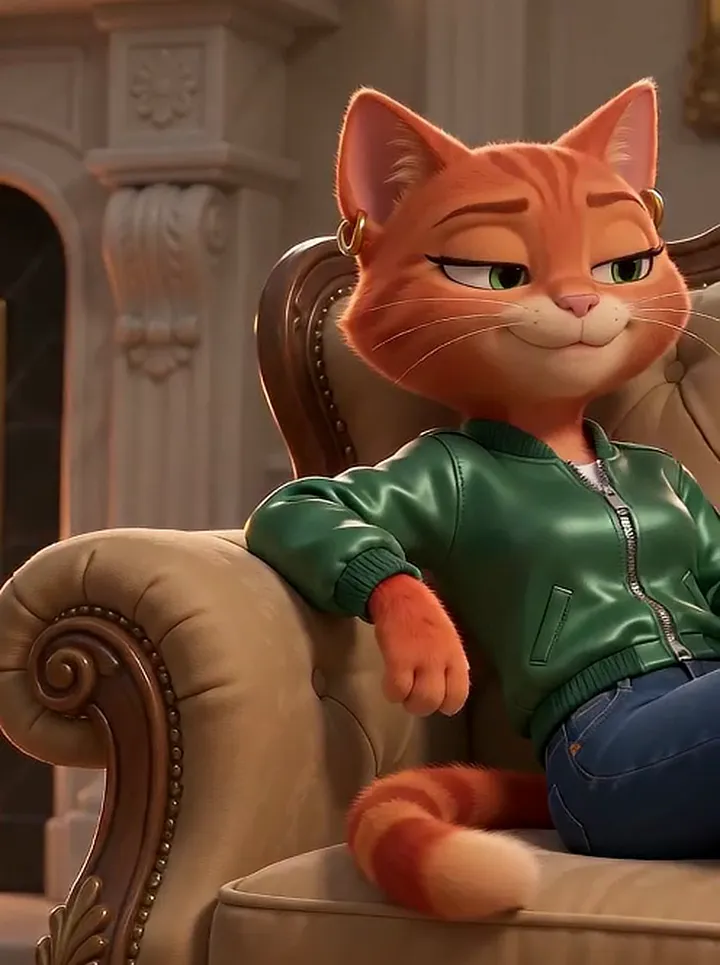 MớiPhim tình cảm thú cưng2 vai · 4 cảnh quay · 20s
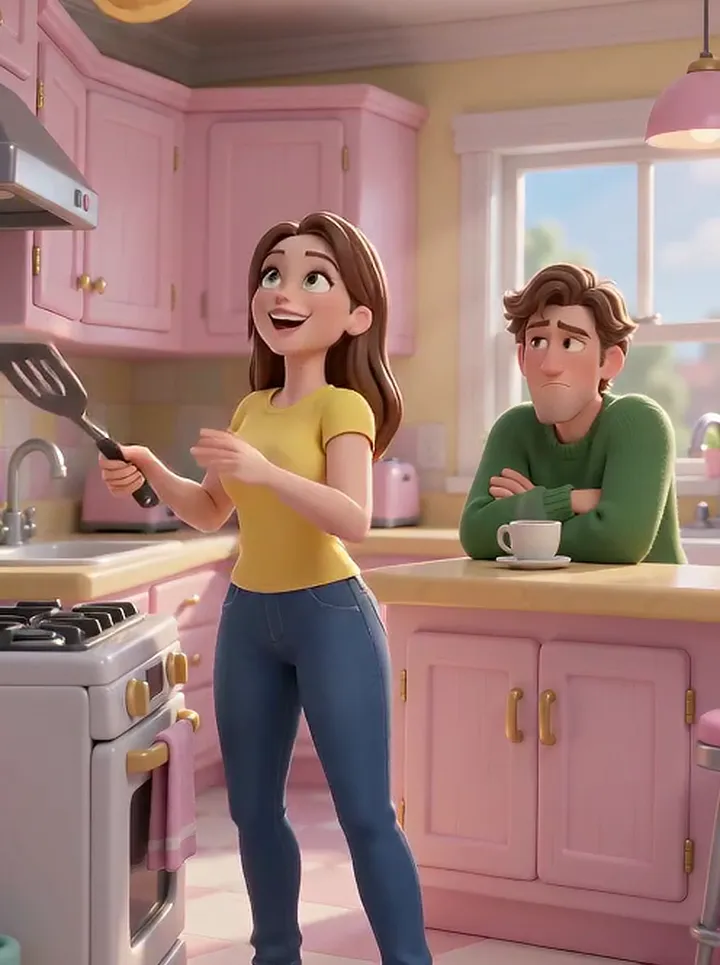 MớiSitcom gia đình2 vai · 4 cảnh quay · 20s
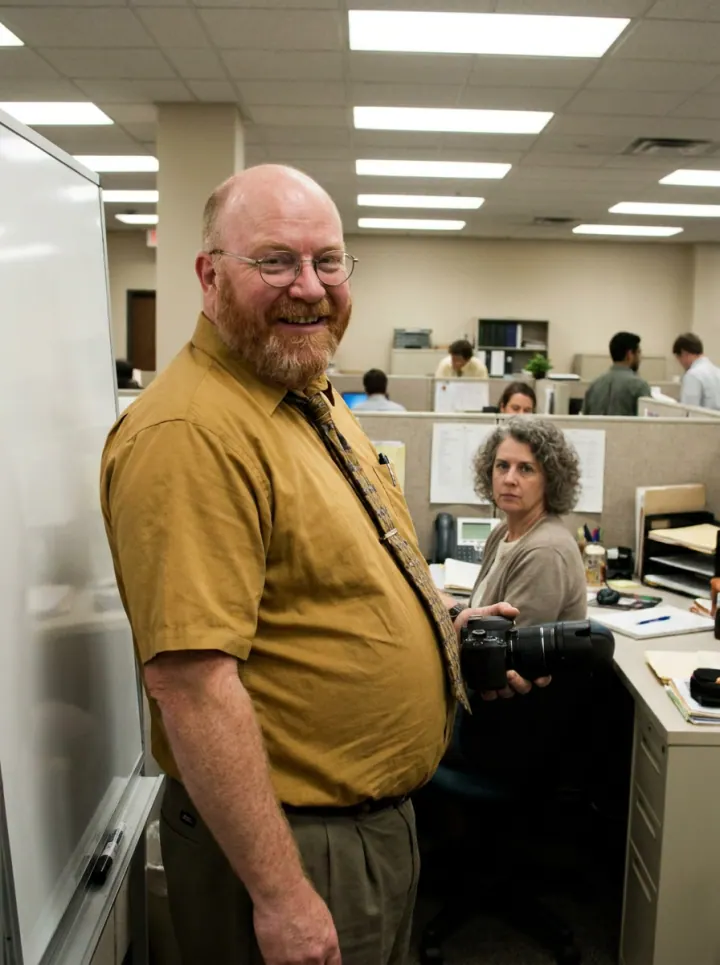 Thịnh hànhTập phim The Office3 vai · 6 cảnh quay · 30s
Ý tưởng của bạnClap viết các cảnh quay từ đó. Bạn có thể thay đổi mọi thứ sau.
Một phim neo-noir: @Mara trải qua đêm cuối cùng ở thành phố. Mưa, đèn neon và lời tạm biệt với @Kai.
- Shots
- Up to 100 per film, grouped in scenes · up to 30 seconds each, as the engine and your plan allow
- Takes
- Every take kept · the one you pick plays in the film
- Dialogue
- Up to 30 lines per shot · spoken on the engines with sound · subtitles in one click
- Export
- One MP4 or WebM in your browser · 480p to 1440p · 16:9, 9:16, 1:1, 4:5
- Price
- Each shot at its engine's price per second, shown on Shoot · writing, editing and export free
- Shows
- Episodes ready to shoot · a look locked on every shot · an episode posted every day (Studio)
Story and Edit: two tabs, one film
- Story:Clap on one side, the board on the other: the film playing, its cast, its shots as cards to open, change or drag, and one Shoot button with its price. Ask Clap for any change in a sentence; writing is free.
- Shots:what happens, the camera move, the length, the lines of dialogue, and every take you shoot. Pick the take that plays, shoot one shot again while the others stay put. Up to 100 shots per film.
- Edit:the take in the cut of every shot lands on a timeline, in order. Trim, add transitions, titles, music and sound, grade the picture, turn the dialogue into subtitles, then export one MP4 in your browser. It is the eroq Editor, on your film.
- Publish:post the cut to TikTok, Shorts and Reels from your own accounts, put the film on the community shelf with a cover, or turn it into a series that posts an episode every day. Every take lands in the film's own folder of your Library, named after it.
Dialogue, cast and voices
Your characters join by @mention in your pitch or a show's story, and the film holds them as roles: cast a role once (your character, a new one from your photo, or an actor eroq casts) and every shot of it reads their look, so the same face carries from the first shot to the last. Lines live in the shot they belong to: who says it, how ("whispering", "to herself") and the line; on engines that render sound the characters speak them.
One look, shots that follow each other
Three chips on the board set the whole film: the look (a director's rack of film type, era, tempo, camera, lens, aperture, lighting and palette, folded into every shot), the format and the engine. A show locks its look on every shot: 3D animated, anime, 2D cartoon, claymation or comic book.
On the engines that cut between shots themselves, the shots of one place are shot as one take and cut on their real cuts, so the people and the place hold from one shot to the next. Switch the engine and each shot keeps the take it rendered, so one film can mix engines.
Start from a pitch or a show
Write your pitch in the box at the foot of Cinema, naming your characters with @, and Clap writes the shots for free: you change everything after. Or start from a show with its episodes (GTA gameplay episode, Fruit Temptation Island, Italian brainrot, Pet soap opera, Family sitcom and The Office episode): keep its look, cast it, and shoot the episode that is ready or one Clap writes. Clap on the studio home can also plan a short film with you or open one of 6 film recipes by name, and in Video, shots chained with Extend open in Cinema as a film, ready to cut.
Shoot, export and post
Shoot renders every shot not shot yet at the price on the button, or open one shot and shoot it alone. Export renders the cut to one file in your browser: MP4 or WebM, 480p to 1440p, in the film's frame or reframed to 16:9, 9:16, 1:1 or 4:5, at no credit cost; a saved MP4 opens in your Library and counts against your Storage. Publish posts it to TikTok, Shorts and Reels from your accounts, puts it on the community shelf after a review, or turns it into a series on autopilot (Studio plan): on your schedule Clap writes the next episode, eroq shoots it with your cast and the post waits for your tap. The API does the same work through POST /v1/films and POST /v1/films/{id}/render.
Clap · Tác nhân AI
Hoặc để Clap làm cả bộ phim
Mô tả bộ phim trong Ask. Clap hỏi những gì cần biết, viết từng cảnh và lời thoại, chọn nhân vật của bạn vào vai, dựng storyboard và báo giá kế hoạch. Khi bạn duyệt, nó render từng cảnh quay, và một cú bấm mở bản dựng trong Cinema. Hoàn toàn tự động, từ một câu đến một timeline.
- 1Clap hỏi từng câu một và luôn cập nhật brief, dàn nhân vật và storyboard.
- 2Kế hoạch liệt kê mọi bản render và giá của nó trước khi có gì chạy.
- 3Bấm Duyệt một lần là mọi thứ được render. Bản quay lỗi tự hoàn credit.
Ask · Clap
Clap · Đã nghĩ 6s
Storyboard đã sẵn sàng: ba cảnh, phong cách neo-noir, Mara, Kai và Ivo được chọn từ bảng nhân vật của họ. Đây là kế hoạch.
Sản xuất

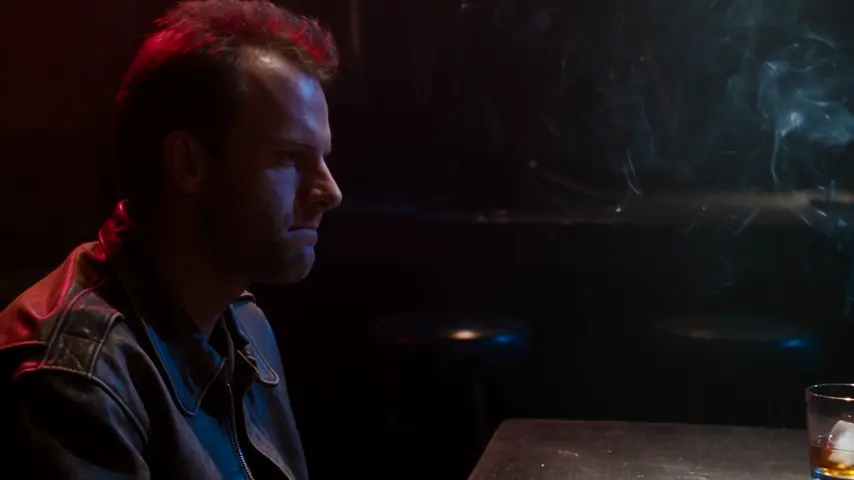
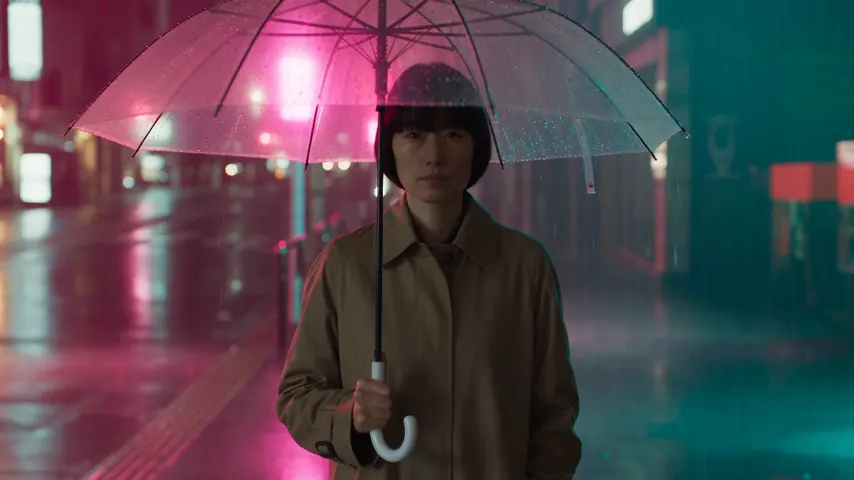
Bản dựng mở trong Cinema
Điểm khởi đầu
Chọn một ô: nó vào khung ở trên cùng, sẵn sàng để tạo.
Quyền riêng tư
Riêng tư và không giới hạn
- Không bộ lọc trên các engine của chính eroq: thay vào đó là một chính sách bằng văn bản.
- Họ không lưu gì, và không có gì huấn luyện trên tác phẩm của bạn.
- Chế độ riêng tư không lưu bất kỳ tệp nào.
Câu hỏi thường gặp
How many shots can a film have?
Up to 100 shots per film, grouped in as many scenes as you like, each shot up to 30 seconds as the engine and your plan allow.
Can the characters speak?
Yes. Write the lines in the shot, with who says them and how; on engines that render sound the characters speak them. The dialogue also turns into subtitles in one click.
Is the film exported as one file?
Yes. The Edit tab renders the cut to one MP4 (or WebM) in your browser, 480p to 1440p, in the film's frame or reframed for vertical, square or 4:5. Exporting costs no credits; a saved MP4 counts against your Storage.
Can I re-render one shot without redoing the film?
Yes. Open the shot and shoot it again: the others and their takes stay put, and the film plays the take you pick.
Can I start a film without writing it all?
Yes. Write one sentence in the box at the foot of Cinema and Clap writes the shots, or pick a show and one of its episodes, ready to shoot. Clap on the studio home can also open one of the 6 film recipes by name.
Can I automate films?
Yes. Publish › Post an episode every day turns a film into a series on autopilot (Studio plan): Clap writes the next episode, eroq shoots it, the post waits for your tap. Over the API, POST /v1/films with a recipe of scenes, then POST /v1/films/{id}/render queues every scene as a video job.
How do shots stay consistent from one to the next?
Three ways. A role is cast once and every shot of it reads the character's look (on a show, one cast picture in the show's look). On the engines that cut between shots themselves, the shots of one place are shot as one take. And the film's look (film type, era, lens, light, palette) is folded into every shot.
Dùng thử miễn phí
Mở studio với nội dung này đã điền sẵn. Đăng ký khi bạn tạo: 40 credit miễn phí, không cần thẻ.40 credit miễn phí · không cần thẻ · chế độ riêng tư cho mọi tài khoản