



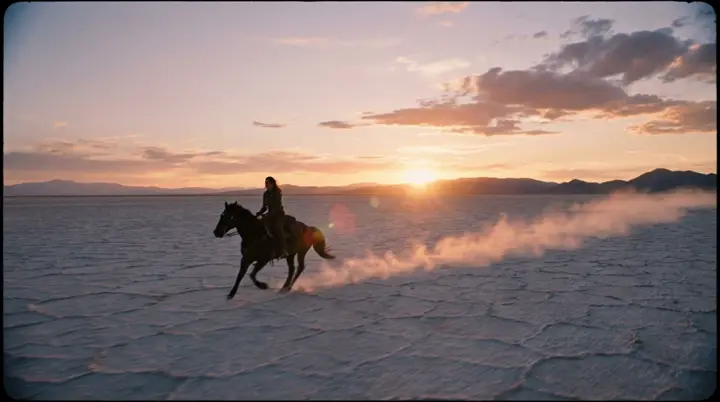
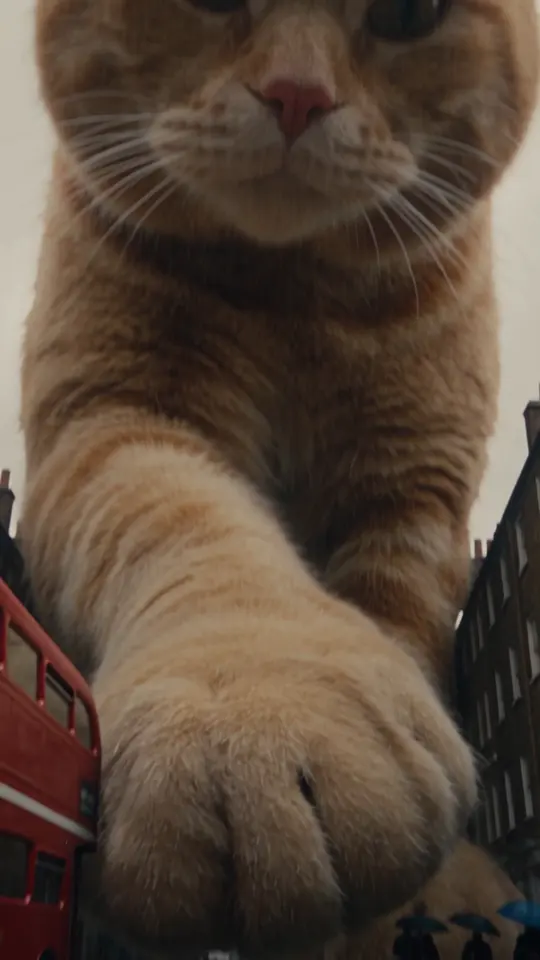
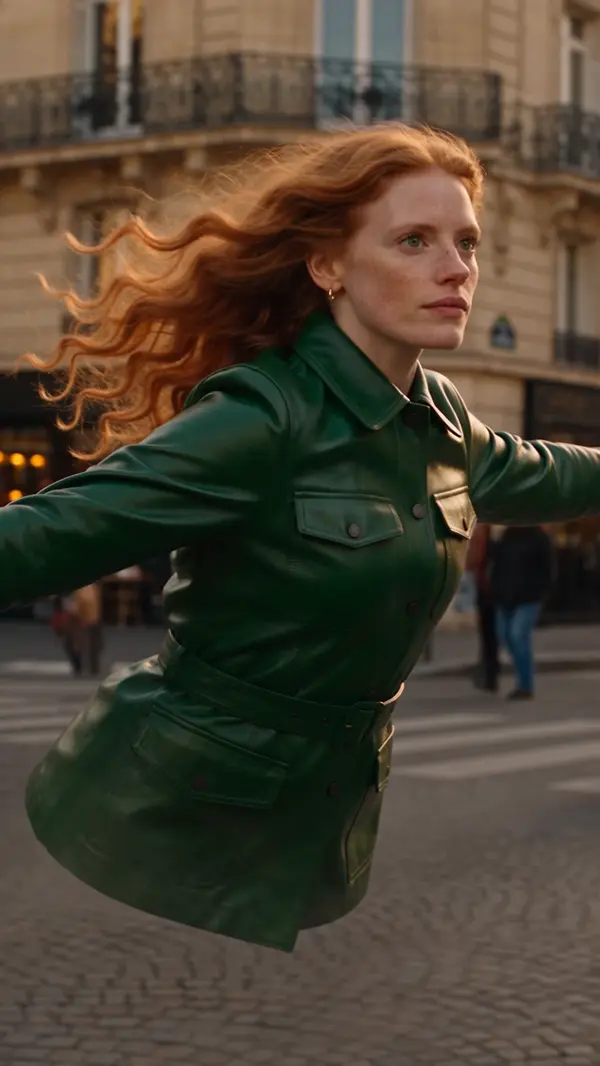

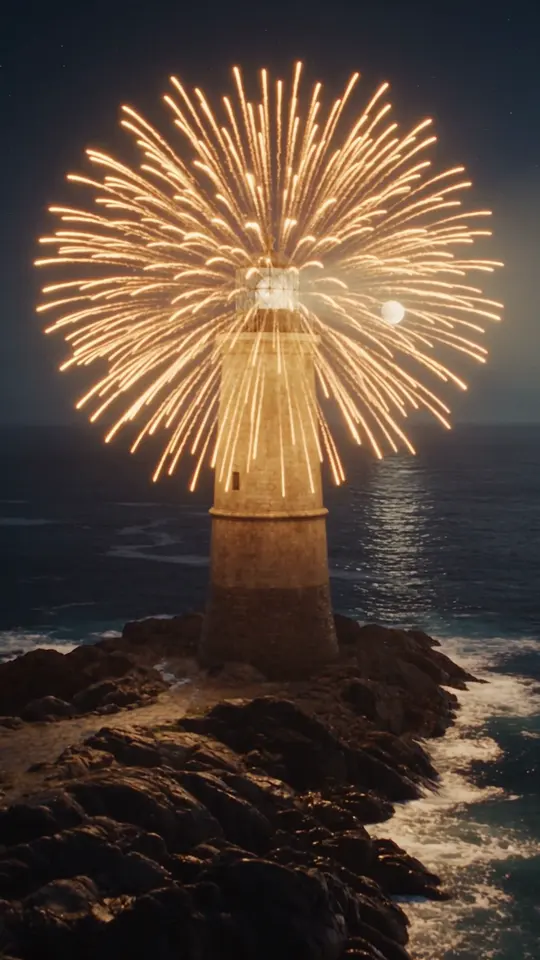
13 ต.ค. 01:42:07·พร้อมแล้ว · ใช้เวลา 1 min 8 sec · −816 เครดิต
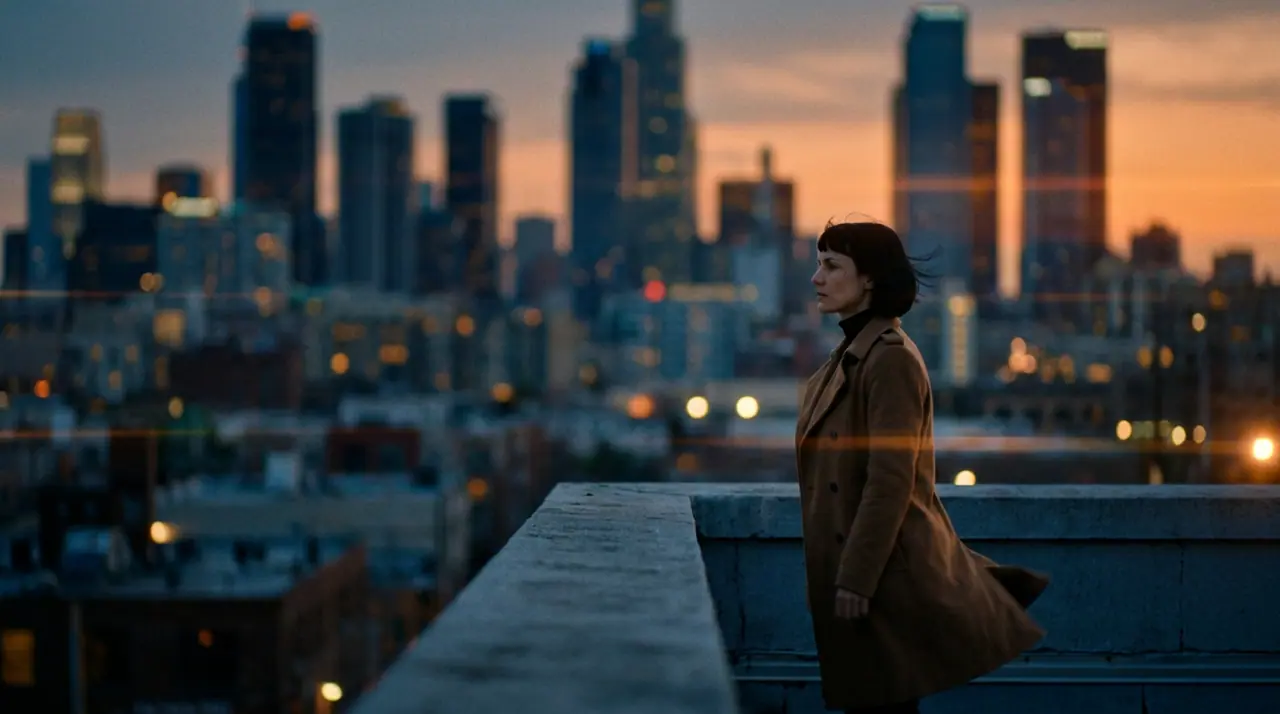
@Mara บนดาดฟ้ายามพลบค่ำ เสื้อโค้ตพลิ้วตามลม เมืองด้านล่างเริ่มสว่างไสว anamorphic, 35mm ซูมเข้าช้าๆ
Veo 3.1 Fast · 8s · 1080p · 16:9 · 2 เทค

ต่อความยาว นำเข้าสู่
Tool
eroq renders bullet time from a prompt: Video opens with "bullet-time: time freezes and the camera orbits 360° around the subject of the first frame", you add your photo as the first frame (a jump, a pose, a product) and render. Bullet time is also one of the 24 camera moves of the Syntax menu, and a ready effect in Video › Effects.
เปิดสตูดิโอพร้อมข้อมูลนี้ สมัครสมาชิกตอนสร้าง: ฟรี 40 เครดิต ไม่ต้องใช้บัตร40 เครดิตฟรี · ไม่ต้องใช้บัตร · โหมดส่วนตัวในทุกบัญชี
วิดีโอ · สร้าง
13 ต.ค. 01:42:07·พร้อมแล้ว · ใช้เวลา 1 min 8 sec · −816 เครดิต
@Mara บนดาดฟ้ายามพลบค่ำ เสื้อโค้ตพลิ้วตามลม เมืองด้านล่างเริ่มสว่างไสว anamorphic, 35mm ซูมเข้าช้าๆ
Veo 3.1 Fast · 8s · 1080p · 16:9 · 2 เทค
@Mara บนดาดฟ้ายามพลบค่ำ เสื้อโค้ตพลิ้วตามลม เมืองด้านล่างเริ่มสว่างไสว anamorphic, 35mm ซูมเข้าช้าๆ
The recipe, the camera move (write "bullet time" in any prompt), or the Bullet time effect, which starts from a picture of a person and needs no prompt at all.
Clap · เอเจนต์ AI
อธิบายผลลัพธ์ที่ต้องการใน Ask แล้ว Clap จะถามสิ่งที่ต้องรู้ เลือกเอนจิน เขียนพรอมต์ และคิดราคาแผน เมื่อคุณอนุมัติ มันจะเรนเดอร์ทุกอย่างเข้าคลังผลงานของคุณ อัตโนมัติทั้งหมด และไม่มีอะไรรันก่อนที่คุณจะตอบตกลง
Ask · Clap
Clap · คิดอยู่ 6 วินาที
สามเทค ท่าเดียวกัน คลิปละเทค นี่คือแผน
โปรดักชัน
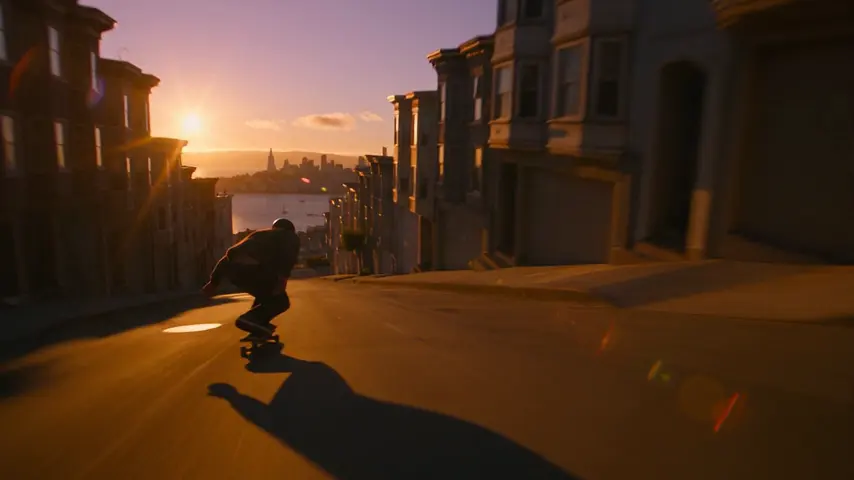
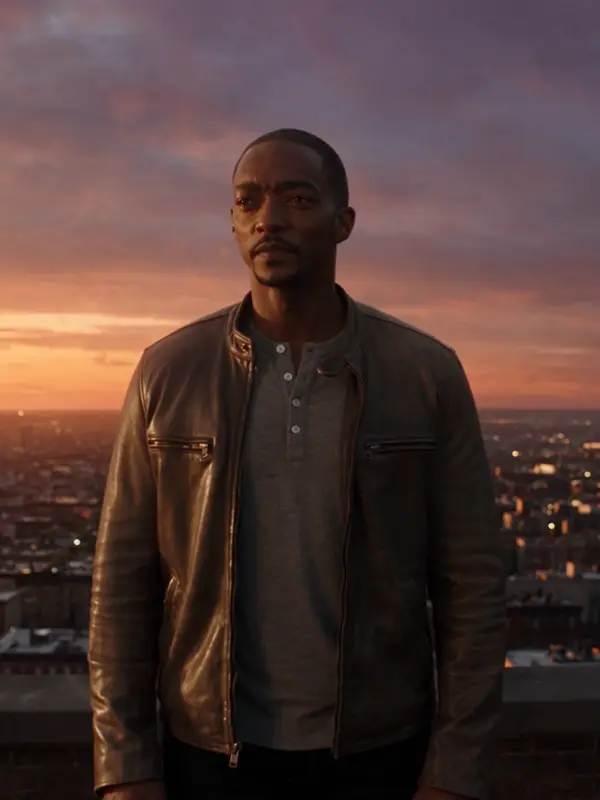
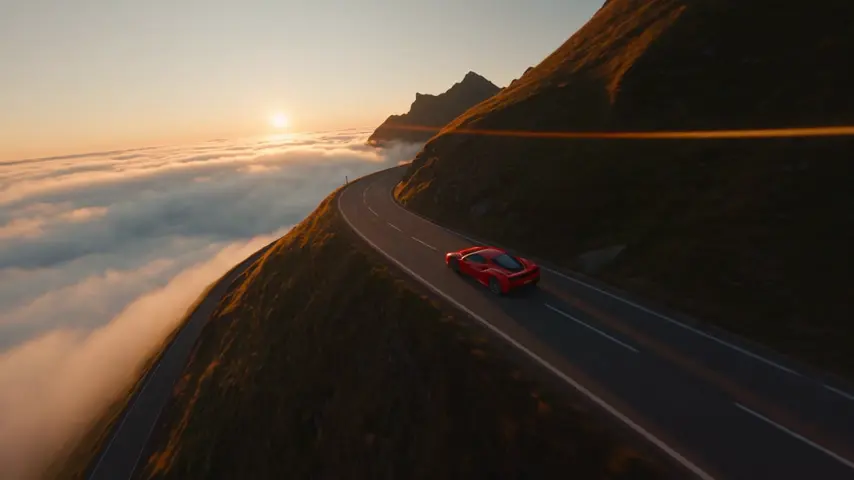
บันทึกในคลังผลงานแล้ว
เลือกหนึ่งอัน แล้วระบบจะใส่ในช่องด้านบน พร้อมสร้างทันที
ความเป็นส่วนตัว
เป็นส่วนตัวและไม่จำกัด
Open the bullet time recipe in Video, add a photo as the first frame (or describe the moment) and render: time freezes and the camera orbits around the subject.
Yes: the photo is the first frame and the orbit starts from it. Your own face, or one you have consent for.
Yes: the Bullet time effect in Video › Effects starts from a picture of a person, no prompt needed.
Free to start: every new account gets 40 free credits with no card. A clip costs from 50 credits for five seconds on eroq Motion One at 480p, shown before you click, and a failed render refunds itself. More credits start with a $10 pack (1,000 credits) or a plan from $15/month.
เปิดสตูดิโอพร้อมข้อมูลนี้ สมัครสมาชิกตอนสร้าง: ฟรี 40 เครดิต ไม่ต้องใช้บัตร40 เครดิตฟรี · ไม่ต้องใช้บัตร · โหมดส่วนตัวในทุกบัญชี