

13 Okt, 01.42.07·Siap · Butuh waktu 1 min 8 sec · −816 kredit
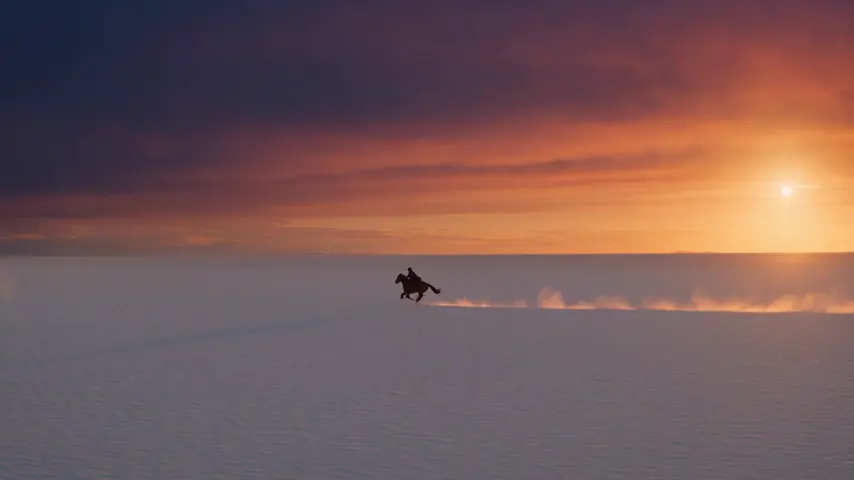
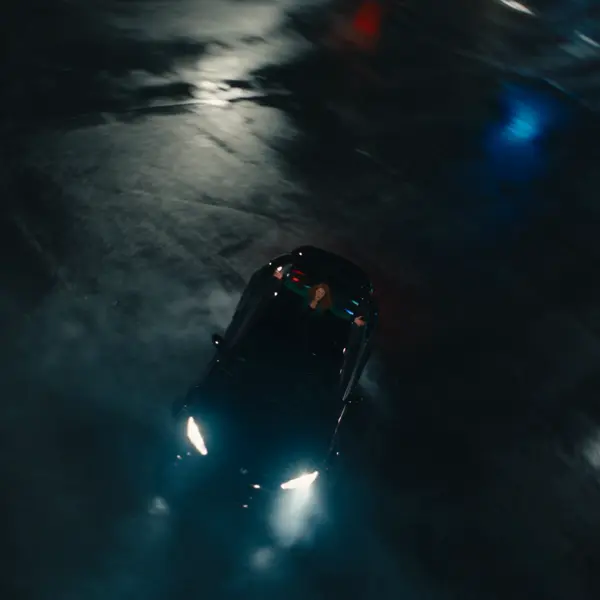
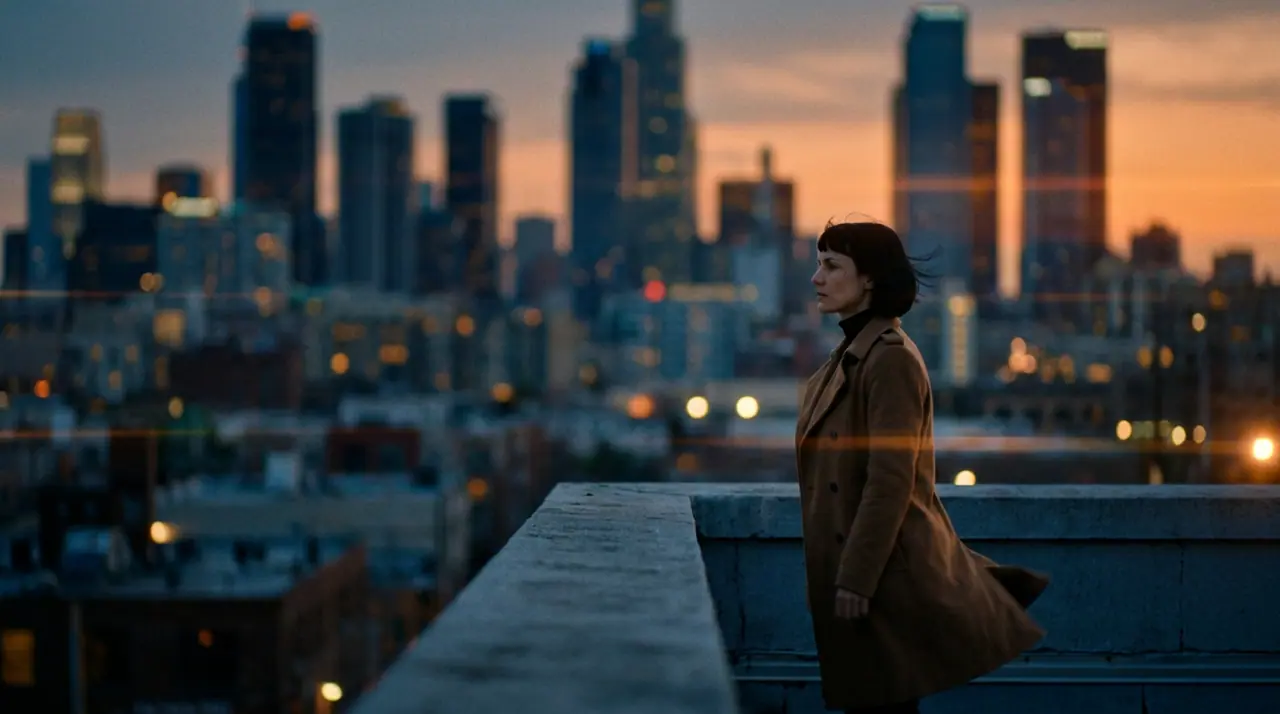
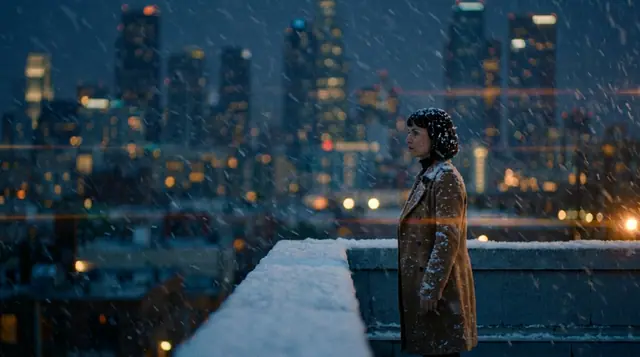
@Mara di atap gedung saat senja, mantelnya tertiup angin, kota menyala di bawahnya. anamorphic, 35mm. zoom lambat
Veo 3.1 Fast · 8 dtk · 1080p · 16:9 · 2 take
Perpanjang Mengarah ke
Tool
eroq renders bullet time from a prompt: Video opens with "bullet-time: time freezes and the camera orbits 360° around the subject of the first frame", you add your photo as the first frame (a jump, a pose, a product) and render. Bullet time is also one of the 24 camera moves of the Syntax menu, and a ready effect in Video › Effects.
Membuka studio dengan isian ini. Daftar saat kamu generate: 40 kredit gratis, tanpa kartu.40 kredit gratis · tanpa kartu · mode privat di setiap akun
Video · Buat
13 Okt, 01.42.07·Siap · Butuh waktu 1 min 8 sec · −816 kredit
@Mara di atap gedung saat senja, mantelnya tertiup angin, kota menyala di bawahnya. anamorphic, 35mm. zoom lambat
Veo 3.1 Fast · 8 dtk · 1080p · 16:9 · 2 take
@Mara di atap gedung saat senja, mantelnya tertiup angin, kota menyala di bawahnya. anamorphic, 35mm. zoom lambat
The recipe, the camera move (write "bullet time" in any prompt), or the Bullet time effect, which starts from a picture of a person and needs no prompt at all.
Clap · agen AI
Deskripsikan hasilnya di Ask. Clap menanyakan apa yang dibutuhkan, memilih mesin, menulis prompt, dan menghitung harga rencananya. Setelah kamu setujui, semuanya dirender ke pustakamu. Sepenuhnya otomatis, dan tidak ada yang berjalan sebelum kamu bilang ya.
Ask · Clap
Clap · Berpikir selama 6s
Tiga take untuk gerakan yang sama, masing-masing satu klip. Ini rencananya.
Produksi
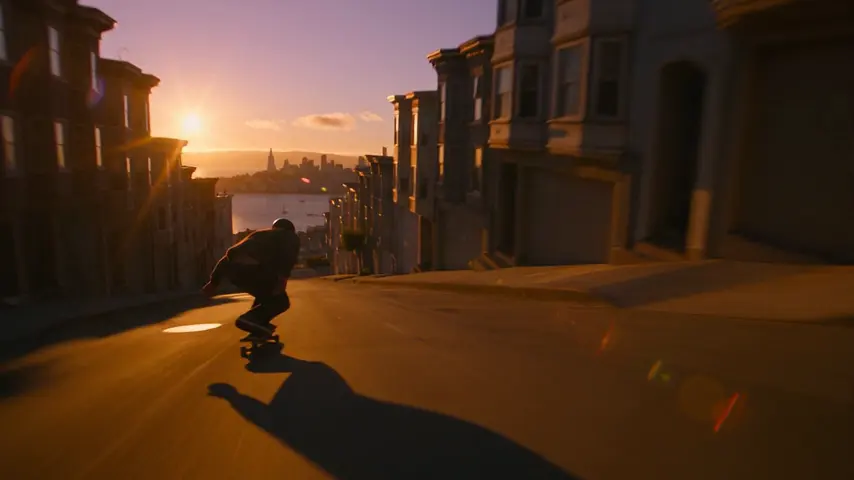
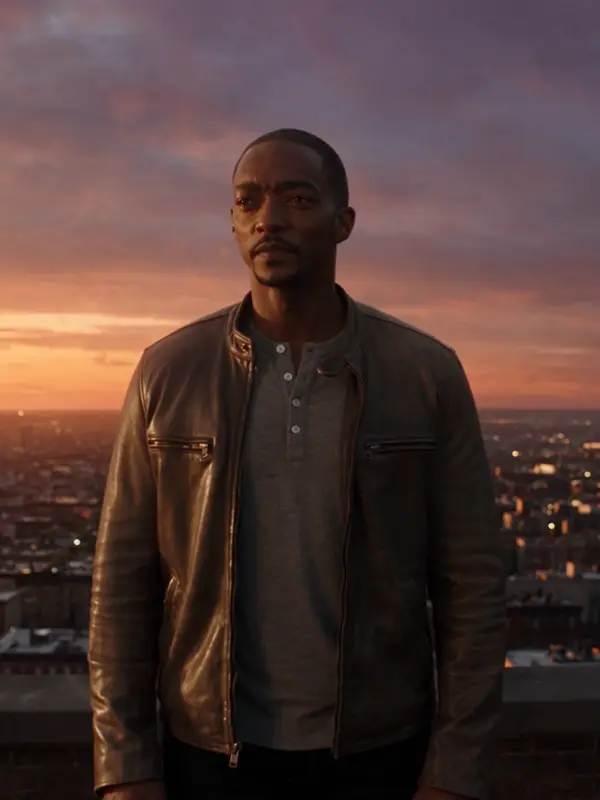
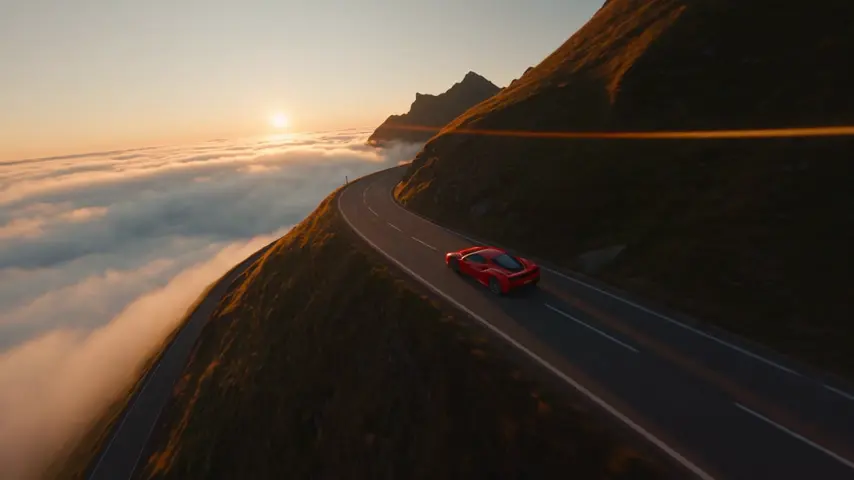
Disimpan di pustakamu
Pilih satu: langsung masuk ke kotak di atas, siap dibuat.
Privasi
Privat dan tanpa batasan
Open the bullet time recipe in Video, add a photo as the first frame (or describe the moment) and render: time freezes and the camera orbits around the subject.
Yes: the photo is the first frame and the orbit starts from it. Your own face, or one you have consent for.
Yes: the Bullet time effect in Video › Effects starts from a picture of a person, no prompt needed.
Free to start: every new account gets 40 free credits with no card. A clip costs from 50 credits for five seconds on eroq Motion One at 480p, shown before you click, and a failed render refunds itself. More credits start with a $10 pack (1,000 credits) or a plan from $15/month.
Membuka studio dengan isian ini. Daftar saat kamu generate: 40 kredit gratis, tanpa kartu.40 kredit gratis · tanpa kartu · mode privat di setiap akun
Jelajahi lagi