




01:42:07 13 thg 10·Sẵn sàng · Mất 1 min 8 sec · −816 credit
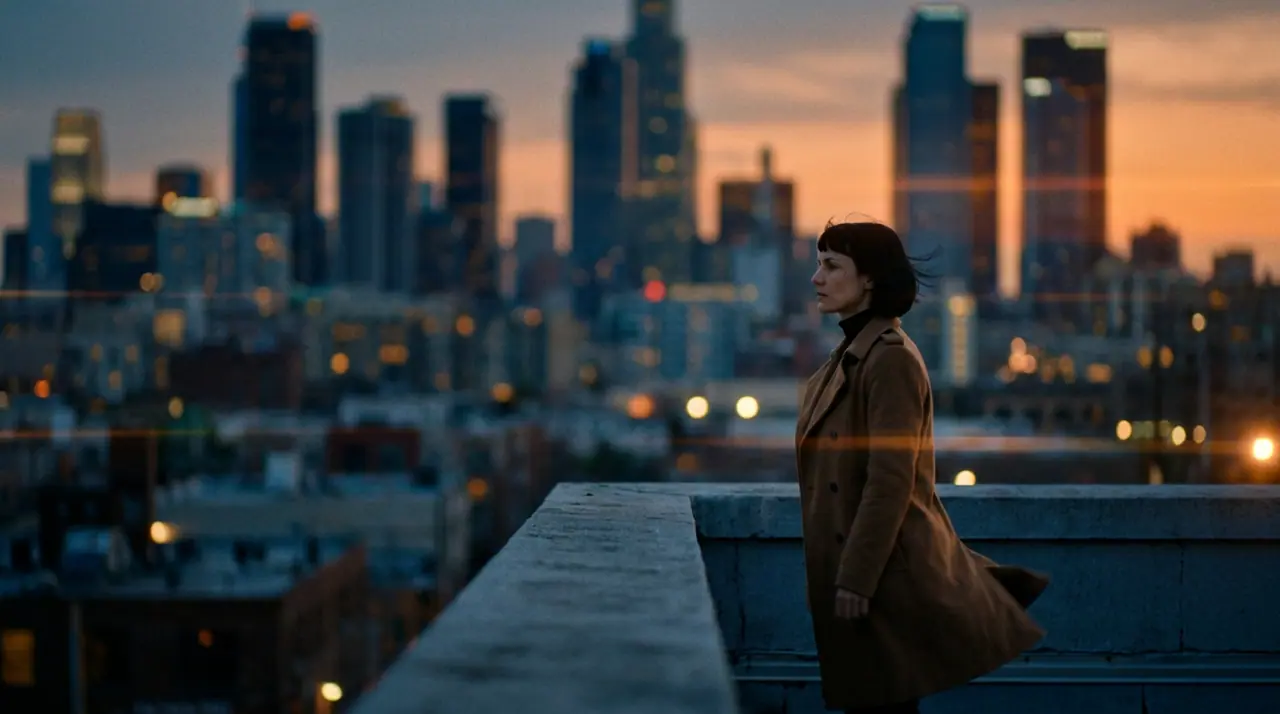
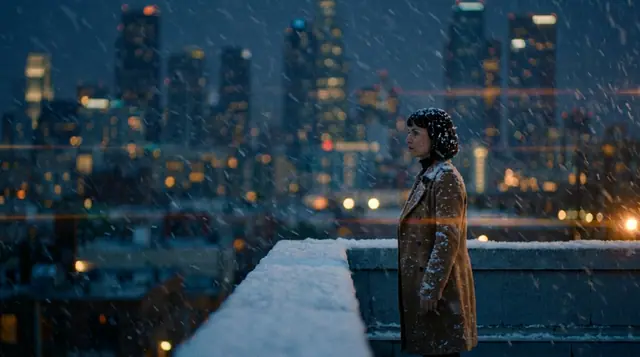
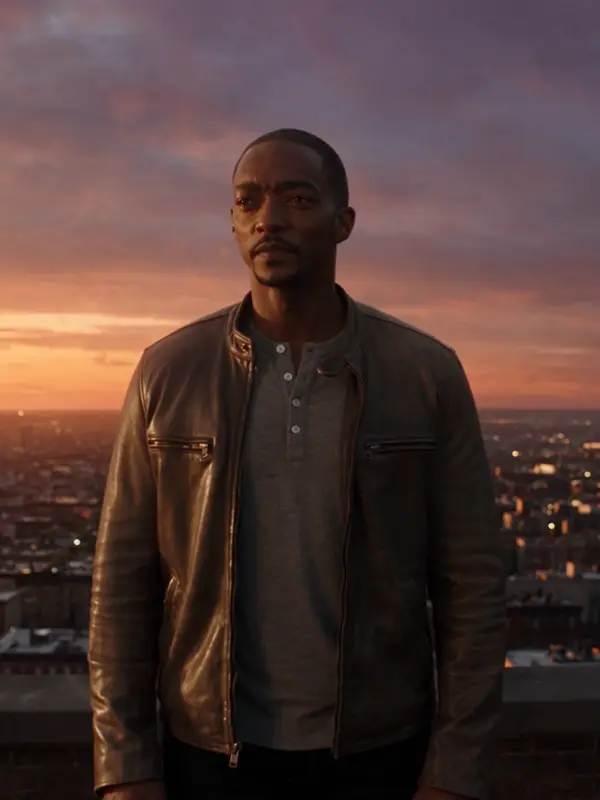
@Mara trên sân thượng lúc hoàng hôn, áo khoác bay trong gió, thành phố lên đèn bên dưới. anamorphic, 35mm. đẩy máy vào
Veo 3.1 Fast · 8s · 1080p · 16:9 · 2 bản
Kéo dài Dẫn vào
Christmas
A Christmas card that moves, a snow globe with you inside, a sleigh over a sleeping village, the two of you at a frosted window: write the scene or start from a photo, and render it on 17 video engines (Seedance, Veo, Kling, Hailuo, Runway, Wan and Grok, plus eroq Motion One, our own engine). Add a song from the music studio, cut the clips together in the Editor, and send it as a video card, a Story or a holiday ad.
Mở studio với nội dung này đã điền sẵn. Đăng ký khi bạn tạo: 40 credit miễn phí, không cần thẻ.40 credit miễn phí · không cần thẻ · chế độ riêng tư cho mọi tài khoản
Video · Tạo
01:42:07 13 thg 10·Sẵn sàng · Mất 1 min 8 sec · −816 credit
@Mara trên sân thượng lúc hoàng hôn, áo khoác bay trong gió, thành phố lên đèn bên dưới. anamorphic, 35mm. đẩy máy vào
Veo 3.1 Fast · 8s · 1080p · 16:9 · 2 bản
@Mara trên sân thượng lúc hoàng hôn, áo khoác bay trong gió, thành phố lên đèn bên dưới. anamorphic, 35mm. đẩy máy vào
Save yourself, a friend who agreed, or an invented character as a Character once (a few photos, a name) and cast them in any clip: the same face in the card, the snow globe and the sleigh. Real, identifiable people need their consent, and minors are never allowed, so family videos with children are out.
What the engine charges for the length and the resolution, shown on the Generate button before you render: from 50 credits for five seconds on eroq Motion One (480p). New accounts get 40 free credits, no card, enough for the Christmas pictures you will animate (from 10 credits each). After that, a $10 pack (1,000 credits) or a plan from $15/month. A failed render refunds itself.
Clap · Tác nhân AI
Mô tả kết quả trong Ask. Clap hỏi những gì cần biết, chọn engine, viết prompt và báo giá kế hoạch. Khi bạn duyệt, nó render tất cả vào thư viện của bạn. Hoàn toàn tự động, và không gì chạy trước khi bạn đồng ý.
Ask · Clap
Clap · Đã nghĩ 6s
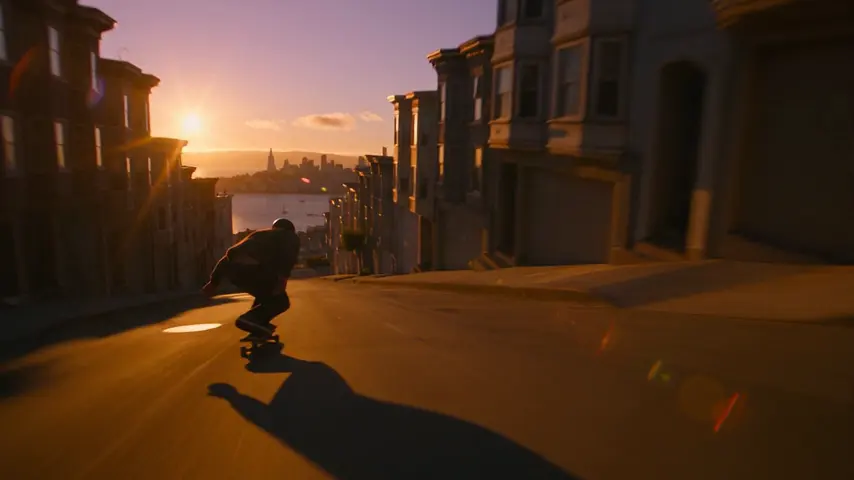
Ba bản quay cho cùng một chuyển động, mỗi bản là một clip riêng. Đây là kế hoạch.
Sản xuất
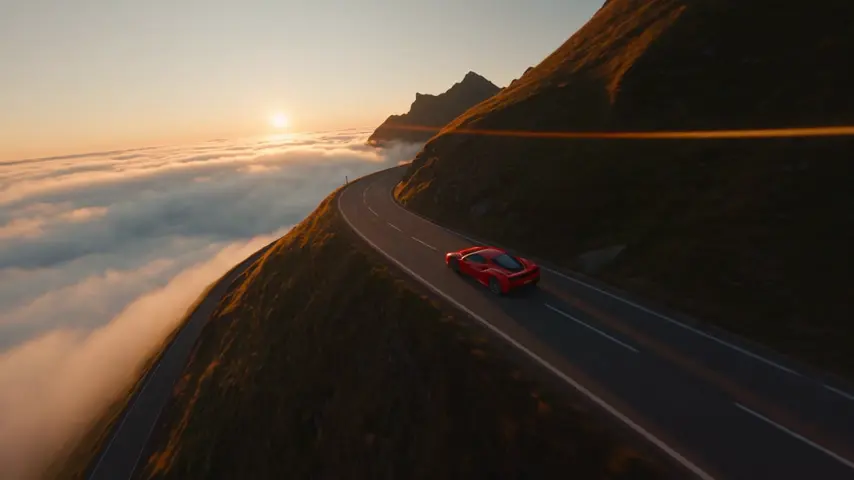
Đã lưu vào thư viện của bạn
Chọn một ô: nó vào khung ở trên cùng, sẵn sàng để tạo.
Quyền riêng tư
Riêng tư và không giới hạn
Yes: press Animate under any picture in the image studio, or drop your own photo in the video studio as the first frame, and describe what moves. The face in the photo holds.
Start from a photo of yourself (or a character), then describe the scene inside the globe and the shake: « inside a glass snow globe on a mantel, the snow swirls as it is shaken ». Five seconds is enough.
Some engines render sound with the picture. For a song of your own, the music studio writes and sings one from a sentence, and the Editor lays it under your clips.
No. Photos and videos of minors are never allowed on eroq. Everything here works with people 18 or older, with pets and with original characters.
What the engine charges for the length and the resolution: from 50 credits for five seconds on eroq Motion One (480p), shown before you render. New accounts get 40 free credits.
9:16 for a Story, a Reel or a TikTok, 16:9 for YouTube or a TV screen, 1:1 for a feed post. Pick the format before you render.
Mở studio với nội dung này đã điền sẵn. Đăng ký khi bạn tạo: 40 credit miễn phí, không cần thẻ.40 credit miễn phí · không cần thẻ · chế độ riêng tư cho mọi tài khoản