


Black Friday

−50 % sur une année entière, tous les forfaits

J’en profite
eroq

Christmas

AI Christmas video generator

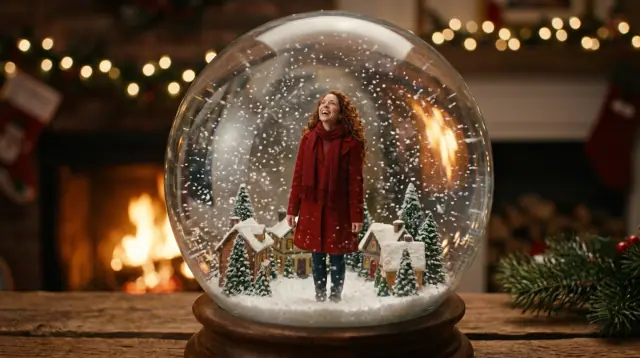
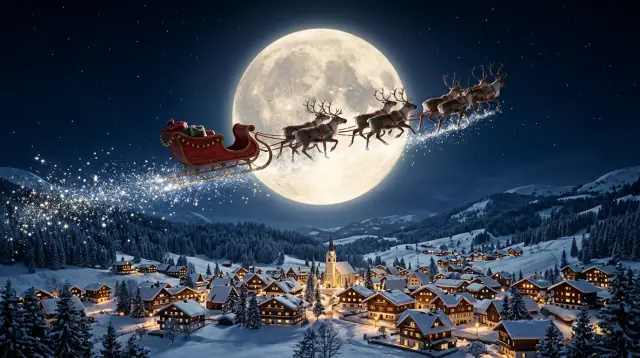
A Christmas card that moves, a snow globe with you inside, a sleigh over a sleeping village, the two of you at a frosted window: write the scene or start from a photo, and render it on 16 video engines (Seedance, Veo, Kling, Hailuo, Runway, Wan and Grok, plus eroq Motion One, our own engine). Add a song from the music studio, cut the clips together in the Editor, and send it as a video card, a Story or a holiday ad.

Vidéo

Ouvre le studio avec tout ça déjà rempli. Inscris-toi au moment de générer : 40 crédits offerts, sans carte.

Vidéo · Créer

13 oct., 01:42:07·Prêt · Durée : 1 min 8 sec

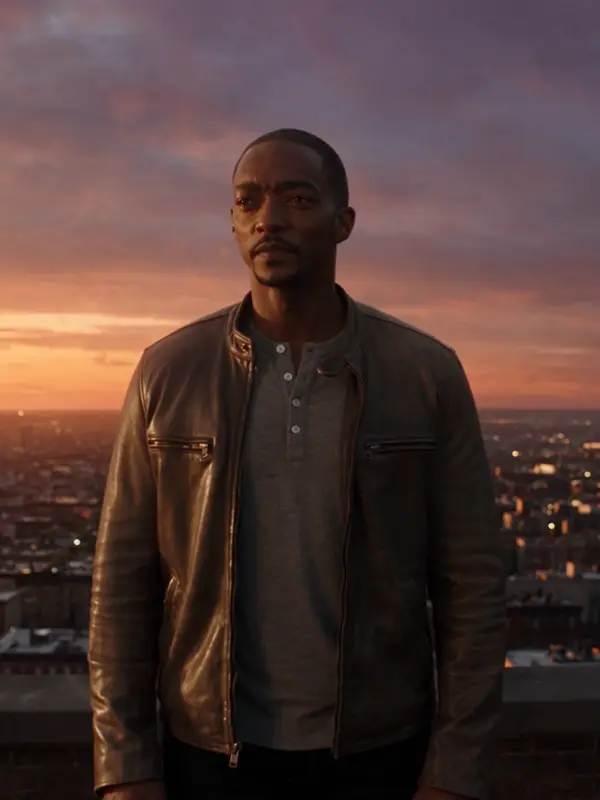
@Mara sur un toit au crépuscule, son manteau pris dans le vent, la ville qui s’allume en contrebas. anamorphic, 35mm. travelling avant

Veo 3.1 Fast · 8s · 1080p · 16:9 · 2 prises
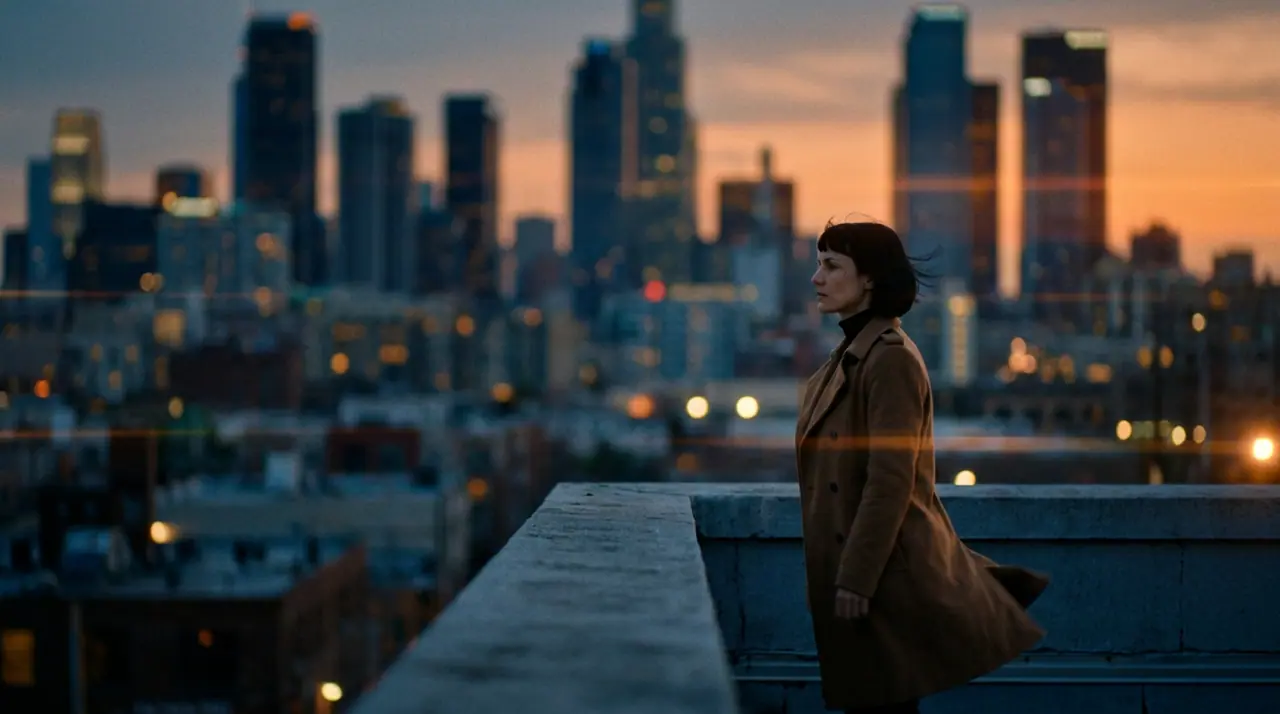
@Mara sur un toit au crépuscule, son manteau pris dans le vent, la ville qui s’allume en contrebas. anamorphic, 35mm. travelling avant
Prolonger Amener
Créer Retouche Nouveau Replace Populaire Effets
Ajouter un personnage

@Mara sur un toit au crépuscule, son manteau pris dans le vent, la ville qui s’allume en contrebas. anamorphic, 35mm. travelling avant

Veo 3.1 Fast Syntaxe4s6s8s
Générer 816
Engines
16: Seedance, Veo, Kling, Hailuo, Runway, Wan and Grok, plus eroq Motion One
Input
A prompt, a Christmas photo as the first frame, or a first and a last frame
Length
From 5 seconds, up to 30 on the plans that go furthest
Price
From 50 credits for five seconds on eroq Motion One (480p); 40 free credits at signup

How to make a Christmas video with AI

  • →Start from a picture: make the Christmas photo first (the candy-cane studio, the snowfall street, matching sweaters) or drop one of yours, then press Animate. It becomes the first frame and the face holds.
  • →Or write the scene: the place, the light, what moves (snow falling, lights twinkling, a door opening onto the snow) and how the camera moves.
  • →Pick the engine and the length: five seconds for a card, more for a scene (up to 10 seconds on a free account, 30 on the plans that go furthest). Seedance 2.5, Veo 3.1 and Kling 3.0 Pro render sound with the picture.
  • →Write a song in the music studio, then put the clips and the song together in the Editor and export for a Story, a Reel or a card.

Christmas video ideas that work

  • →The snow globe: you, your pet or your character inside a glass globe, the snow swirling after a shake.
  • →The moving card: a still Christmas photo that comes alive, snow falling, a smile, the tree lights twinkling.
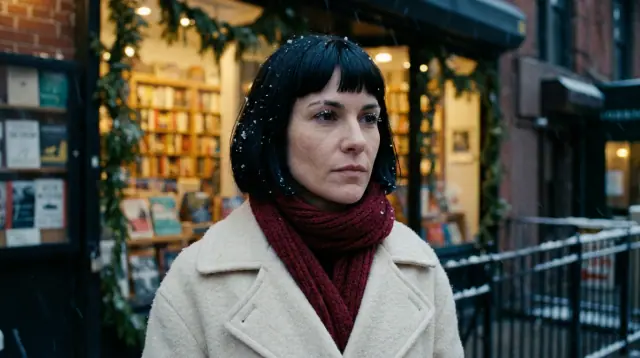
  • →The frosted window: two people by the fire, seen from outside as the snow falls past the glass.
  • →The sleigh: reindeer and a red sleigh crossing the moon above snowy rooftops, a slow tracking shot.
  • →The gift reveal: a box on the table, the lid lifts, warm light spills out.
  • →The holiday ad: your product under the tree, the camera pushing in, your line at the end.

Your face in every scene

Save yourself, a friend who agreed, or an invented character as a Character once (a few photos, a name) and cast them in any clip: the same face in the card, the snow globe and the sleigh. Real, identifiable people need their consent, and minors are never allowed, so family videos with children are out.

Price

What the engine charges for the length and the resolution, shown on the Generate button before you render: from 50 credits for five seconds on eroq Motion One (480p). New accounts get 40 free credits, no card, enough for the Christmas pictures you will animate (from 10 credits each). After that, a $10 pack (1,000 credits) or a plan from $15/month. A failed render refunds itself.

Clap · agent IA

Ou laisse Clap faire les clips

Décris le résultat dans Ask. Clap demande ce qu’il lui faut, choisit les moteurs, écrit les prompts et chiffre le programme. Dès que tu valides, il génère tout dans ta bibliothèque. Entièrement automatisé, et rien ne se lance avant ton feu vert.

  • 1Clap pose une question à la fois et tient à jour le brief, le casting et le storyboard.
  • 2Le programme liste chaque rendu et son prix avant que quoi que ce soit ne se lance.
  • 3Un clic sur Valider et tout se génère. Les prises ratées se remboursent toutes seules.

Ask · Clap

Trois clips d’ambiance de 5 secondes, Kai marchant sous la pluie néon, 16:9.

Clap · Réflexion : 6s

Trois prises du même mouvement, chacune son propre clip. Voici le programme.

Plan · 3 rendus435 cr
Clip · Scène 1 · eroq Motion One · 5s · 16:9145 cr
Clip · Scène 2 · eroq Motion One · 5s · 16:9145 cr
Clip · Scène 3 · eroq Motion One · 5s · 16:9145 cr
Terminé · tout est arrivé

Production

Enregistré dans ta bibliothèque

Points de départ

Choisis-en un : il se place dans le champ du haut, prêt à générer.

Confidentialité

Privé et sans restrictions

  • →Aucun filtre sur les moteurs d’eroq : une politique écrite à la place.
  • →Ils ne gardent rien, et rien ne s’entraîne sur ton travail.
  • →Le mode privé ne garde aucun fichier.

Questions fréquentes

Can I turn a Christmas photo into a video?

Yes: press Animate under any picture in the image studio, or drop your own photo in the video studio as the first frame, and describe what moves. The face in the photo holds.

How do I make a snow globe video of myself?

Start from a photo of yourself (or a character), then describe the scene inside the globe and the shake: « inside a glass snow globe on a mantel, the snow swirls as it is shaken ». Five seconds is enough.

Can I add music to my Christmas video?

Some engines render sound with the picture. For a song of your own, the music studio writes and sings one from a sentence, and the Editor lays it under your clips.

Can I make a Christmas video with my kids?

No. Photos and videos of minors are never allowed on eroq. Everything here works with people 18 or older, with pets and with original characters.

How much does an AI Christmas video cost?

What the engine charges for the length and the resolution: from 50 credits for five seconds on eroq Motion One (480p), shown before you render. New accounts get 40 free credits.

Which format for Instagram or TikTok?

9:16 for a Story, a Reel or a TikTok, 16:9 for YouTube or a TV screen, 1:1 for a feed post. Pick the format before you render.

Continue l’exploration