













01:42:07 13 thg 10·Sẵn sàng · Mất 1 min 8 sec · −816 credit
@Mara trên sân thượng lúc hoàng hôn, áo khoác bay trong gió, thành phố lên đèn bên dưới. anamorphic, 35mm. đẩy máy vào
Veo 3.1 Fast · 8s · 1080p · 16:9 · 2 bản


Kéo dài Dẫn vào
Tool
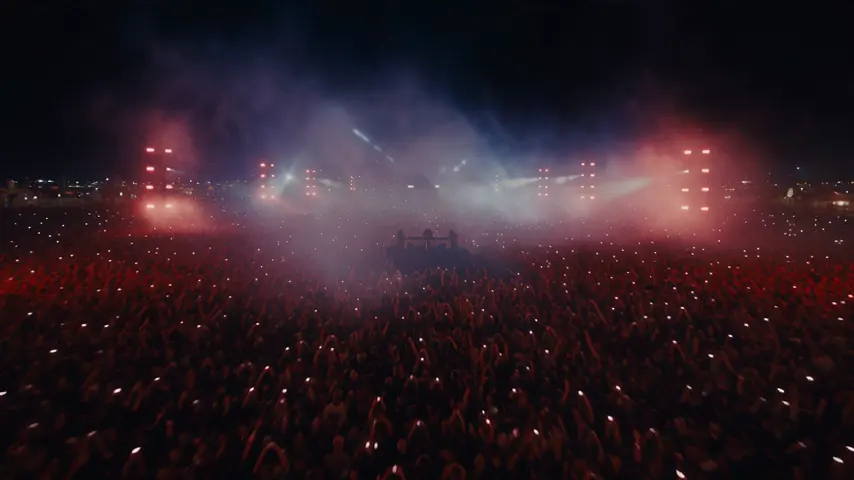
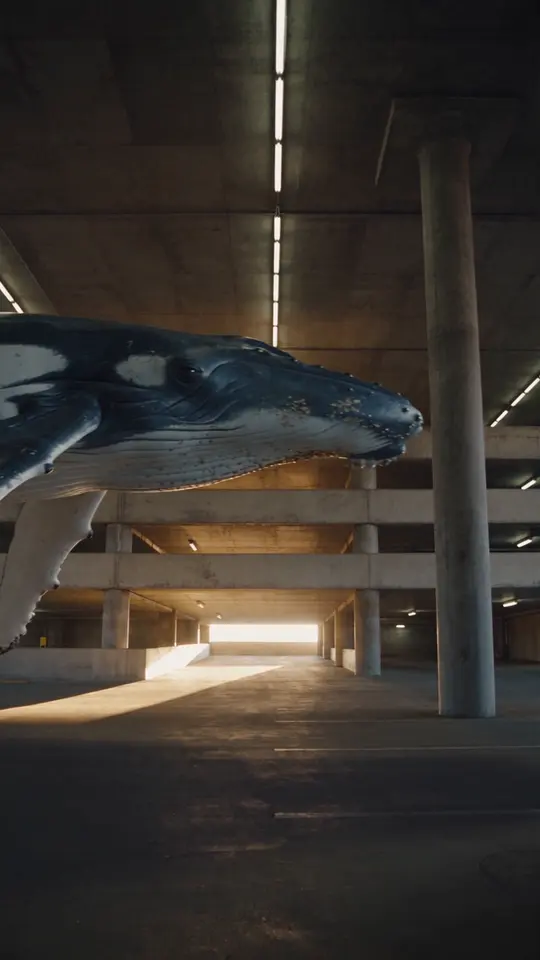
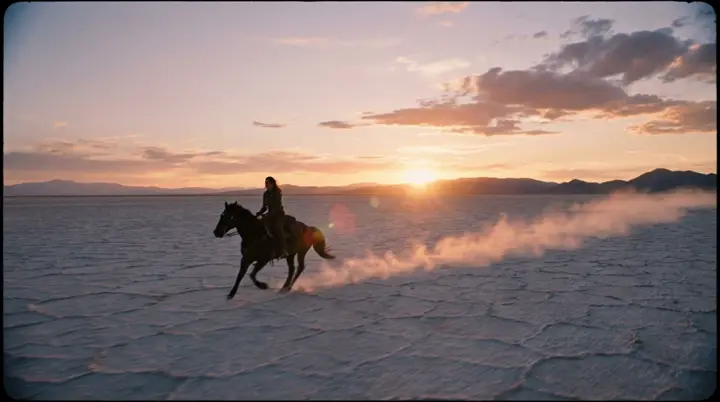
eroq makes a transition from two pictures: Video opens with "a seamless cinematic transition from the first frame to the last frame" written, you add the picture it starts on and the one it lands on, and the engine renders the move between them. Eroq Motion One, eroq Motion Phone, Seedance, Veo, Kling and Hailuo take a last frame; between your own clips, the Editor adds 7 cut transitions for free.
40 credit miễn phí · không cần thẻ · chế độ riêng tư cho mọi tài khoản
Video · Tạo
01:42:07 13 thg 10·Sẵn sàng · Mất 1 min 8 sec · −816 credit
@Mara trên sân thượng lúc hoàng hôn, áo khoác bay trong gió, thành phố lên đèn bên dưới. anamorphic, 35mm. đẩy máy vào
Veo 3.1 Fast · 8s · 1080p · 16:9 · 2 bản
@Mara trên sân thượng lúc hoàng hôn, áo khoác bay trong gió, thành phố lên đèn bên dưới. anamorphic, 35mm. đẩy máy vào
Between clips, the Editor's transitions cost nothing: crossfade, fade through black, dip to white, zoom cut, whip pan, spin and glitch cut.
Clap · Tác nhân AI
Mô tả kết quả trong Ask. Clap hỏi những gì cần biết, chọn engine, viết prompt và báo giá kế hoạch. Khi bạn duyệt, nó render tất cả vào thư viện của bạn. Hoàn toàn tự động, và không gì chạy trước khi bạn đồng ý.
Ask · Clap
Clap · Đã nghĩ 6s
Ba bản quay cho cùng một chuyển động, mỗi bản là một clip riêng. Đây là kế hoạch.
Sản xuất
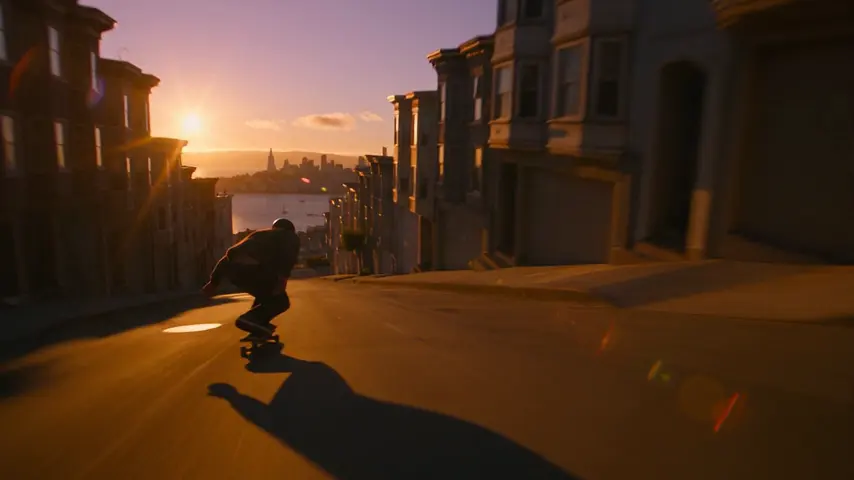


Đã lưu vào thư viện của bạn
Quyền riêng tư
Riêng tư và không giới hạn
Open the transition recipe in Video, add the two pictures as the first and the last frame on an engine that takes both, and render: the clip travels from one to the other.
Eroq Motion One, eroq Motion Phone, Seedance, Veo, Kling and Hailuo.
Yes, in the Editor, at no credit cost: crossfade, fade through black, dip to white, zoom cut, whip pan, spin and glitch cut.
Free to start: every new account gets 40 free credits with no card. A clip costs from 50 credits for five seconds on eroq Motion One at 480p, shown before you click, and a failed render refunds itself. More credits start with a $10 pack (1,000 credits) or a plan from $15/month.
40 credit miễn phí · không cần thẻ · chế độ riêng tư cho mọi tài khoản