
Black Friday

50% de desconto em um ano inteiro de qualquer plano

Aproveitar
eroq

Tool

AI video restyle

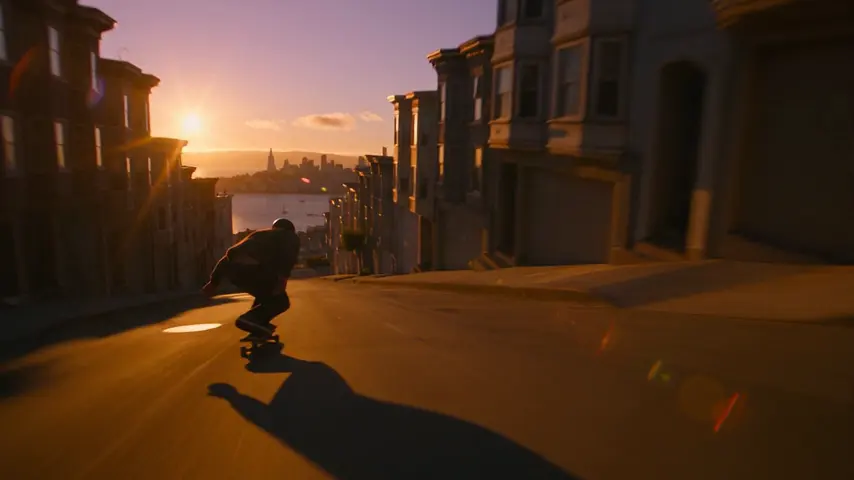
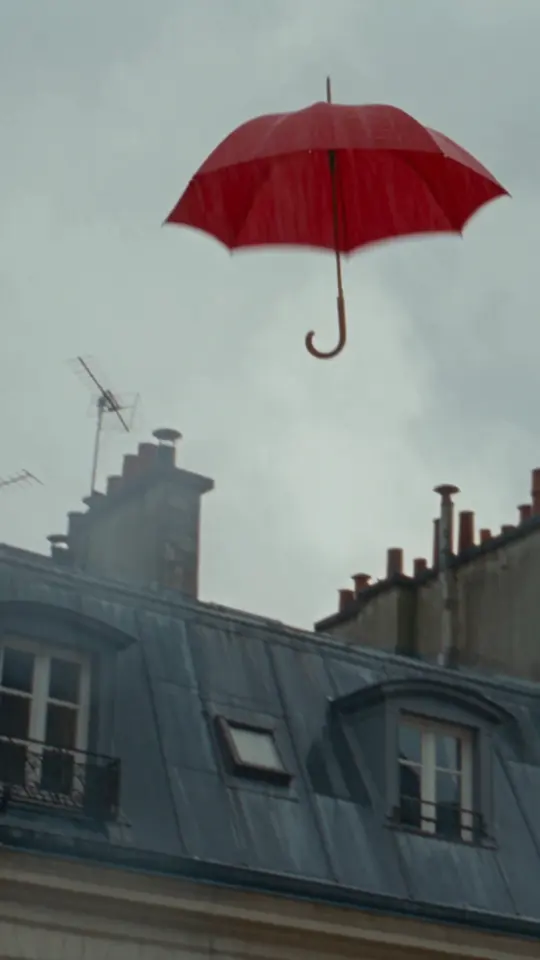
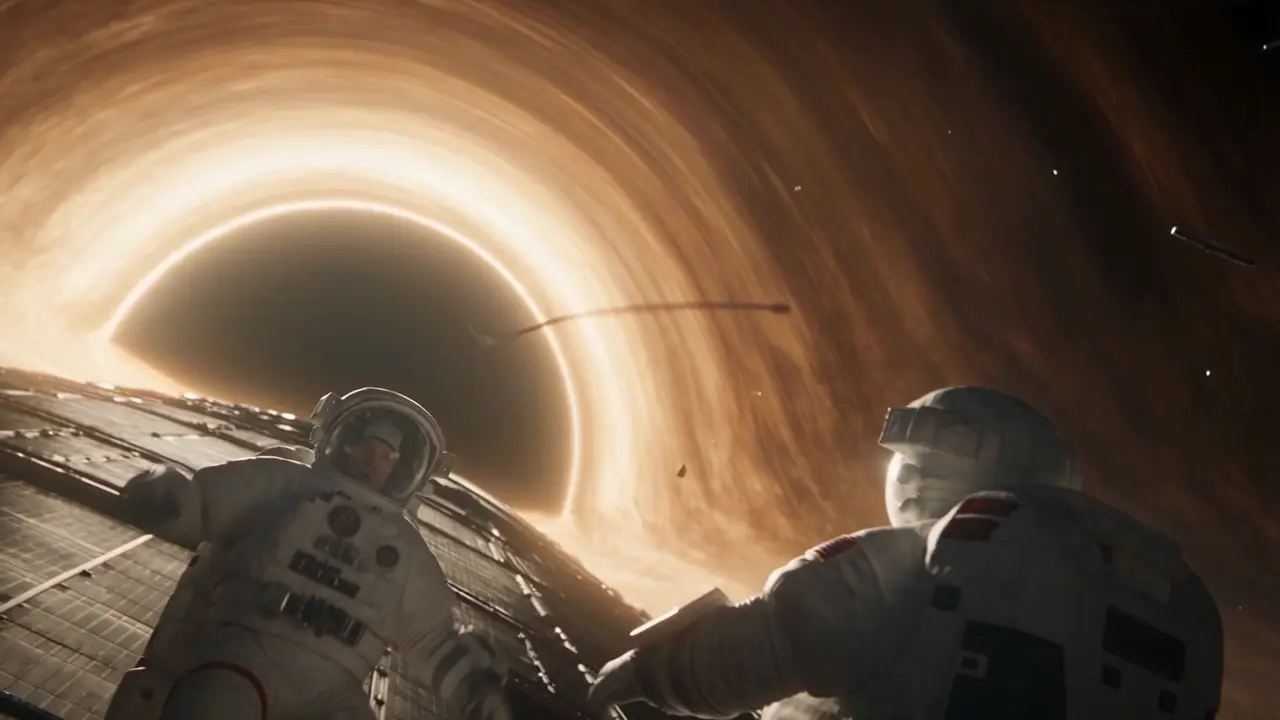
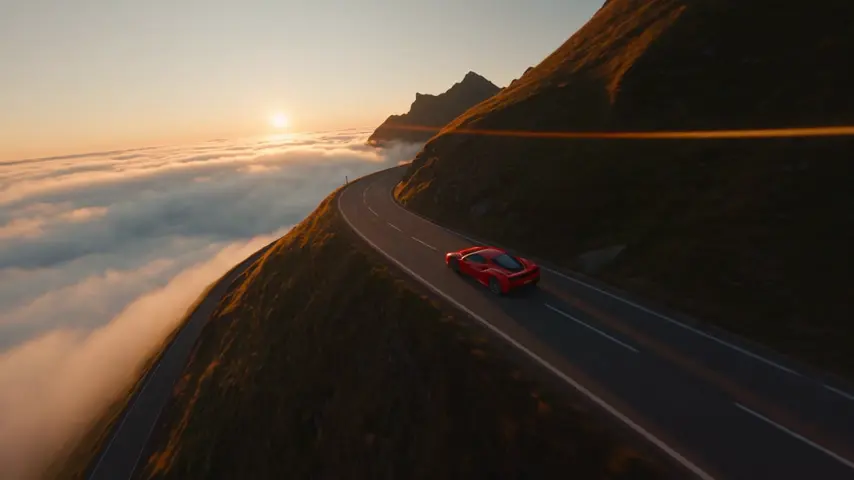
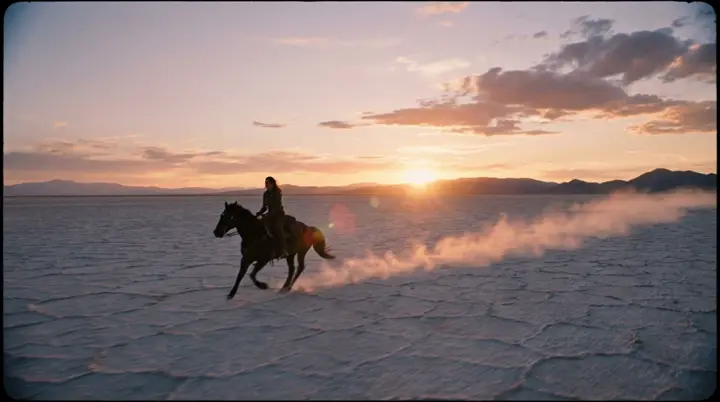
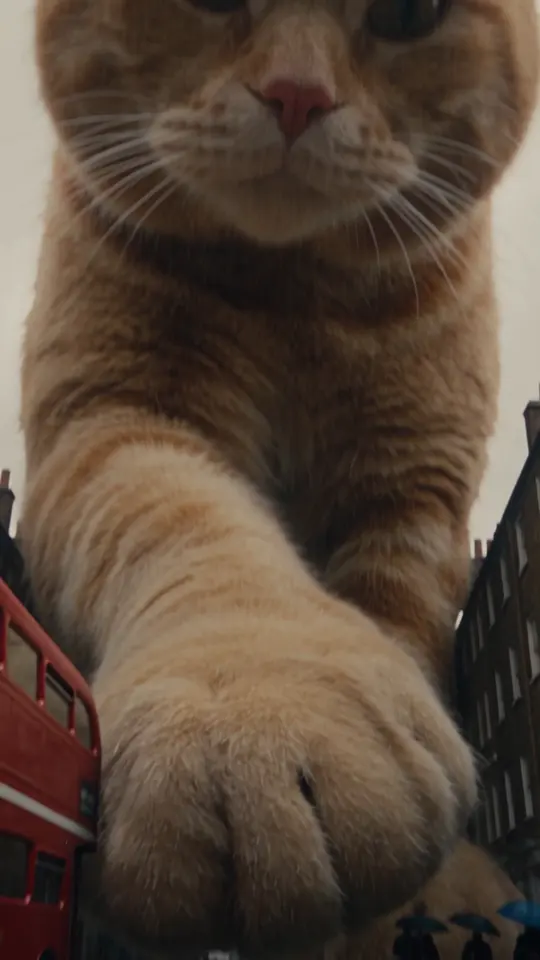
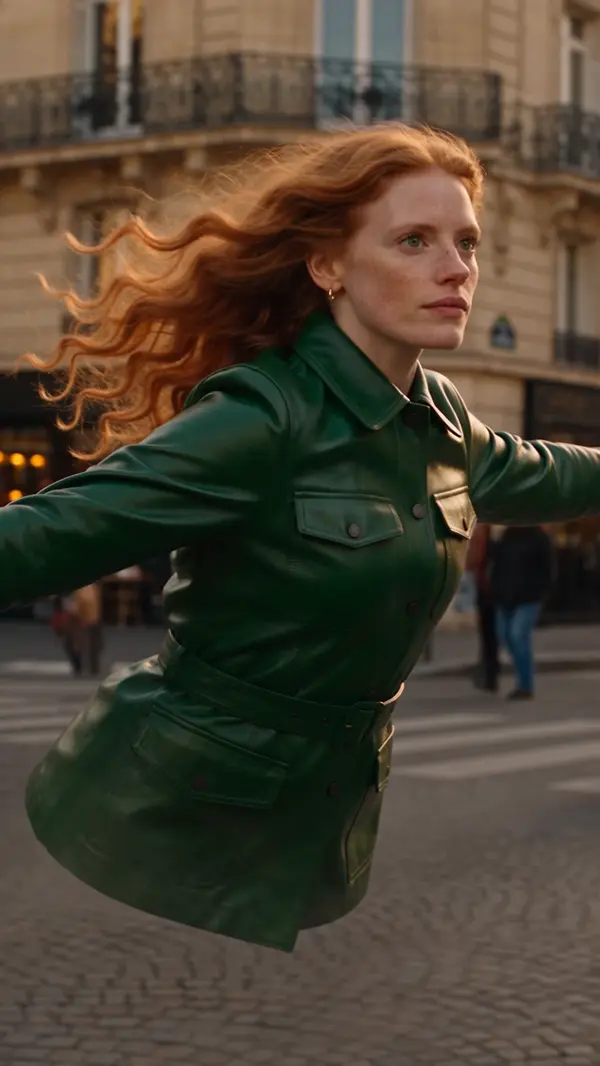
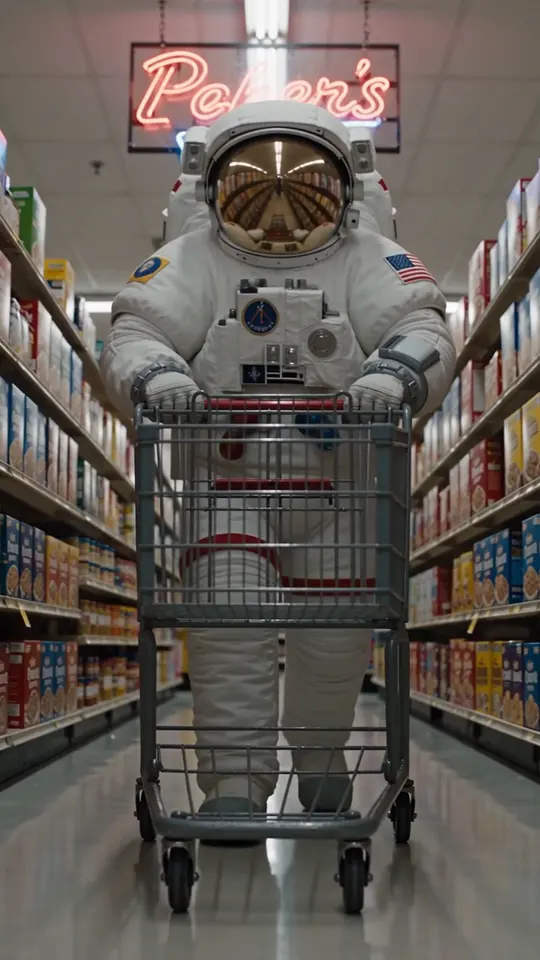
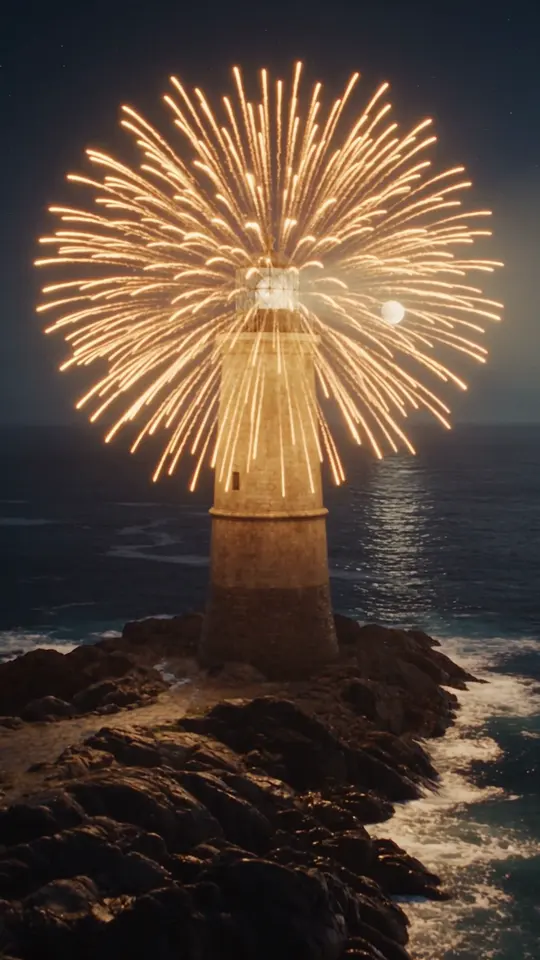
eroq re-shoots a clip with Ref-to-video in Video › Edit: bring the clip, write the new scene, light or style ("the same dance on a neon rooftop in the rain", "as claymation"), and the engine copies its motion and camera into a new render. It runs on eroq Motion One, Seedance 2.5, Seedance 2.0, Seedance 2.0 Fast and Seedance 2.0 Mini.

40 créditos grátis · sem cartão · modo privado em todas as contas

Vídeo · Criar

13 de out., 01:42:07·Pronto · Levou 1 min 8 sec

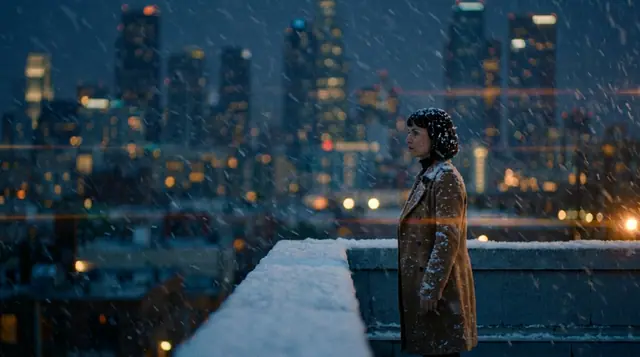
@Mara em um terraço ao entardecer, o casaco ao vento, a cidade se acendendo lá embaixo. lente anamórfica, 35mm. aproximação lenta

Veo 3.1 Fast · 8s · 1080p · 16:9 · 2 tomadas
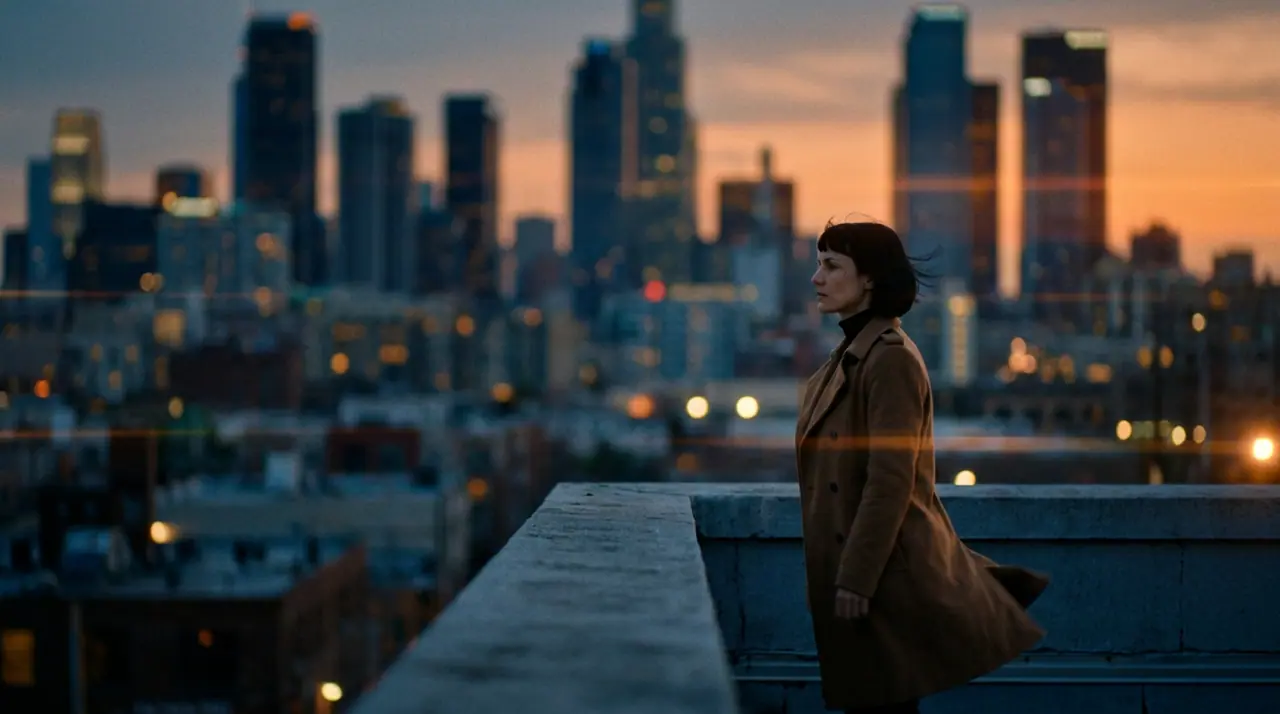
@Mara em um terraço ao entardecer, o casaco ao vento, a cidade se acendendo lá embaixo. lente anamórfica, 35mm. aproximação lenta
Estender Anteceder
Criar Editar Novo Replace Popular Efeitos
Adicionar personagem

@Mara em um terraço ao entardecer, o casaco ao vento, a cidade se acendendo lá embaixo. lente anamórfica, 35mm. aproximação lenta

Veo 3.1 Fast Sintaxe4s6s8s
Gerar 816
Engines
eroq Motion One, Seedance 2.5, Seedance 2.0, Seedance 2.0 Fast and Seedance 2.0 Mini
Kept
The motion and the camera of your clip
Changed
Scene, light, style or cast, from your prompt
Price
From 90 credits for 5 s, the reference included

How it works

  • 1 · Open Video › Edit, pick Ref-to-video and drop the clip, or pick one from your Library.
  • 2 · Write the new version:where, when, in what light, in what style, and @mention a Character to cast them.
  • 3 · Pick the engine and the length, and make the clip. The price shows first.

Restyles that work

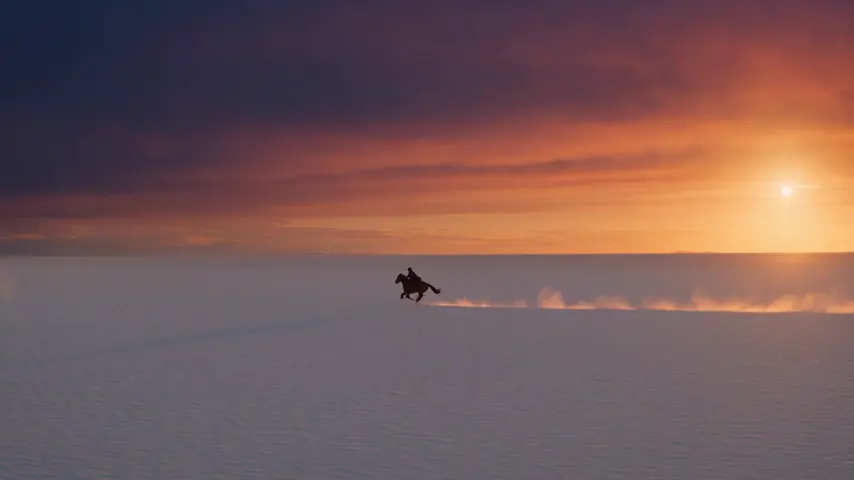
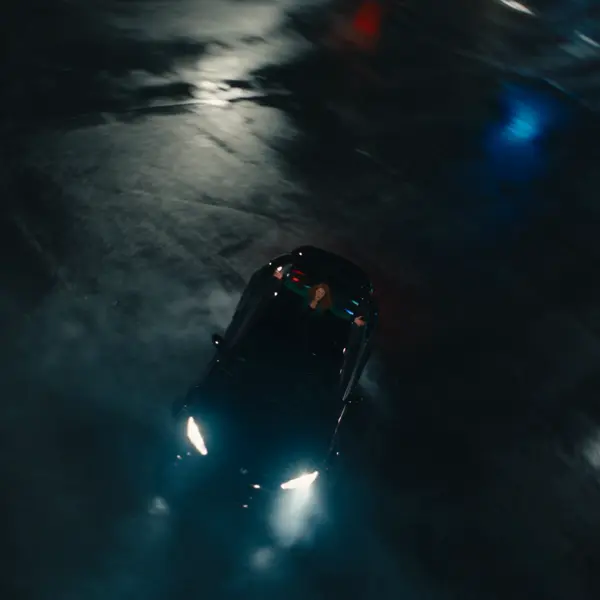
  • Time of day:the same walk at night, in snow, at golden hour.
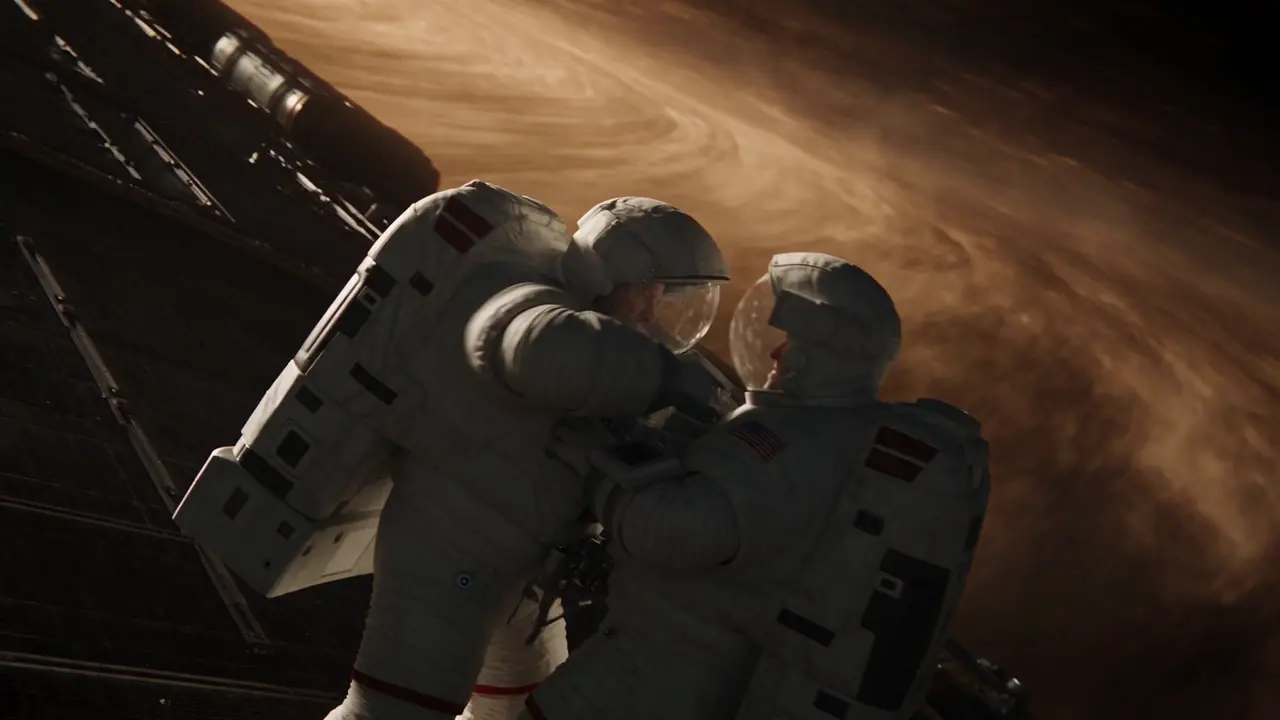
  • Place:the same dance in a desert, on a stage, in a spaceship corridor.
  • Style:anime, claymation, film noir, a watercolor painting.
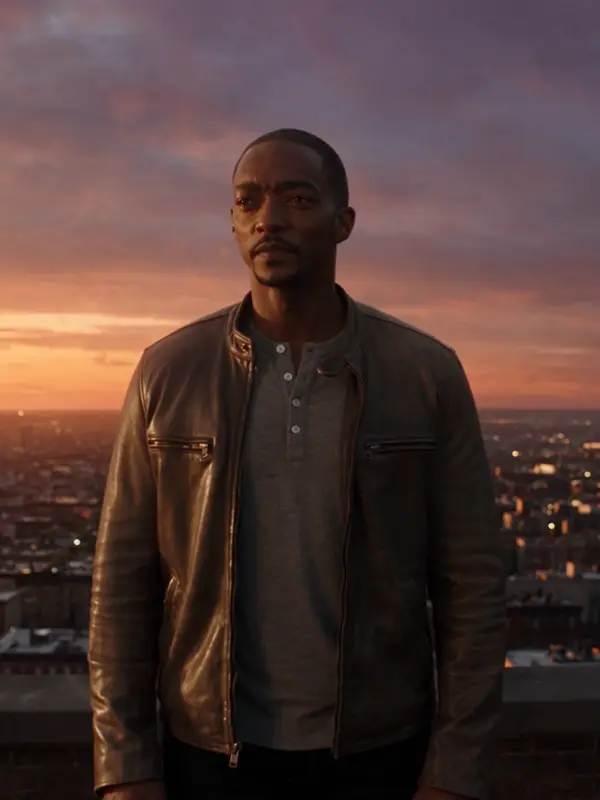
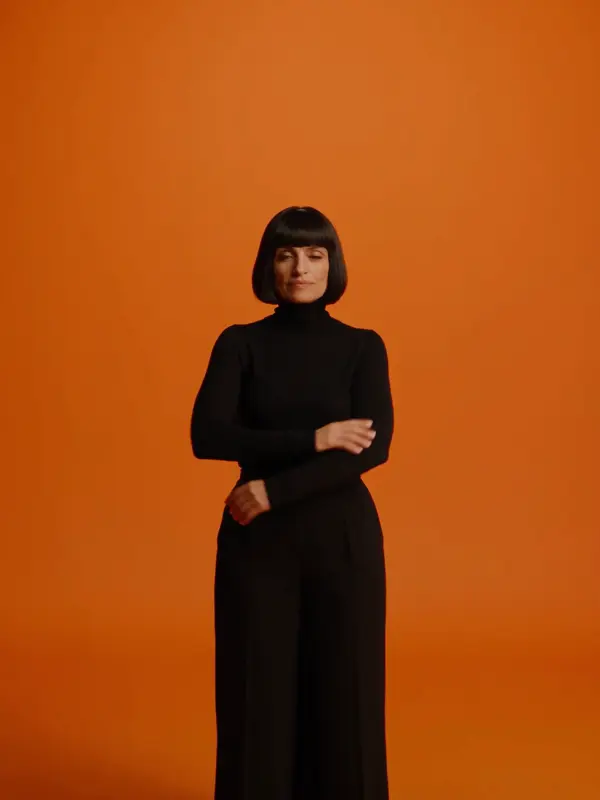
  • Cast:the same moves performed by one of your Characters.

Re-shoot, recast or effect

Ref-to-video makes a new clip with the old one's motion. Replace keeps the clip itself and changes who is in it. And Video › Effects restyles a clip in one click: Comic, Particles, Canvas, Tracking, Windows and Palette.

Clap · agente de IA

Ou deixe o Clap fazer os clipes

Descreva o resultado no Ask. O Clap pergunta o que precisa, escolhe os motores, escreve os prompts e calcula o preço do plano. Quando você aprova, ele renderiza tudo na sua biblioteca. Tudo automático, e nada roda antes do seu sim.

  • 1O Clap faz uma pergunta por vez e mantém o briefing, o elenco e o storyboard em dia.
  • 2O plano lista cada render e o preço dele antes de qualquer coisa rodar.
  • 3Um clique em Aprovar e tudo é renderizado. Tomadas que falham são reembolsadas sozinhas.

Ask · Clap

Três clipes de 5 segundos, cheios de clima, de Kai andando na chuva neon, 16:9.

Clap · Pensou por 6s

Três tomadas do mesmo movimento, cada uma em um clipe. Aqui está o plano.

Plano · 3 renders435 cr
Clipe · Cena 1 · eroq Motion One · 5s · 16:9145 cr
Clipe · Cena 2 · eroq Motion One · 5s · 16:9145 cr
Clipe · Cena 3 · eroq Motion One · 5s · 16:9145 cr
Pronto · tudo entregue

Produção

Salvo na sua biblioteca

Privacidade

Privado e sem restrições

  • Sem filtro nos motores do próprio eroq: uma política escrita no lugar.
  • Eles não guardam nada, e nada é treinado com o seu trabalho.
  • O modo privado não guarda nenhum arquivo.

Perguntas frequentes

Can AI change the style of a video?

Yes. Bring the clip to Ref-to-video in Video › Edit and describe the new style or scene: the engine keeps the motion and the camera and renders everything else from your words.

Does it keep the motion exactly?

It follows it closely (the timing, the gestures, the camera move) in a new render; it is not a filter laid over the old frames. To keep every frame and change only the people, use Replace.

Can I restyle a clip with my character in it?

Yes: @mention a Character in the prompt and they perform the moves of the clip.

Is it free?

Free to start: every new account gets 40 free credits with no card. A clip costs from 50 credits for five seconds on eroq Motion One at 480p, shown before you click, and a failed render refunds itself. More credits start with a $10 pack (1,000 credits) or a plan from $15/month.

Experimente grátis

40 créditos grátis · sem cartão · modo privado em todas as contas