

13 Okt, 01.42.07·Siap · Butuh waktu 1 min 8 sec · −816 kredit
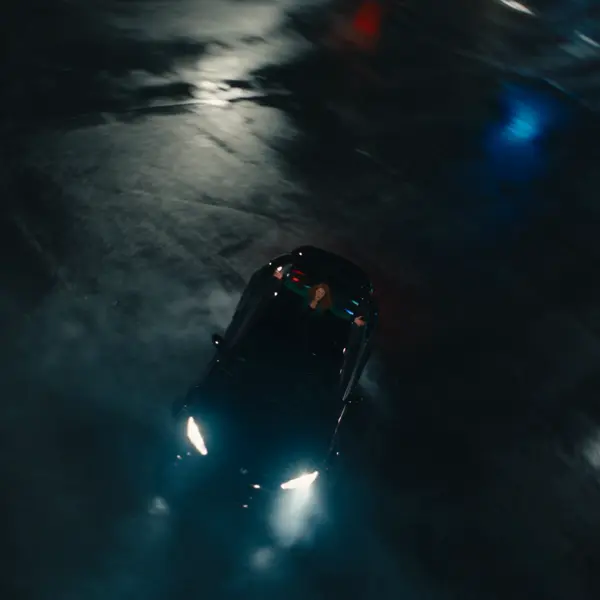
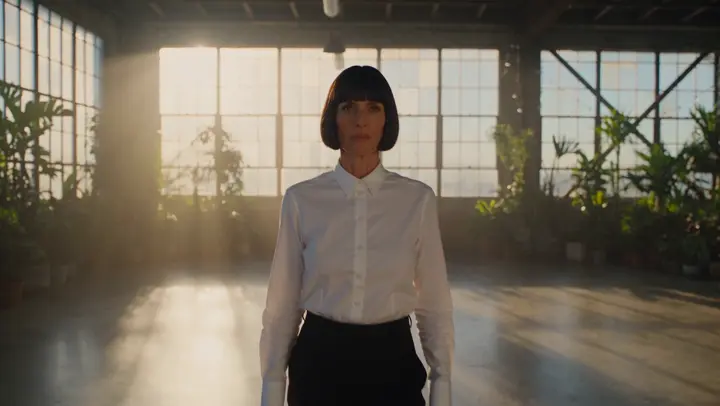
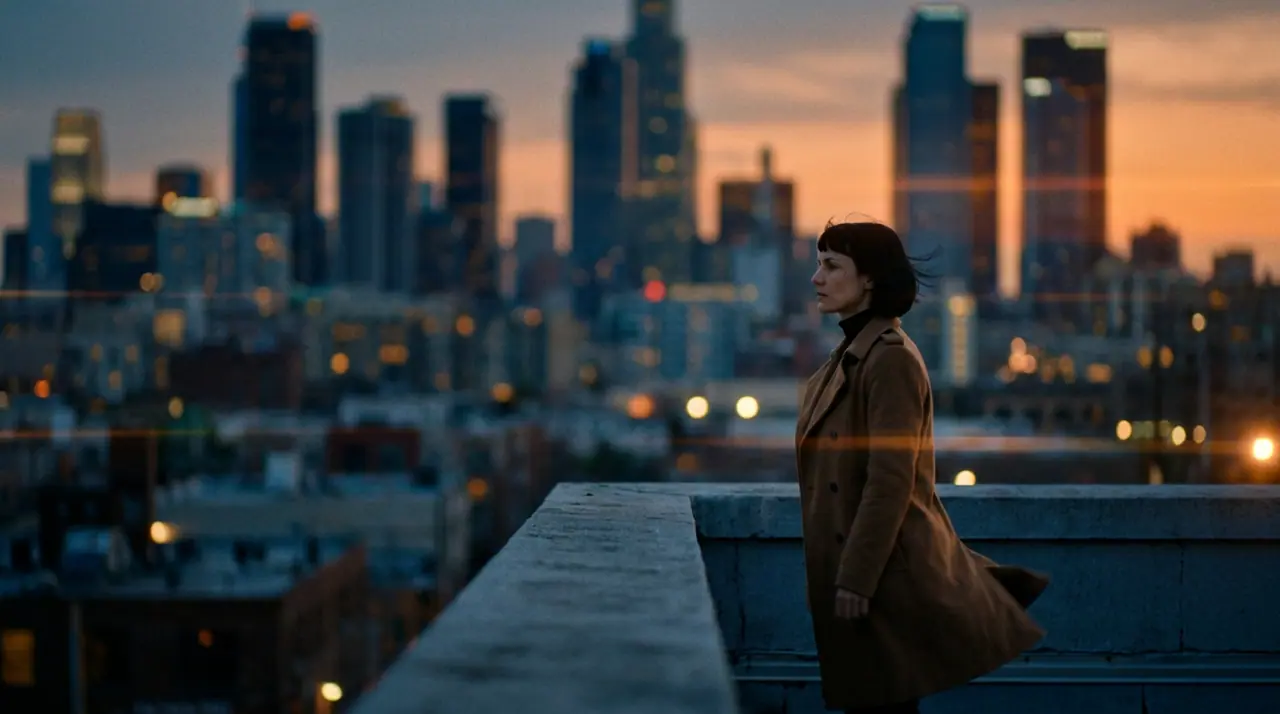
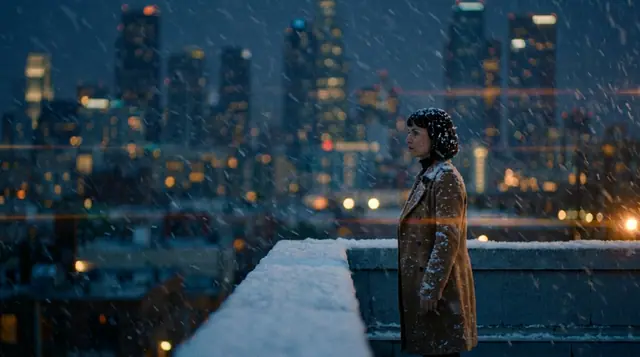
@Mara di atap gedung saat senja, mantelnya tertiup angin, kota menyala di bawahnya. anamorphic, 35mm. zoom lambat
Veo 3.1 Fast · 8 dtk · 1080p · 16:9 · 2 take
Perpanjang Mengarah ke
Tool
eroq re-shoots a clip with Ref-to-video in Video › Edit: bring the clip, write the new scene, light or style ("the same dance on a neon rooftop in the rain", "as claymation"), and the engine copies its motion and camera into a new render. It runs on eroq Motion One, Seedance 2.5, Seedance 2.0, Seedance 2.0 Fast and Seedance 2.0 Mini.
40 kredit gratis · tanpa kartu · mode privat di setiap akun
Video · Buat
13 Okt, 01.42.07·Siap · Butuh waktu 1 min 8 sec · −816 kredit
@Mara di atap gedung saat senja, mantelnya tertiup angin, kota menyala di bawahnya. anamorphic, 35mm. zoom lambat
Veo 3.1 Fast · 8 dtk · 1080p · 16:9 · 2 take
@Mara di atap gedung saat senja, mantelnya tertiup angin, kota menyala di bawahnya. anamorphic, 35mm. zoom lambat
Ref-to-video makes a new clip with the old one's motion. Replace keeps the clip itself and changes who is in it. And Video › Effects restyles a clip in one click: Comic, Particles, Canvas, Tracking, Windows and Palette.
Clap · agen AI
Deskripsikan hasilnya di Ask. Clap menanyakan apa yang dibutuhkan, memilih mesin, menulis prompt, dan menghitung harga rencananya. Setelah kamu setujui, semuanya dirender ke pustakamu. Sepenuhnya otomatis, dan tidak ada yang berjalan sebelum kamu bilang ya.
Ask · Clap
Clap · Berpikir selama 6s
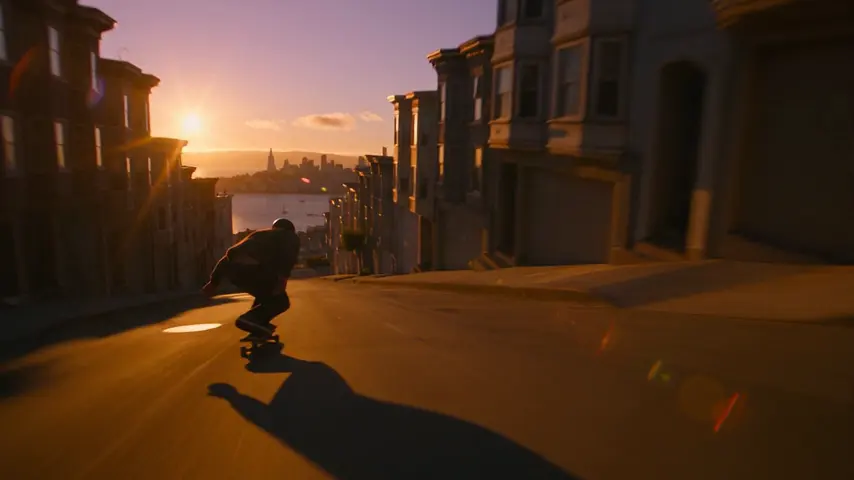
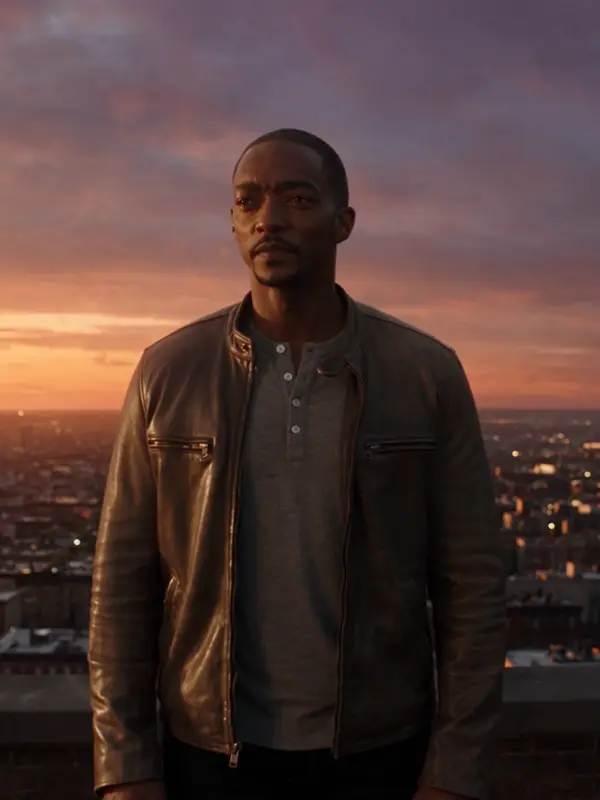
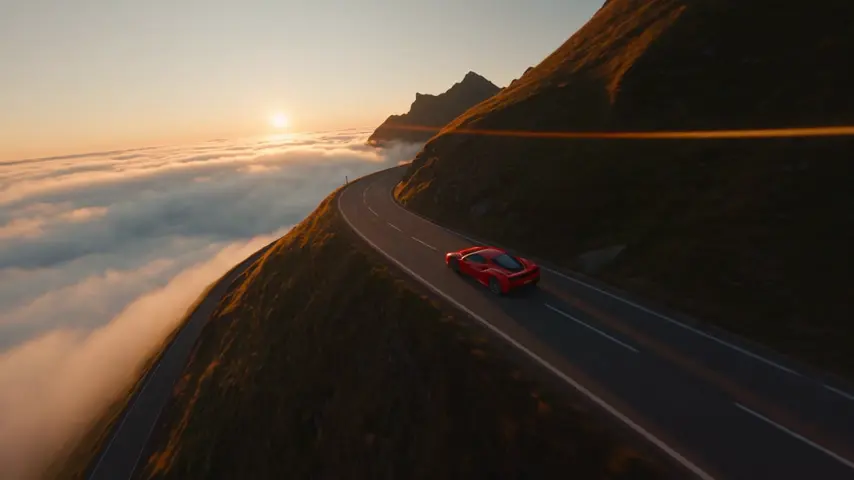
Tiga take untuk gerakan yang sama, masing-masing satu klip. Ini rencananya.
Produksi
Disimpan di pustakamu
Privasi
Privat dan tanpa batasan
Yes. Bring the clip to Ref-to-video in Video › Edit and describe the new style or scene: the engine keeps the motion and the camera and renders everything else from your words.
It follows it closely (the timing, the gestures, the camera move) in a new render; it is not a filter laid over the old frames. To keep every frame and change only the people, use Replace.
Yes: @mention a Character in the prompt and they perform the moves of the clip.
Free to start: every new account gets 40 free credits with no card. A clip costs from 50 credits for five seconds on eroq Motion One at 480p, shown before you click, and a failed render refunds itself. More credits start with a $10 pack (1,000 credits) or a plan from $15/month.
40 kredit gratis · tanpa kartu · mode privat di setiap akun
Jelajahi lagi