Tool
LinkedIn headshot from a selfie
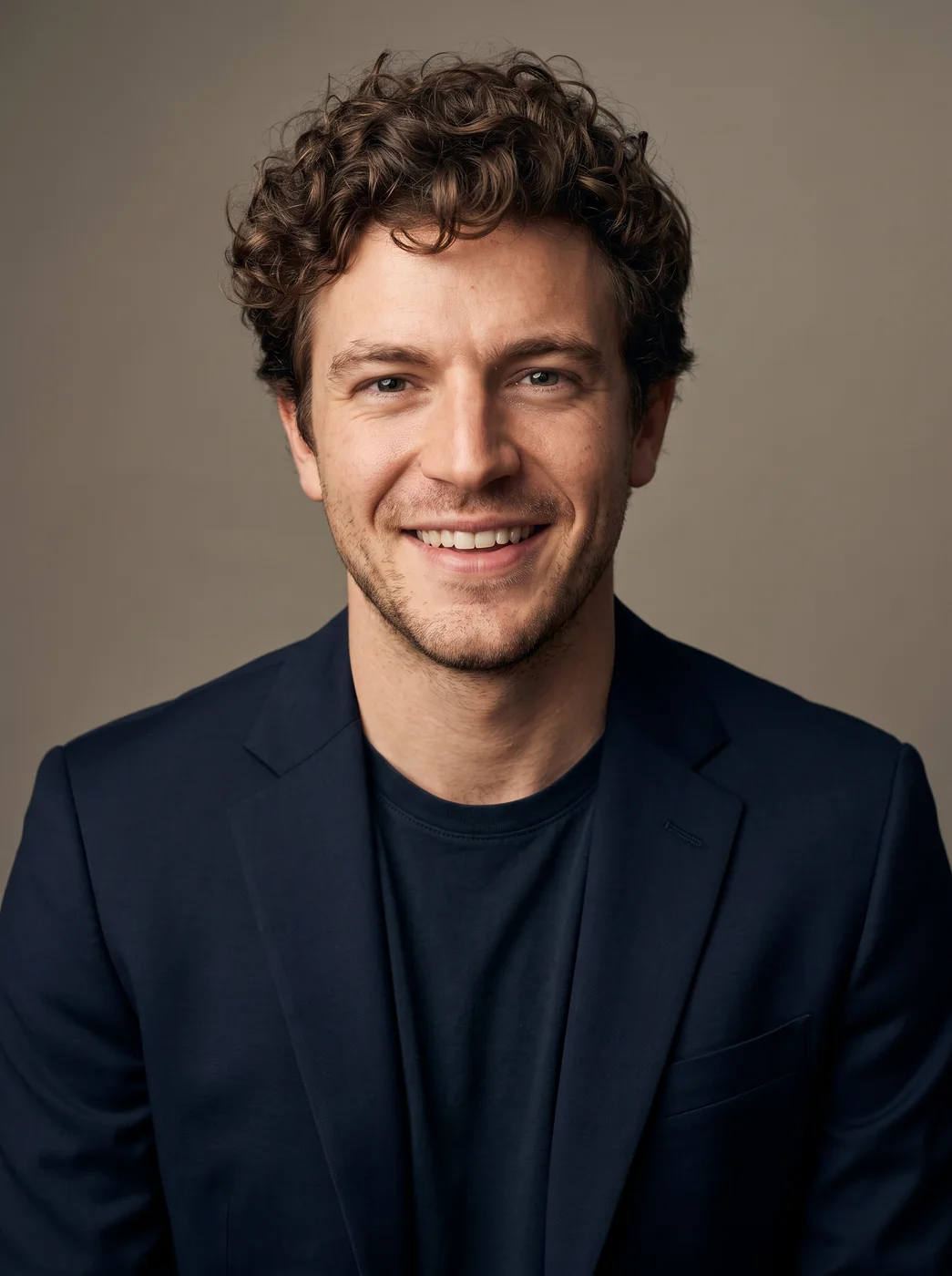
To get a LinkedIn headshot from a selfie, upload it to the eroq Headshot generator app, pick a backdrop and press Generate: you get a studio-lit portrait in a dark blazer, with your own face and a relaxed smile. It comes in portrait format, with room to crop it into the round LinkedIn profile frame.
40 créditos gratis · sin tarjeta · modo privado en todas las cuentas
- App
- Headshot generator, in the eroq studio: one click, no prompt to write
- Input
- Your photo, or one of your characters
- Output
- A picture
- Price
- 124 credits a picture, shown before you click
- Plans
- Every plan, free accounts included
- Policy
- Fiction only · 18 or older · no real people without consent
Privacidad
Privado y sin restricciones
- →Sin filtros en los motores propios de eroq: una política escrita en su lugar.
- →No conservan nada y nada se entrena con tu trabajo.
- →El modo privado no guarda ningún archivo.
How it works
- →1 · Upload a selfie of your own face.
- →2 · Pick Studio grey or Office for a classic profile look.
- →3 · Press Generate, then crop it square for LinkedIn.
Taking the selfie
- →Hold the phone at eye level, at arm's length, or use a timer.
- →Face a window: soft daylight beats a ceiling light.
- →Look straight at the lens with your whole face visible.
- →No sunglasses, hats or beauty filters on the selfie.
Before you upload it to LinkedIn
- →Crop to a square with your face centered; LinkedIn shows it as a circle.
- →Make sure it looks like you today: people will meet the person in the photo.
- →Use the same headshot on your resume and email signature for one look.
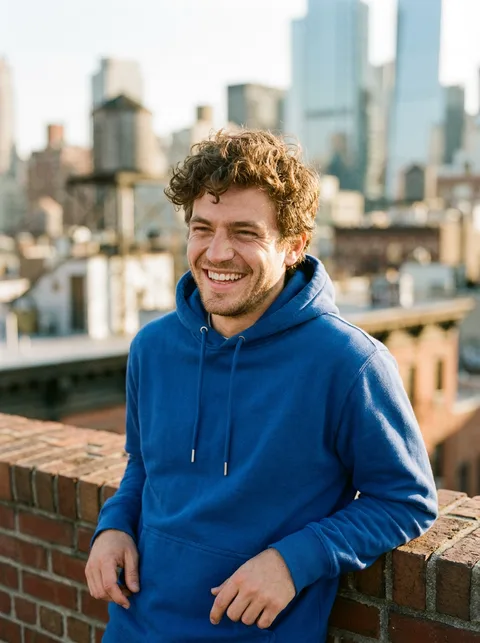
- →Every headshot wears a dark blazer; Outdoors makes it feel less formal.
Preguntas frecuentes
Is an AI headshot OK for LinkedIn?
Yes, as long as it looks like you: the app keeps your face and changes the light, the backdrop and the outfit. Make sure people who know you would recognise you from it.
Which backdrop is best for LinkedIn?
Studio grey is the safest classic and Office works for corporate roles. Outdoors gives a friendlier look for creative or freelance work.
Can I change the outfit?
Not in this app: every headshot wears a crisp dark blazer. For another outfit, run the Outfit swap app on the result.
Why is the headshot smiling?
The app gives every headshot a natural, relaxed smile, the usual look for a profile photo. Generate again if the first one does not feel like you.
Is the Headshot generator app free?
You can open the app and set it up without an account. A picture costs 124 credits, shown on the button before you click, and a failed render gives the credits back. Every new account gets 40 free credits with no card; more credits start with a $10 pack (1,000 credits) or a plan from $15/month.
Pruébalo gratis
40 créditos gratis · sin tarjeta · modo privado en todas las cuentas
Sigue explorando