博客/trends·2026年11月20日·5 分钟·作者:eroq 团队
GTA 6 loading screen AI: make your own from one photo
Turn one photo into GTA 6 loading-screen art with AI, as a still poster or a five-second clip, your face kept and a Vice City sunset behind. Step by step, with the prompt.
做这些热门玩法
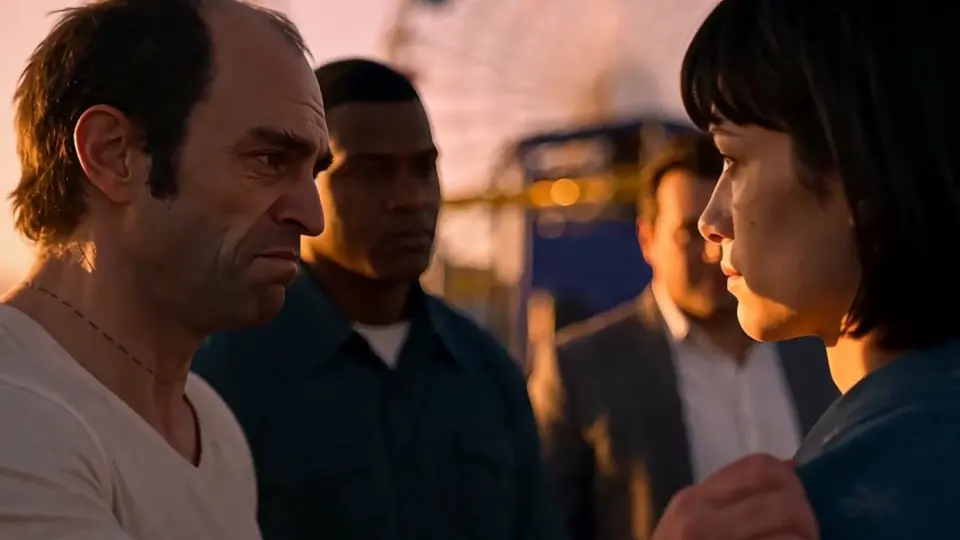
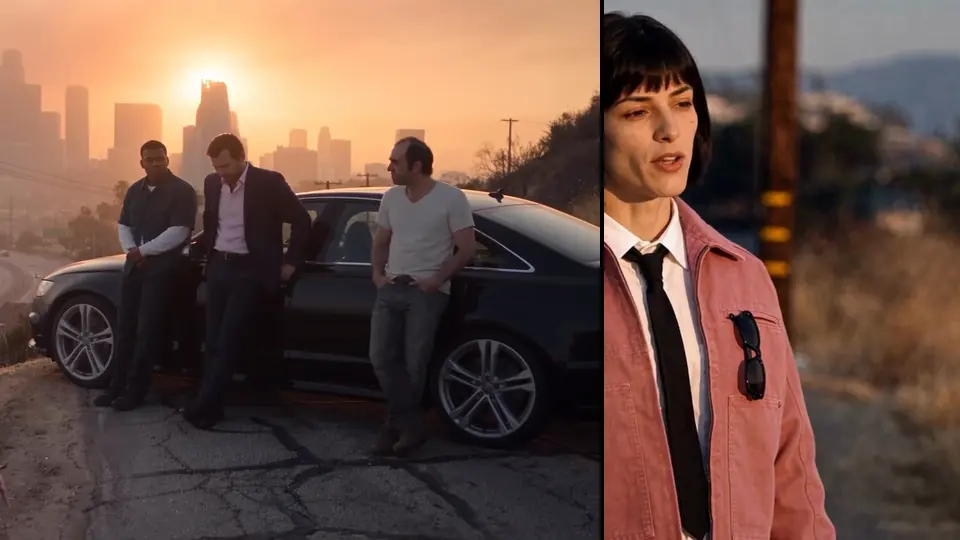
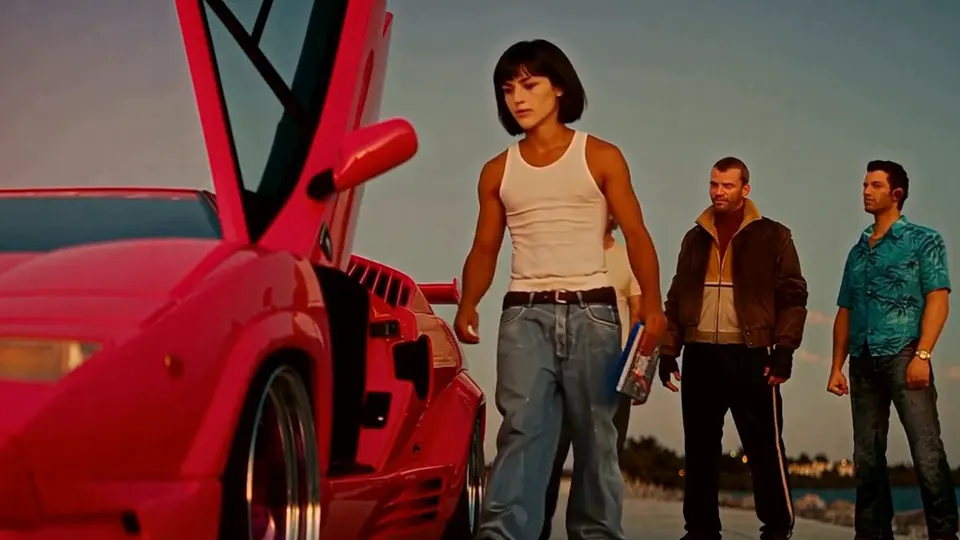
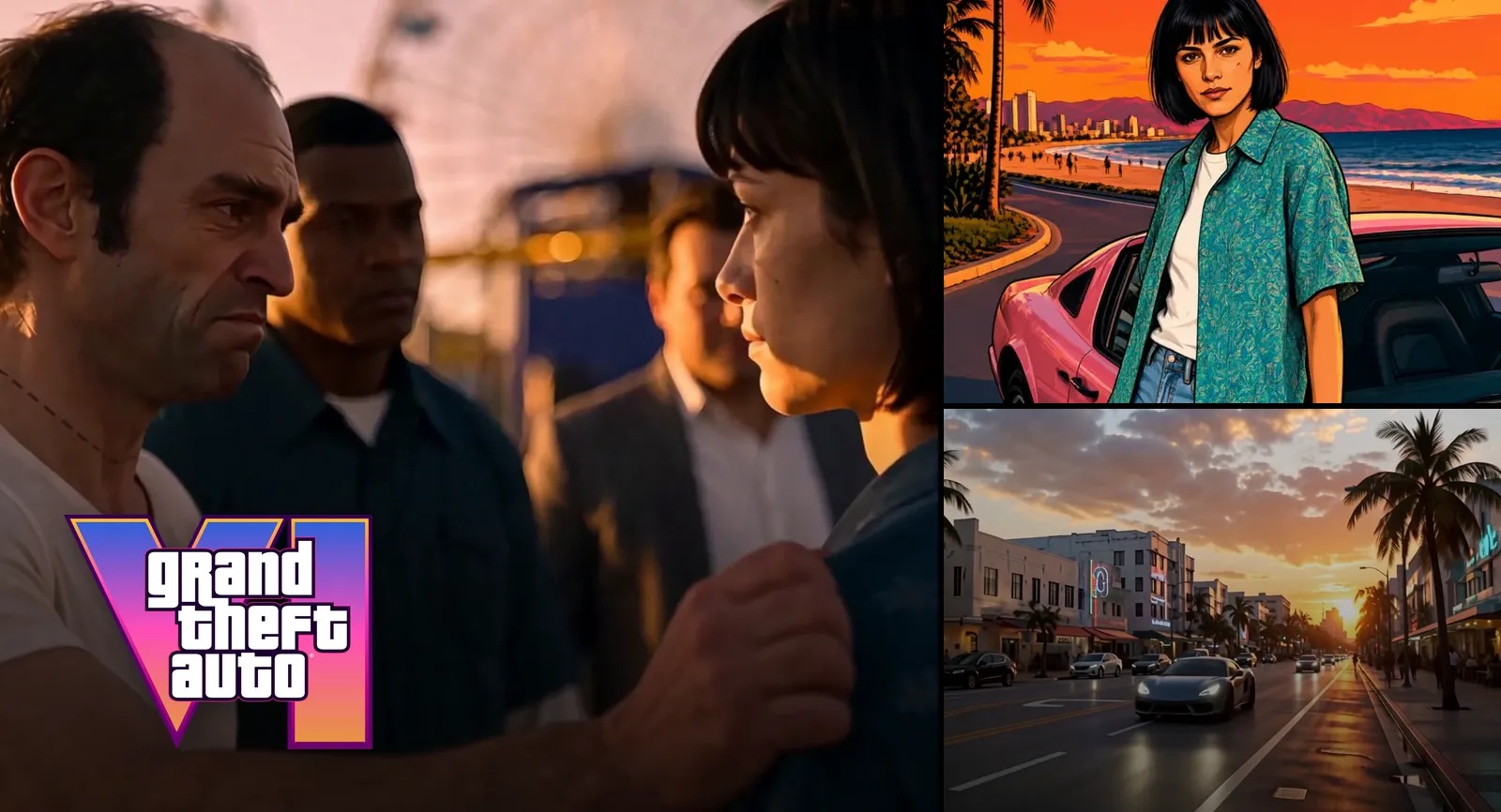
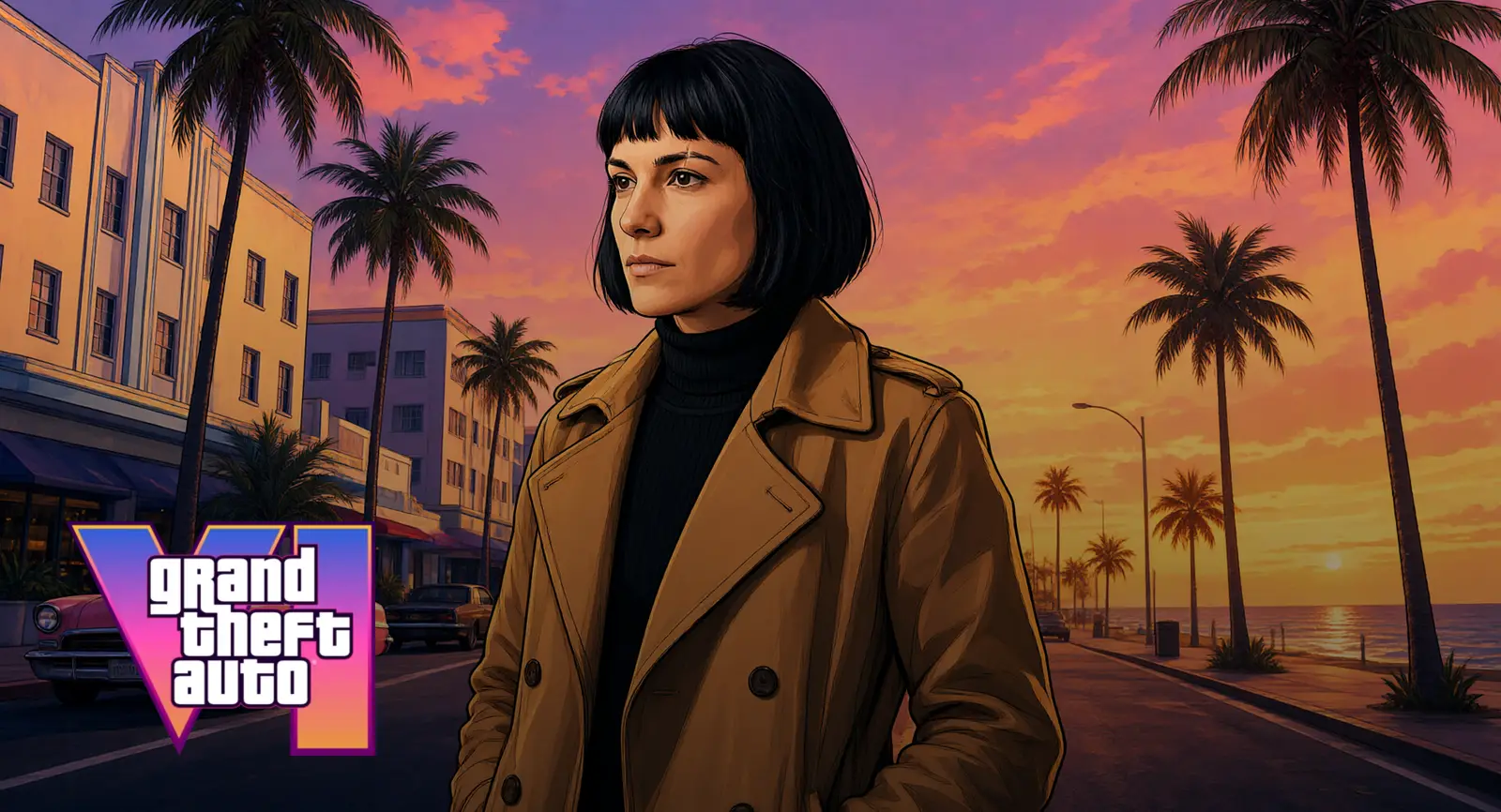
GTA 6 is out, and the trend that came with it is the loading screen: your own photo redrawn as the artwork the game shows while it loads, ink outlines, painted shading, palm trees and a Vice City sky behind you. This guide shows how to make yours in eroq from one photo, as a still poster for your profile or as a five-second clip for TikTok, with the exact prompt we use.
What the GTA 6 loading screen trend is
Grand Theft Auto has always loaded on illustrated artwork: its characters drawn like poster art, in heavy outlines and saturated colour. GTA 6 keeps the tradition with a warmer, painted look, a Vice City of beach boulevards, art deco hotels and pink sunsets. Since the release on 19 November 2026, people turn their own photos into that art, alone, as a couple or with friends, and post it with a fake loading bar. The CapCut template made the format popular; you can make it without CapCut, in the browser.
Make it as a clip, in one click
The quickest way is the GTA filter effect: your photo goes in, a five-second clip comes back where it turns into the loading-screen art while the camera pushes in.
- Open the effect. Go to Video, Effects: the GTA filter is the first card.
- Drop your photo. One where your face and your outfit are clear and well lit, or a picture of a character you made.
- Generate. Add a few words if you like (a pose, a place). Five seconds on eroq Motion One, from 50 credits.
Make it as a still poster
For a profile picture, a thumbnail or a story, make the still in the image studio. This link opens Image, Edit with the recipe already written: drop your photo and press Edit. Or paste the prompt yourself:
Turn this photo into the illustrated artwork of a GTA 6 loading screen: the same person with the same face, hair and outfit, redrawn as hand-painted video game key art with crisp black ink outlines and smooth airbrushed cel shading, a confident pose, a Vice City ocean boulevard behind them at sunset with tall palm trees, art deco hotels, a pink convertible at the curb and a pink, orange and purple sky, warm saturated colours, a slightly low cinematic angle. No text, no letters, no signs, no logos.
Eroq One edits the photo in a few seconds and keeps your face: 10 credits a take. Make two or three takes and keep the best one. To bring it to life afterwards, press Animate under the picture and say what moves: the palm trees sway, a car rolls by, you turn to the camera.
Variations people post
- The couple: one photo of the two of you, back to back or arm in arm. Both of you should agree to it.
- On the car: sitting on the hood of a pink convertible, add « sitting on the hood of a pink convertible » to the prompt.
- Night in Vice City: swap the sunset for « at night under pink and cyan neon ».
- The crew: a photo of your friends together, each one keeps their own face.
Keep the end of the prompt as it is: « No text, no letters, no signs, no logos » keeps the art clean, and you add your own name or loading bar in the TikTok editor.
Post it on TikTok
Download the clip or the picture from your Library, open TikTok, and add the trend's touches in its editor: a « Loading… » caption at the bottom, a progress bar, your name in big letters. A still works as a photo post; the clip works as a video with the sound you choose.
What it costs
| Version | Price | Engine |
|---|---|---|
| Still poster | 10 credits a take | Eroq One, edits your photo |
| Five-second clip | from 50 credits | eroq Motion One, the GTA filter |
A new account starts with 40 free credits, no card: enough for 4 loading-screen posters. More come from a pack or a plan, and a render that fails is refunded.
Who you can put in it
Yourself, a character you made, or a friend who agreed to it: the usage policy rules out real, identifiable people without their consent, and everyone in the picture is 18 or older. GTA, Vice City and their artwork belong to Rockstar Games and Take-Two Interactive, and eroq is not affiliated with them: the art borrows the look, never the logos.
More GTA 6 trends
The GTA 6 AI page gathers every GTA trend you can make in eroq: the loading screen, the GTA filter step by step, and the viral goodbye to GTA V as ready-made templates.
FAQ
How do I make a GTA 6 loading screen of myself with AI?
Open the GTA filter in eroq's Video, Effects, drop a photo of yourself and press Generate: a five-second clip turns it into GTA 6 loading-screen art, from 50 credits. For a still poster, use Image, Edit with the prompt above: 10 credits a take, your face and your outfit kept.
Is there a free GTA 6 loading screen AI generator?
A new eroq account gets 40 free credits with no card, enough for 4 loading-screen posters on Eroq One.
Can I make it without CapCut?
Yes. eroq works in the browser and in its phone app: drop your photo, generate, download, and post it from TikTok's own editor.
Can I make a GTA 6 loading screen with my boyfriend or girlfriend?
Yes: use one photo of the two of you, and both of you are drawn into the same art. Make sure your partner agrees to it; everyone shown is 18 or older.
Why does the prompt say no text?
Image engines draw letters badly and could imitate a real logo. Leave the art clean and add your own words, a « Loading… » line or your name, in your video editor.
Is it the official GTA 6 art?
No. eroq is not affiliated with Rockstar Games: the result reproduces the general look of the loading-screen art, never the game's logos or characters.
试试这个提示词
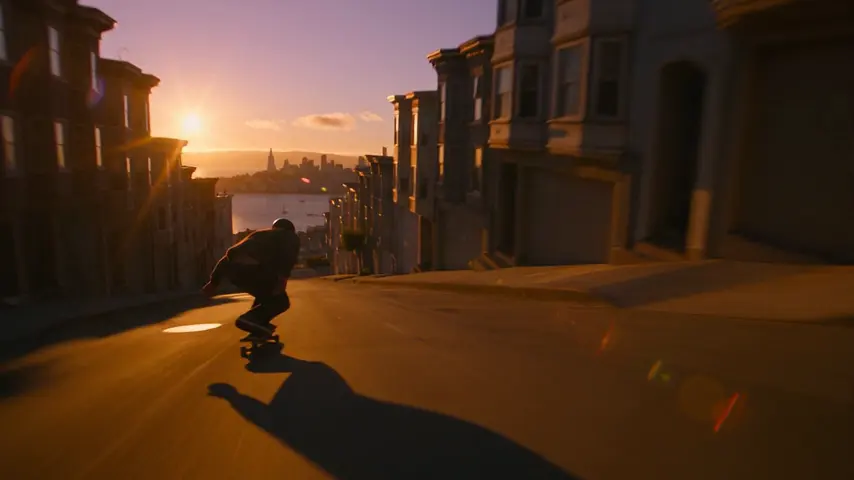
Tracking shot alongside a skateboarder bombing down a steep San Francisco street at golden hour, low angle, motion blur