





13 ต.ค. 01:39:36·พร้อมแล้ว · ใช้เวลา 31 sec · −10 เครดิต
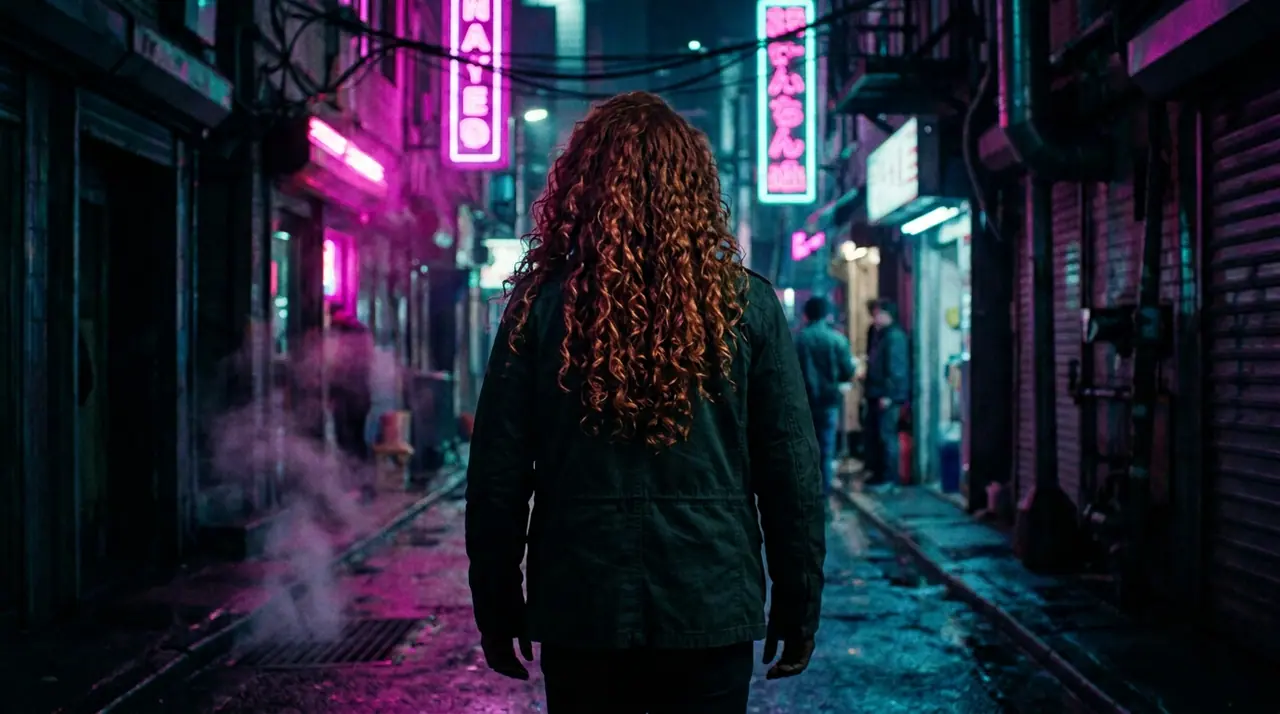
@Picture 1: เปลี่ยนผู้ชายเป็นผู้หญิงใน @Picture 2 ใส่แจ็กเก็ตตัวเดิม ตรอกเดิม นีออนเดิม
Eroq One · คงไว้ · 1 เทค
Tool
eroq upscales a picture in one click: open Image › Upscale, add the picture, pick ×2 or ×4, and eroq Upscale gives it back larger with the detail restored, from edges and skin to lettering. It costs 6 credits at ×2 and 8 at ×4, on eroq's own GPUs.
40 เครดิตฟรี · ไม่ต้องใช้บัตร · โหมดส่วนตัวในทุกบัญชี
รูปภาพ · สร้าง
13 ต.ค. 01:39:36·พร้อมแล้ว · ใช้เวลา 31 sec · −10 เครดิต
@Picture 1: เปลี่ยนผู้ชายเป็นผู้หญิงใน @Picture 2 ใส่แจ็กเก็ตตัวเดิม ตรอกเดิม นีออนเดิม
Eroq One · คงไว้ · 1 เทค
13 ต.ค. 01:42:07·พร้อมแล้ว · ใช้เวลา 26 sec · −40 เครดิต
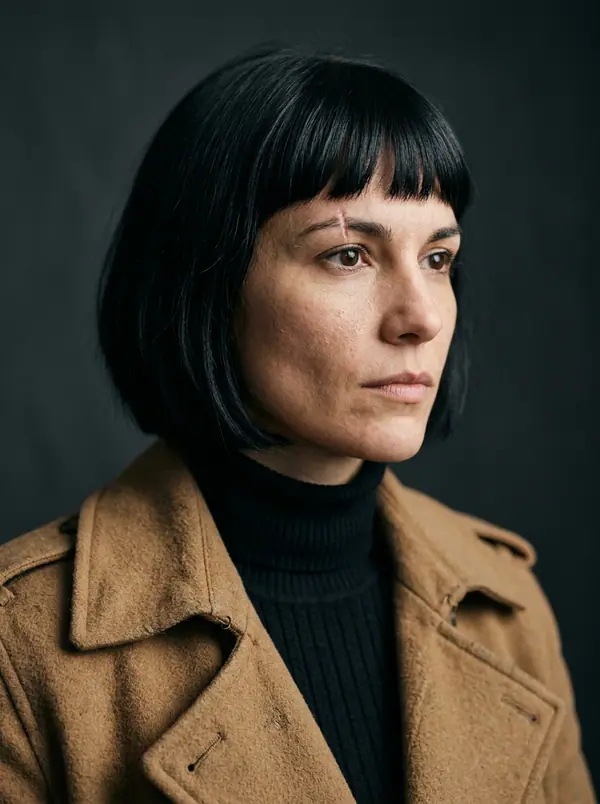
@Lena, ภาพพอร์ตเทรตสบายๆ ถ่ายด้วยฟิล์ม 35mm ที่บ้าน แสงอบอุ่นจากหน้าต่าง เกรนฟิล์มนุ่มๆ
Eroq One · 3:4 · 4 เทค




@Lena, ภาพพอร์ตเทรตสบายๆ ถ่ายด้วยฟิล์ม 35mm ที่บ้าน แสงอบอุ่นจากหน้าต่าง เกรนฟิล์มนุ่มๆ
It restores detail at the larger size (edges, textures, skin, small lettering) and leaves the picture as it is: same framing, same faces, same colors. It cannot add what was never there, and a picture already 4K on its long side is turned down before anything is billed.
eroq Upscale takes clips in Video › Edit › Upscale: a render or an upload brought to 1080p and 2K, frame rate and sound kept.
Clap · เอเจนต์ AI
อธิบายผลลัพธ์ที่ต้องการใน Ask แล้ว Clap จะถามสิ่งที่ต้องรู้ เลือกเอนจิน เขียนพรอมต์ และคิดราคาแผน เมื่อคุณอนุมัติ มันจะเรนเดอร์ทุกอย่างเข้าคลังผลงานของคุณ อัตโนมัติทั้งหมด และไม่มีอะไรรันก่อนที่คุณจะตอบตกลง
Ask · Clap
Clap · คิดอยู่ 6 วินาที
สามเฟรม ใบหน้าเดียวกันจากชีตของ Lena นี่คือแผน
โปรดักชัน

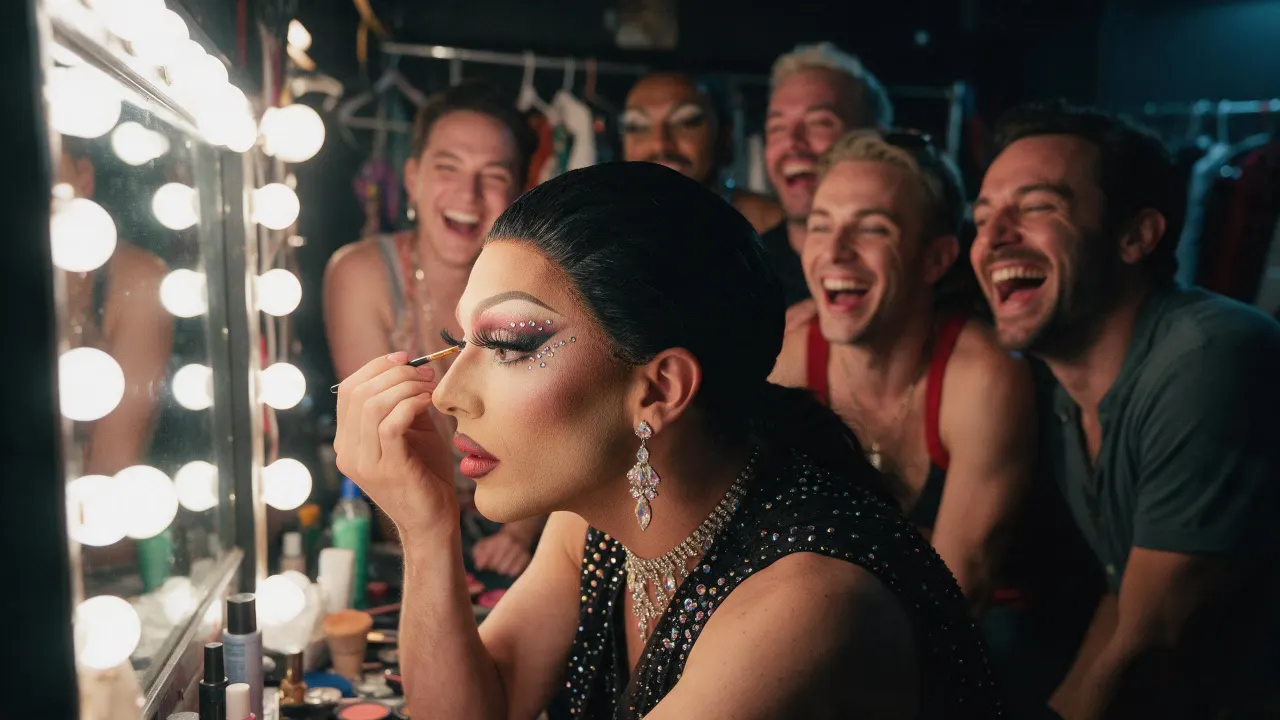
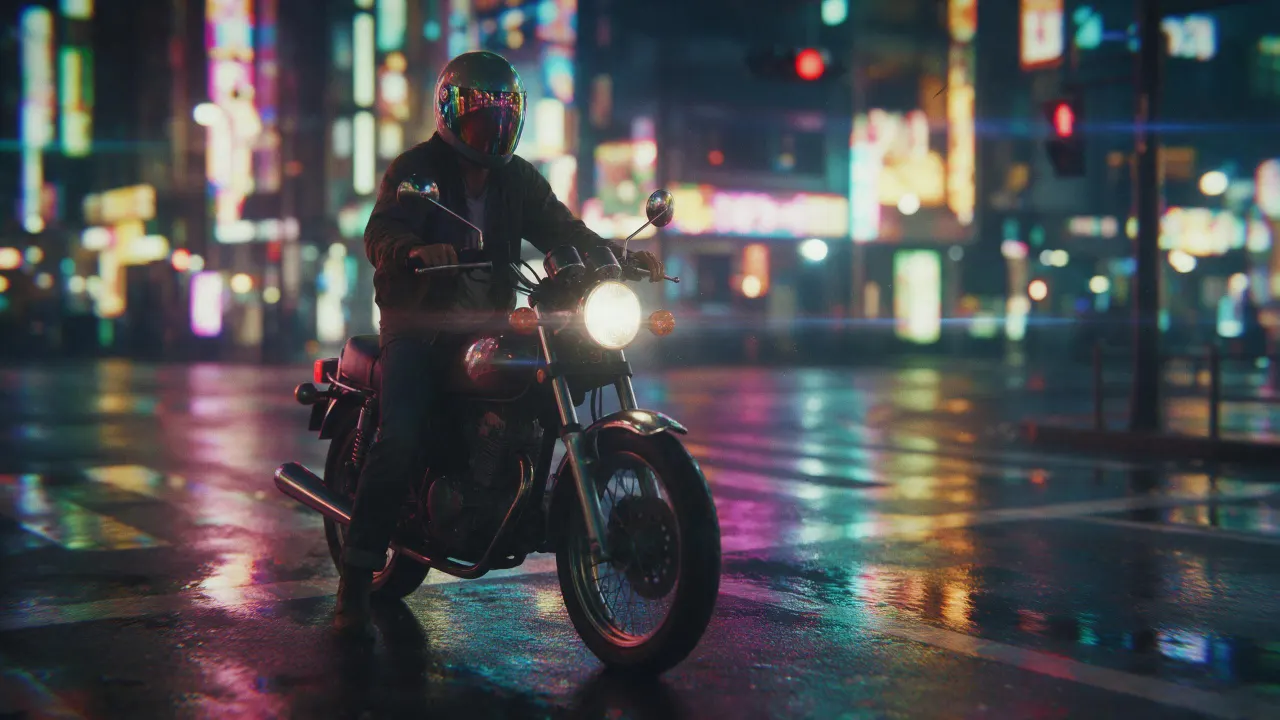
บันทึกในคลังผลงานแล้ว
แต่ละการ์ดเปิดเทรนด์นั้นในสตูดิโอ พร้อมใช้งานทันที
ความเป็นส่วนตัว
เป็นส่วนตัวและไม่จำกัด
Open Image › Upscale, add the picture, pick ×2 or ×4 and press Upscale. The larger picture lands in your Library.
×2 for a picture you will post or print small; ×4 for a small picture you need large. ×2 costs 6 credits, ×4 8 credits; past 4K on the long side the size is capped.
Yes: upload any picture you have the rights to, a photo or an export from another tool.
Yes, in Video › Edit › Upscale: eroq Upscale brings a clip to 1080p and 2K, priced per second.
Free to start: every new account gets 40 free credits with no card, 6 upscales at ×2. A failed upscale refunds itself. More credits start with a $10 pack (1,000 credits) or a plan from $15/month.
40 เครดิตฟรี · ไม่ต้องใช้บัตร · โหมดส่วนตัวในทุกบัญชี