blog/trends·25 de nov. de 2026·7 min·pela equipe eroq
How to turn your own story into GTA gameplay with AI
The GTA gameplay trend, explained. Write a story, add your characters, and get it back as open-world gameplay with the lines spoken in your language. How to make yours in eroq.
Faça estas trends
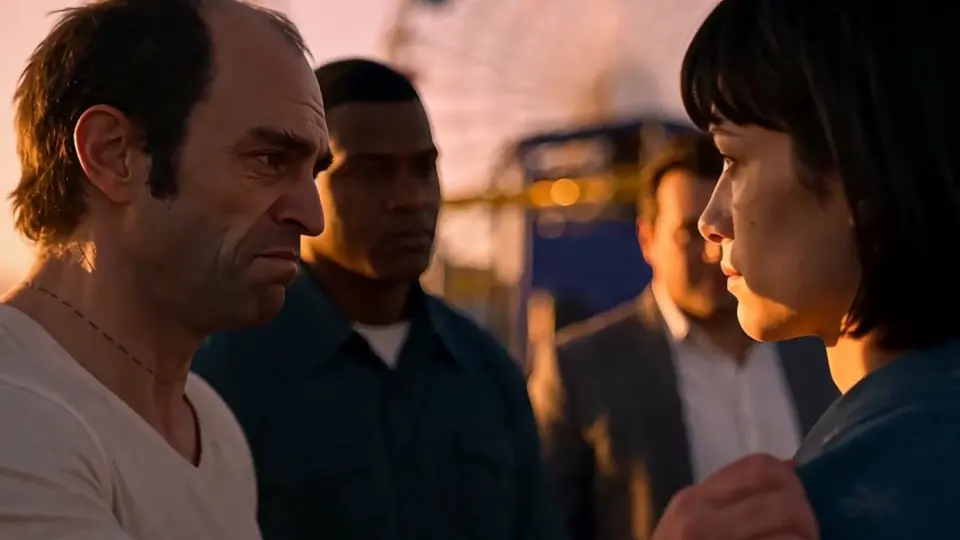
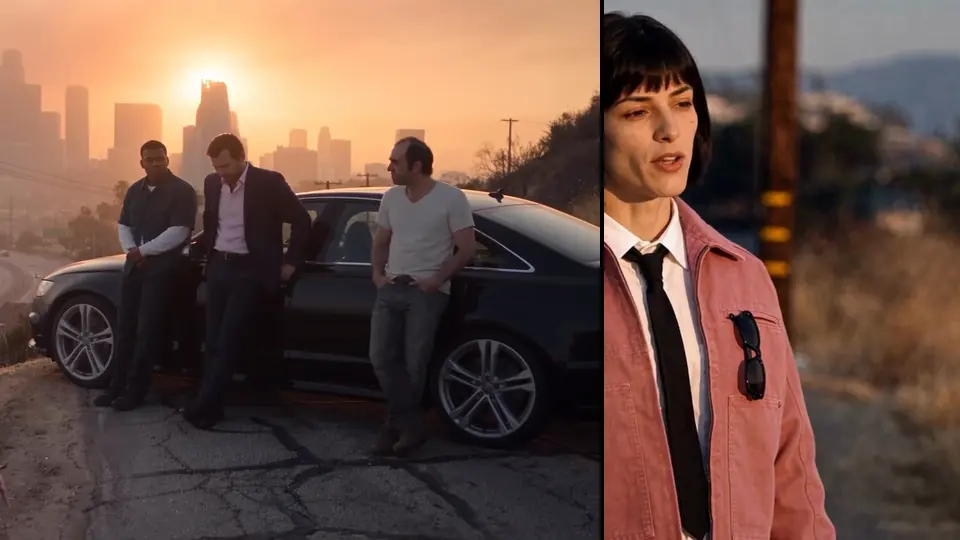
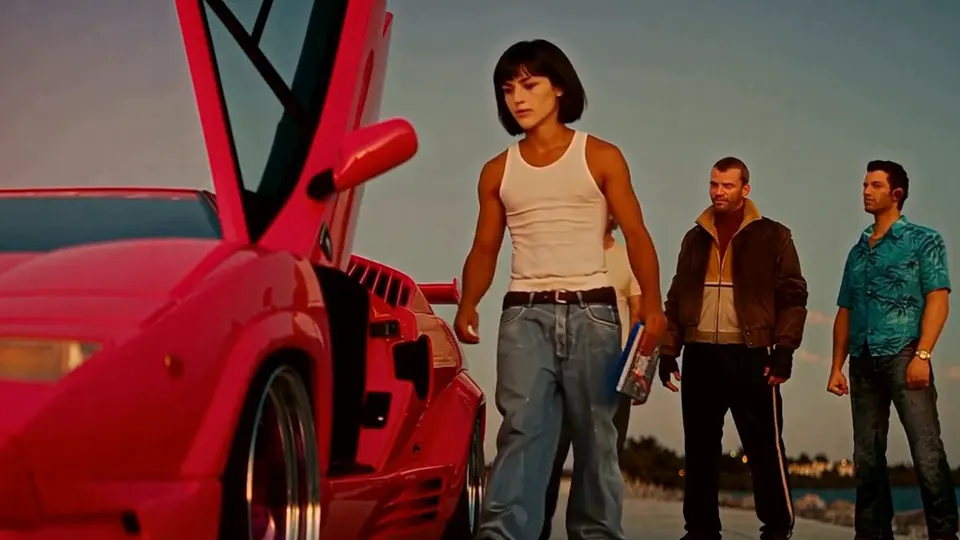
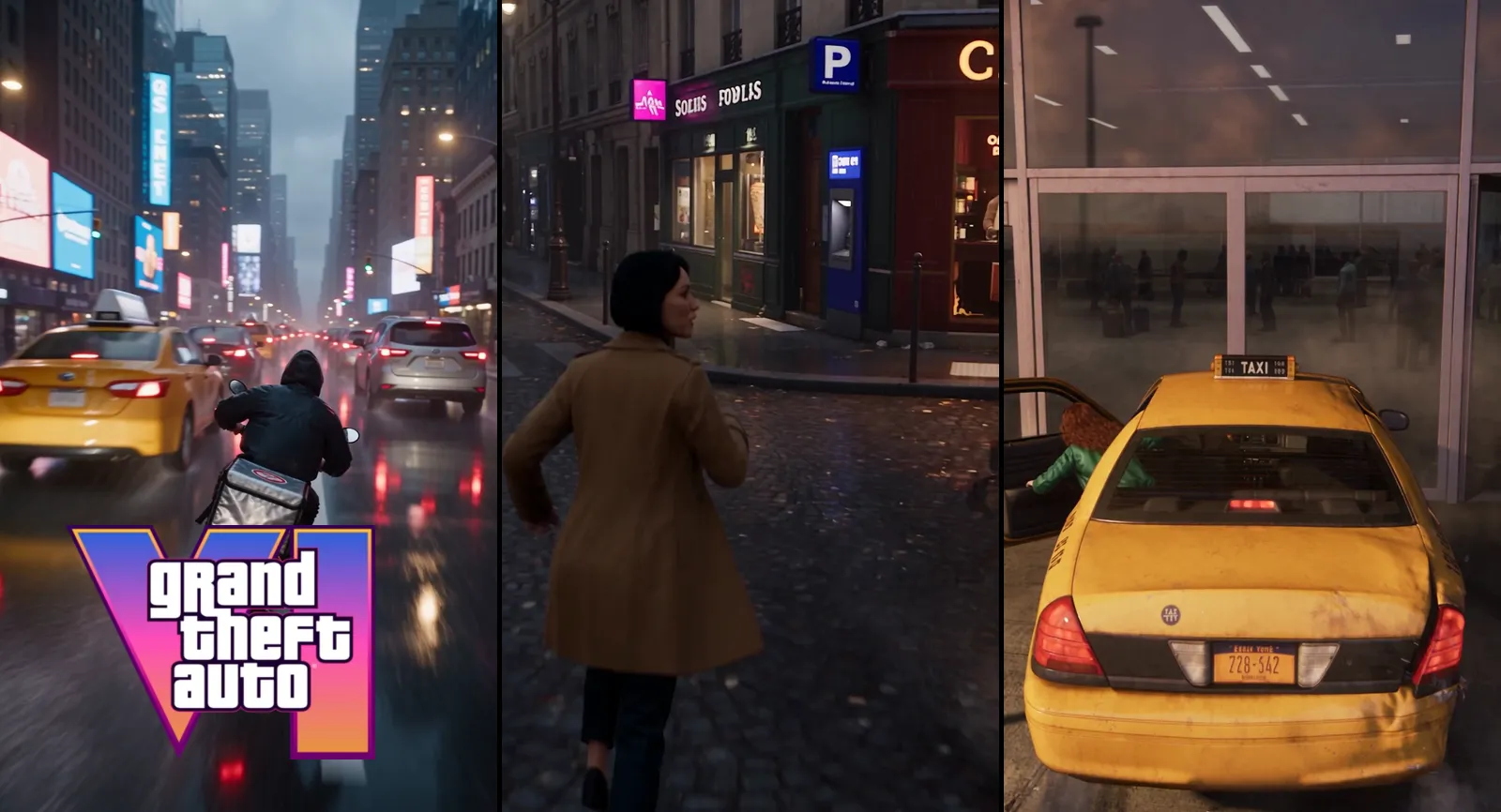
GTA gameplay videos are everywhere on TikTok, Reels and Shorts since GTA 6 came out on 19 November 2026. Someone takes an ordinary moment of their life and posts it as if it were a capture of someone playing an open-world game: the camera behind them, a living city, a mission to finish before time runs out. It might be a late taxi to the airport, a kebab that only takes cash, or a house to sell before the weekend. This guide covers where the format comes from, why it works, and how to make your own in eroq from a few lines of story, with your characters.
Where the trend comes from
The format has been growing since the summer of 2026. In August, « GTA Bangalore » turned the city's famous traffic jams and monsoon rain into a mission. In October, Jesse Wellens posted « GTA: Philly », with local side missions like grabbing a cheesesteak. The recipe is always the same: a local annoyance that everyone knows, played as an open-world game.
Then came the ads. On 19 November, the day GTA 6 came out, Joseph Harris Estate Agents, an agency in Teesside, posted a reel that plays like a GTA mission. The agent drives a supercar down the high street, walks into the agency and shakes the seller's hand, and the SOLD sign is already up when the hero gets home. Under the reel, the same question kept coming back: how do you make this? The YouTube creator Aillusory took the idea to a whole city with « GTA: San Nigeria », an imaginary GTA set in Lagos with its flooded streets, its street food and its bridge at sunset.
You can watch the estate agent's reel and San Nigeria in the examples of the GTA Gameplay app, credited to their creators.
Why the format works so well
- Everyone knows the camera. The view from behind the player, the mission and the city tell you what you are watching in half a second.
- An ordinary moment becomes epic. A delivery, a train you might miss or a late-night kebab turns into a mission with a clock on it.
- It is personal. It is your city, your friends and your jokes, in your language.
- It fits a short. A single take of 15 to 30 seconds is made for vertical feeds.
Why most attempts look wrong
Most people try with a video model and a long prompt they write themselves. The model has to guess everything at once: the camera, the game look, the city, who does what, and the lines. The result often looks like a film rather than a game. The camera leaves the player, the faces drift from one shot to the next, text appears on screen, or the lines come out in English when the story was written in French.
eroq turns the problem around. You write the story and the app writes the game. Your words are never sent to the video engine as they are: they become a mission (a setting and moments with their timing), and the app wraps that mission in its own recipe for format, game camera, look, sound and exclusions. Your story cannot break it.
Make it in eroq with the GTA Gameplay app
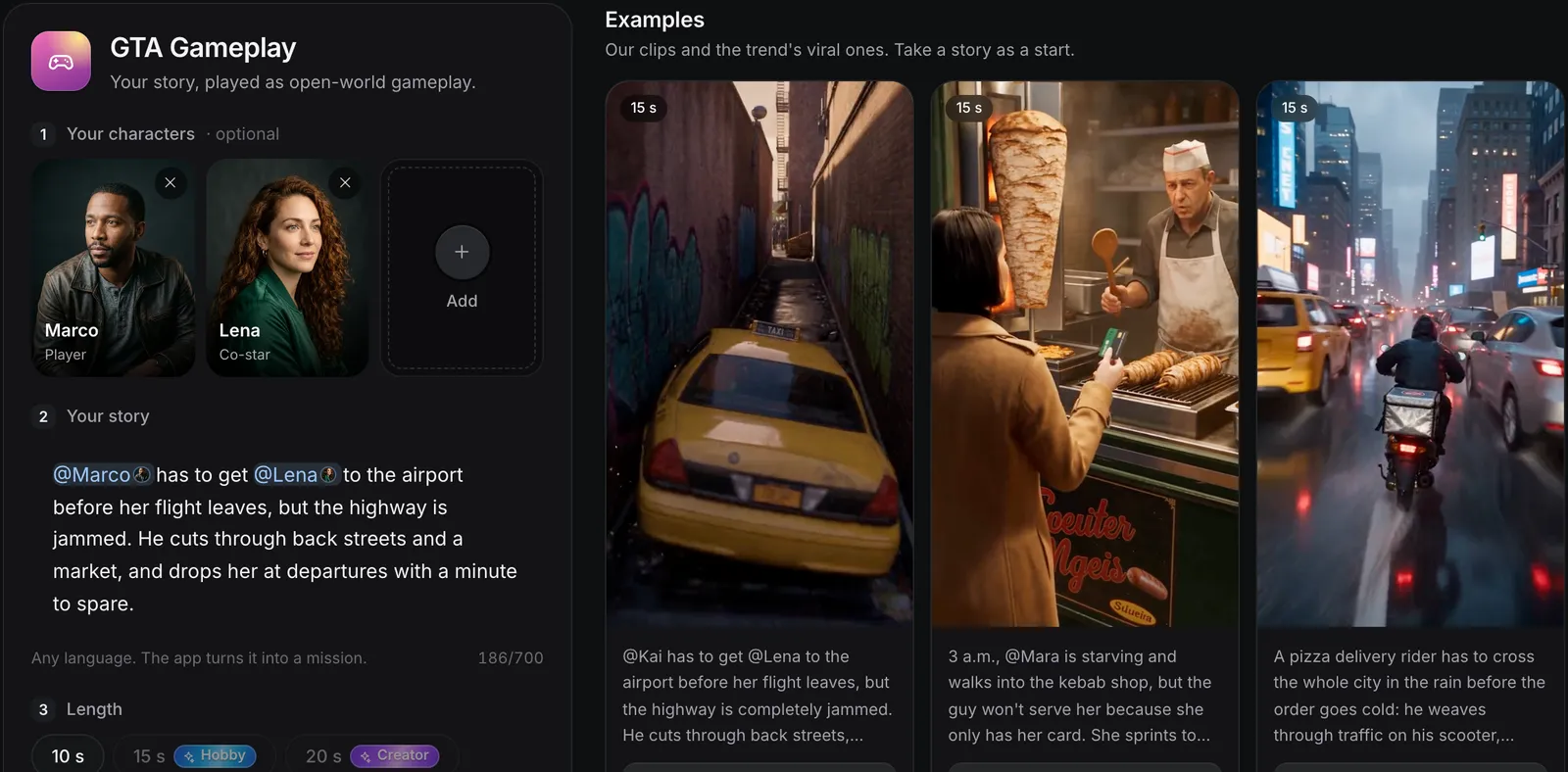
- Open the app. In the studio, go to Apps, then GTA Gameplay.
- Add your characters. Add up to three of your characters with « Add your characters ». Each one puts its @name in the story, and the first one is the player. No character? Describe your hero in the story.
- Write what happens. Use a few lines in any language, slang welcome, for example: « @Kai has to get @Lena to the airport before her flight leaves, but the highway is jammed… ». Say who says what if you want specific lines.
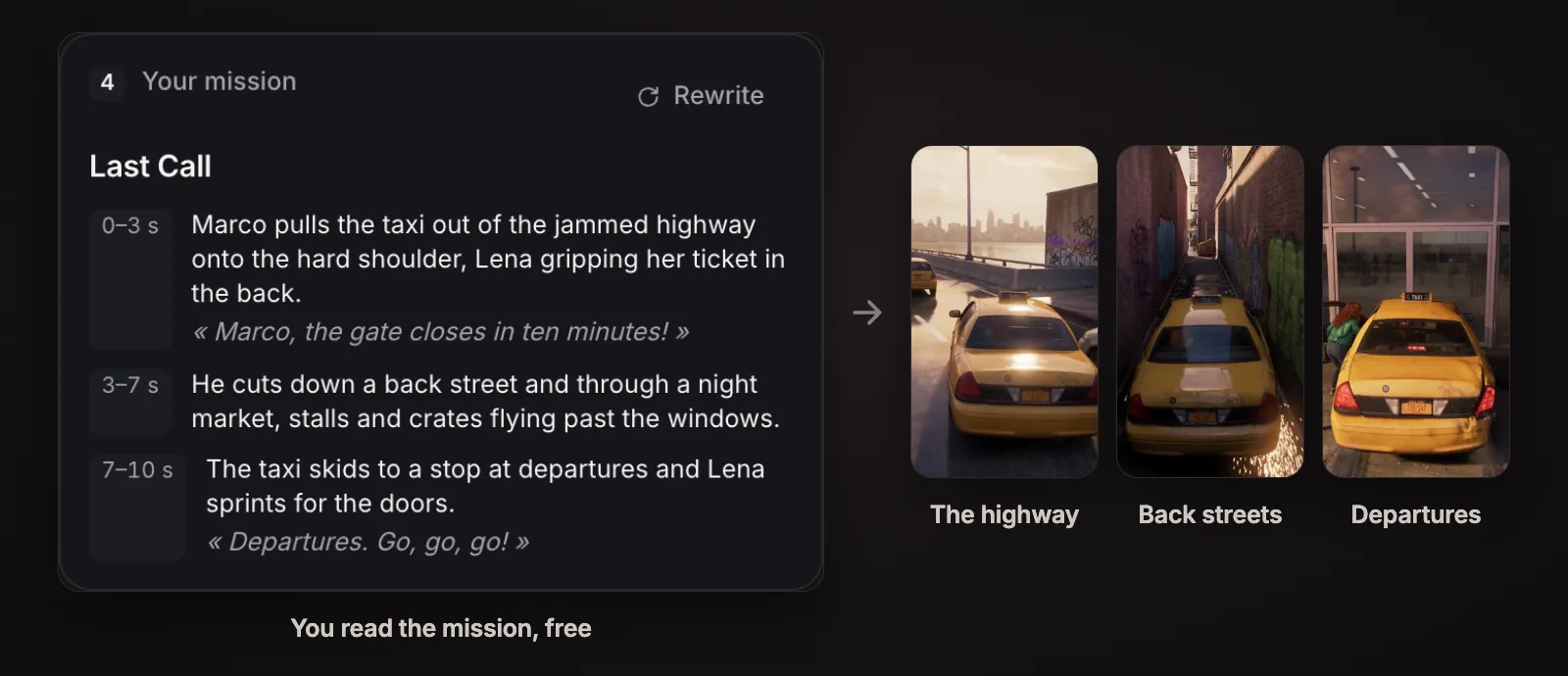
- Read your mission. Press Write my mission. The app shows the story as the game will play it, moment by moment, with the spoken lines. It is free: press Rewrite for another take, or change the story.
- Pick the length, then the quality. Draft is the cheapest way to try a story, and HD or Full HD is for posting. The price shows on the button before you click.
- Generate. The app first makes a picture of your cast, seen from behind the way a game camera follows a player, then the clip with the sound. It takes a few minutes and also lands in your Library.
Turn it into an episode in Cinema
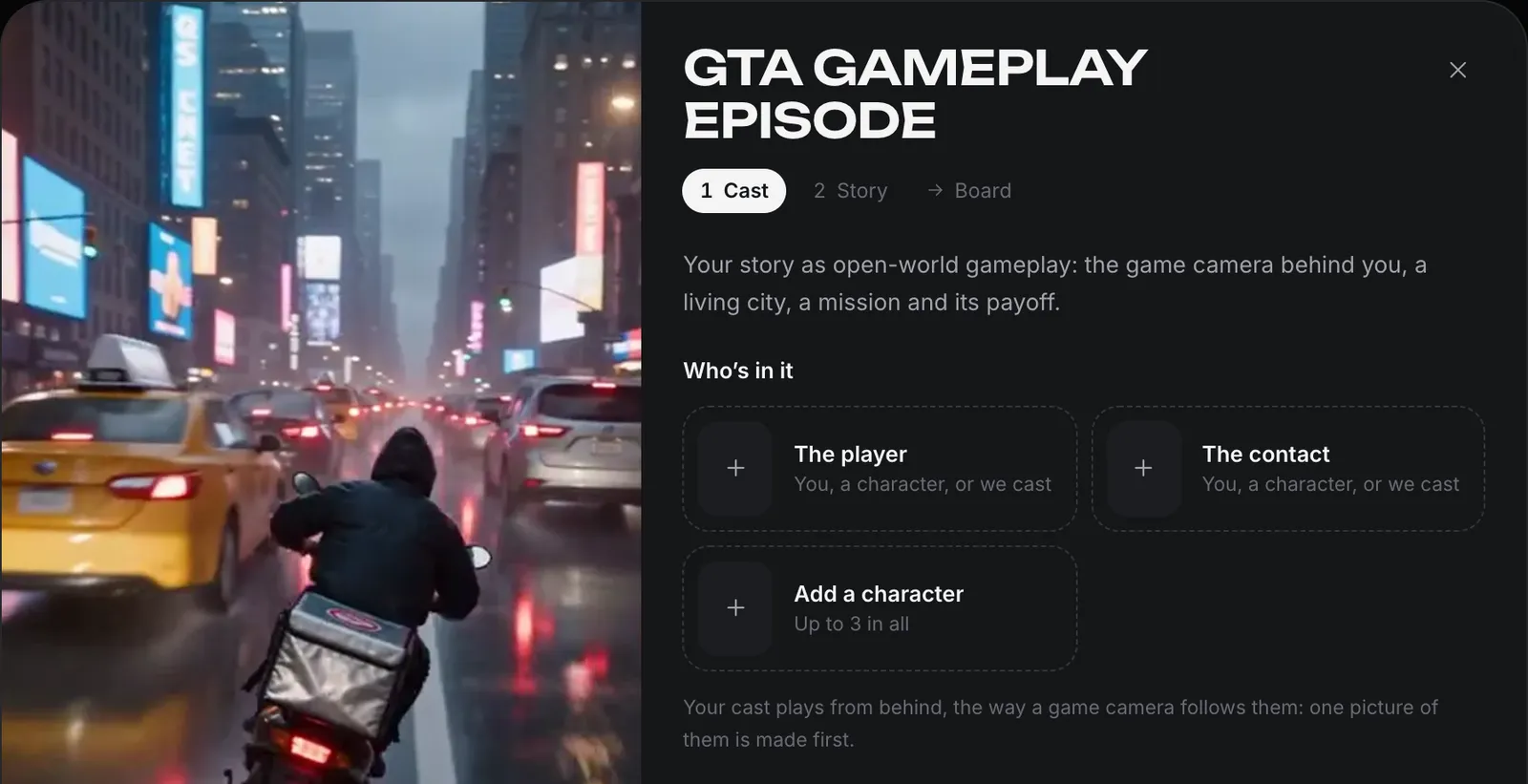
One clip tells one mission. To make a series of shorts with the same characters, open Cinema and pick the GTA gameplay episode trend. It is a ready-made episode: three places, one continuous take in each, a player and a contact to cast with your characters. You read every shot before you shoot, you change what you want, then you shoot.
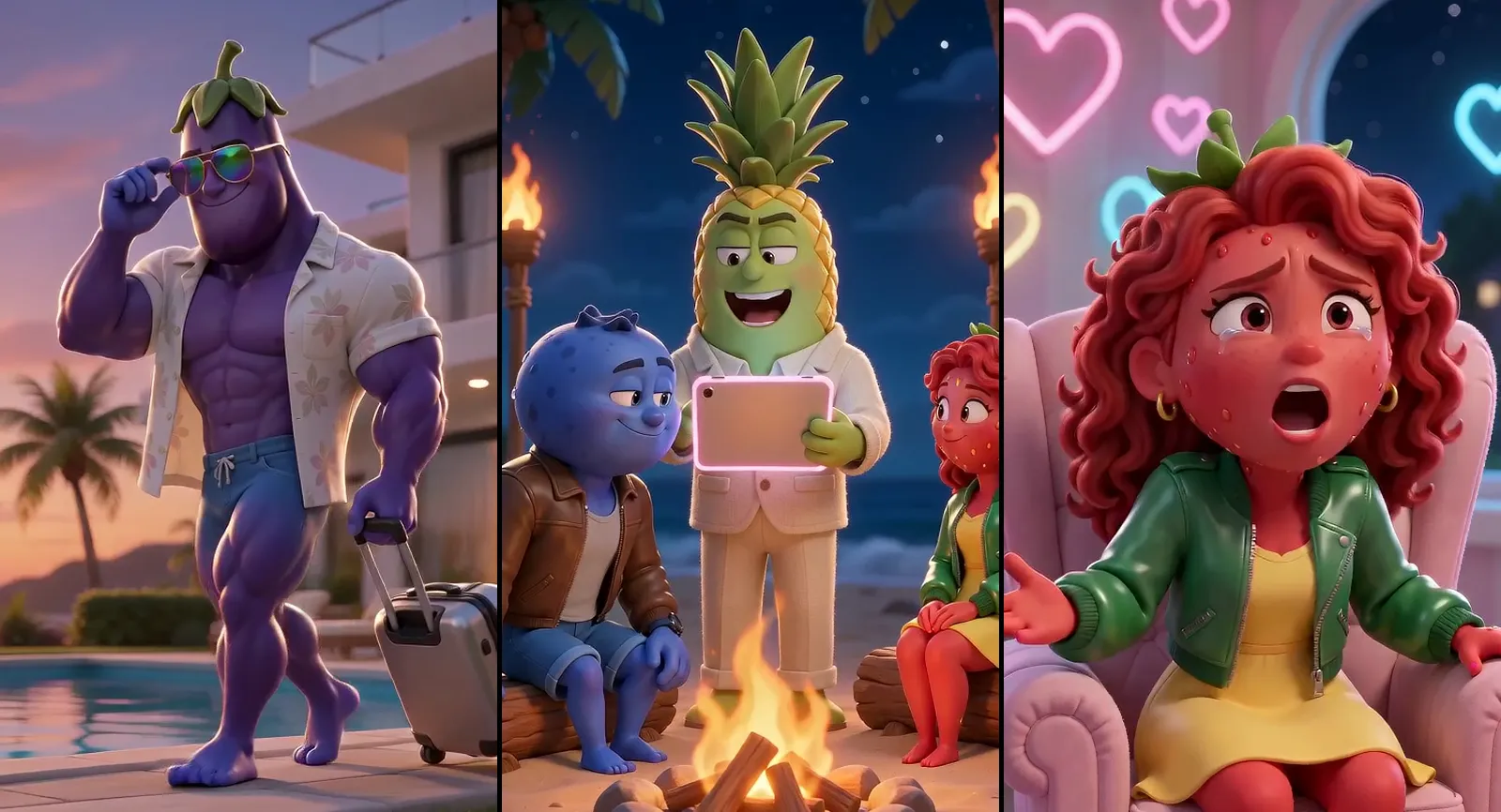
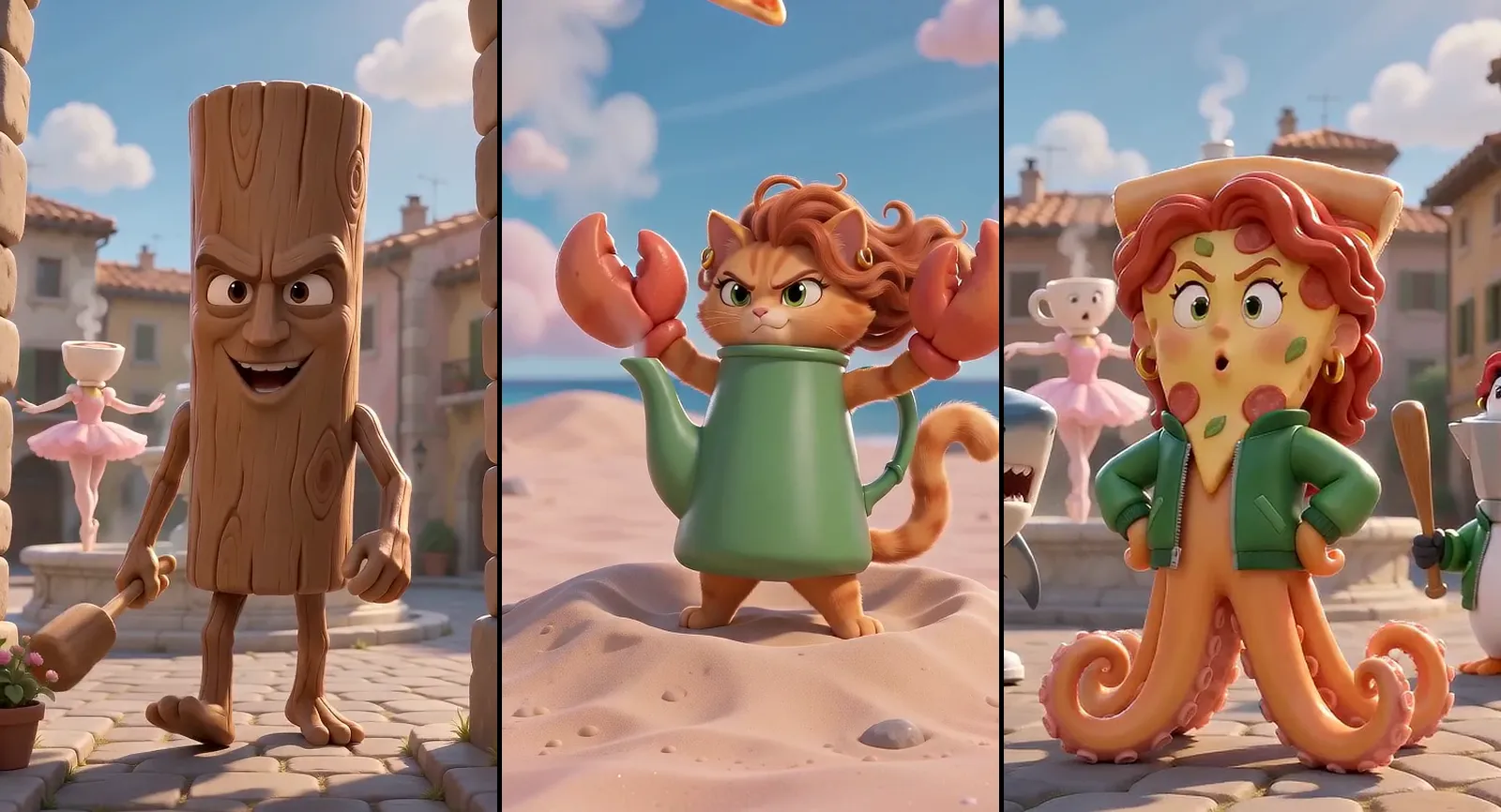
The edit, the music and the titles happen in the same film. When the cut is ready, Publish gives you two choices: post it to TikTok, YouTube Shorts and Instagram Reels from your own accounts, or share it in the eroq community. The Cartoon episode trend follows the same idea with your characters as 3D animated characters, faces included.
Tips for a better result
- One clear goal. « Get there before the doors close » plays better than three missions in 15 seconds.
- One obstacle, one solution. A traffic jam, then a shortcut through a market. The app times the moments to the length you pick.
- Short lines. One line per character, said out loud. Long speeches get cut.
- Describe the place. A rainy street in Paris at 3 a.m. or a beach road at sunset gives the city its look.
- Keep it fictional and fair. Use your own characters, or people who agreed to be in it, everyone 18 or older. No real game's logos, characters or map.
FAQ
How do I make a GTA gameplay video of my own story?
Open the GTA Gameplay app in the eroq studio, add your characters and write what happens in a few lines. Then press Write my mission. The app shows the story moment by moment, for free. Pick the length and the quality, then press Generate.
Is it the real GTA game?
No. It is an AI clip in the style of open-world crime games, with your characters and original places. It never shows a game's logo, characters or map. GTA belongs to Rockstar Games and Take-Two Interactive, and eroq is not affiliated with them.
Can I put myself in the video?
Yes. Create a character from your photos, then add it in the app. The game camera follows you from behind, as it follows a player, and keeps your hair, build and outfit. Use your own photos, or photos of someone who agreed.
What language are the lines spoken in?
The lines are spoken in the language you write the story in, slang included. The mission is written for the game, but the spoken lines stay yours.
Can I make a longer episode?
Yes. The Cinema trend « GTA gameplay episode » plays your characters in several places, one take each, which you can edit together into a longer short. Then post it to TikTok, Shorts and Reels from Publish.
How much does it cost?
The mission is free. Generate shows its price on the button before you click, from the length and the quality you picked, plus the cast picture when you add characters. A render that fails is refunded. The 40 free credits a new account starts with let you try the studio, and the rest comes from a pack or a plan.
More GTA trends
Every GTA trend you can make in eroq is on the GTA 6 AI page and in all the GTA 6 AI trends: the goodbye on the pier, the GTA filter and the loading screen. To turn the format into an ad for your business, read GTA-style ads with AI.
Privacidade
Privado e sem restrições
- Sem filtro nos motores do próprio eroq: uma política escrita no lugar.
- Eles não guardam nada, e nada é treinado com o seu trabalho.
- O modo privado não guarda nenhum arquivo.