Tool
Cinematic AI video generator
eroq's Cinema turns a sentence into a multi-shot film: tell the Director what happens, it writes the shots on the board with the camera, the cast and the lines, and Shoot renders them at the exact price shown. The Edit tab then cuts the shots, adds music and titles, and exports one MP4 in your browser.
打开工作室并自动填好内容。生成时再注册:免费送 40 积分,无需绑卡。

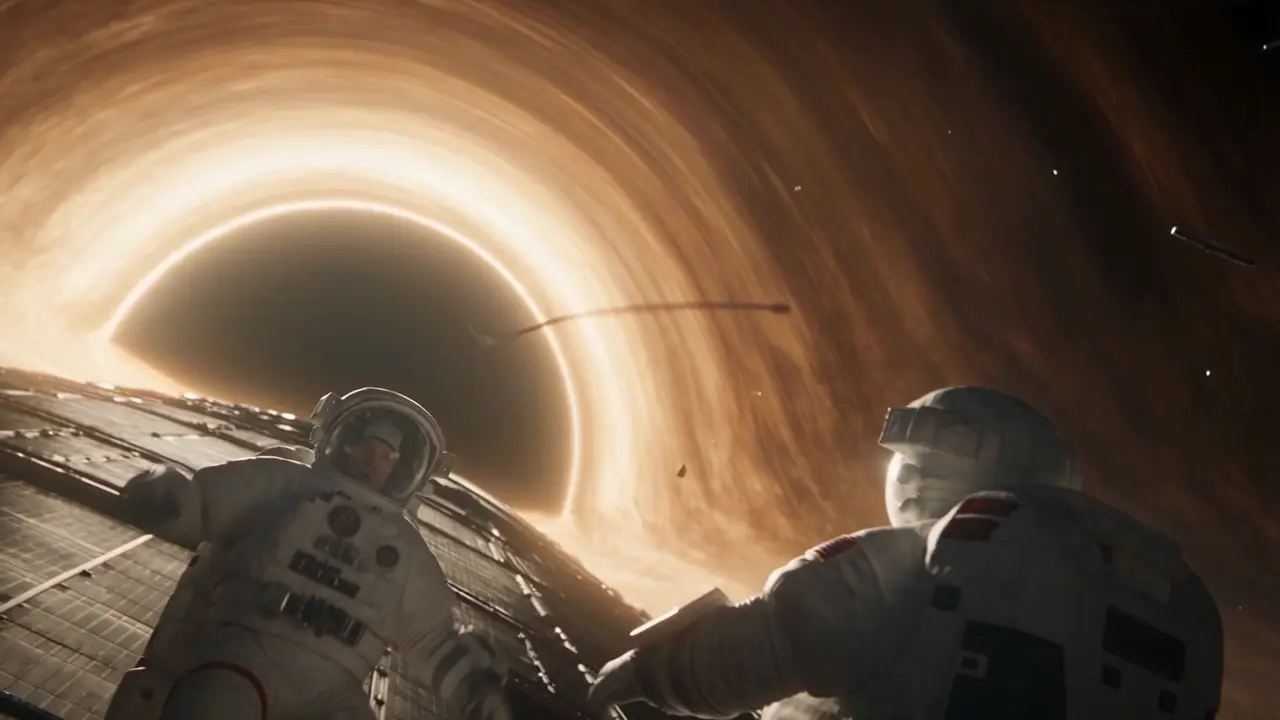
Cinema · Neon Rain
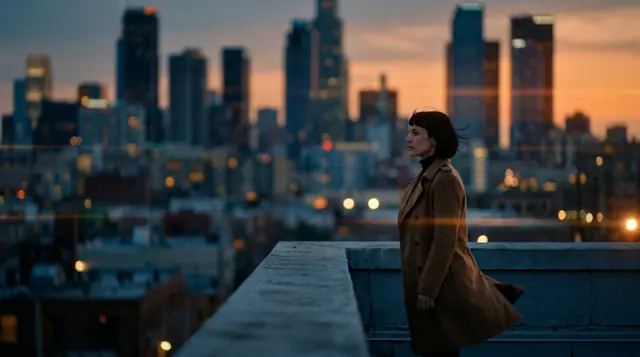 0:00 / 0:39
演员
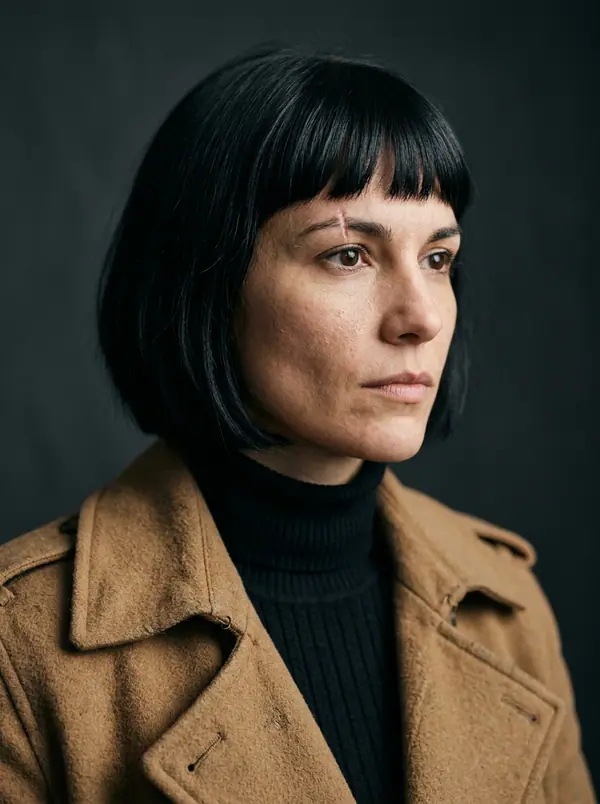 Mara
 Ivo
 Kai
 Lena
镜头
6 个镜头 · 39 秒
16 s黄昏。@Mara 俯瞰着她即将离开的城市。
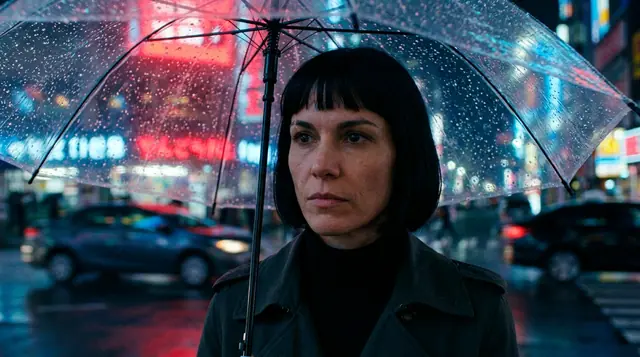 25 s
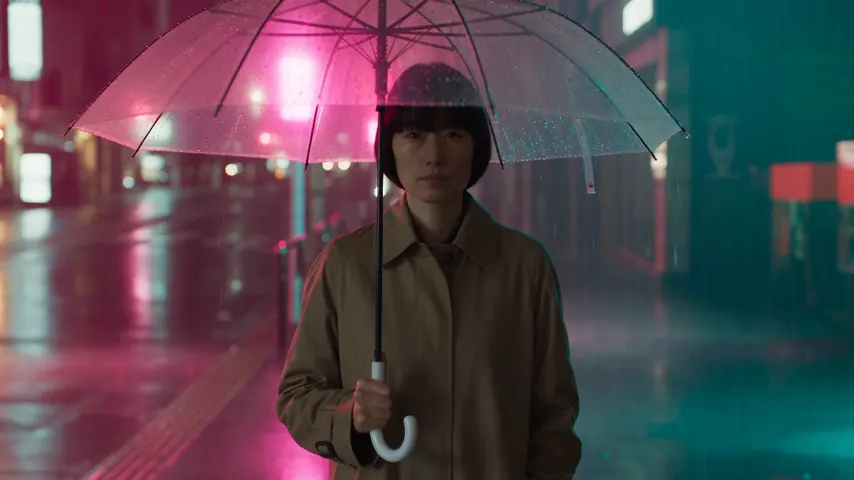
雨打在她的伞上。车在街对面等着。
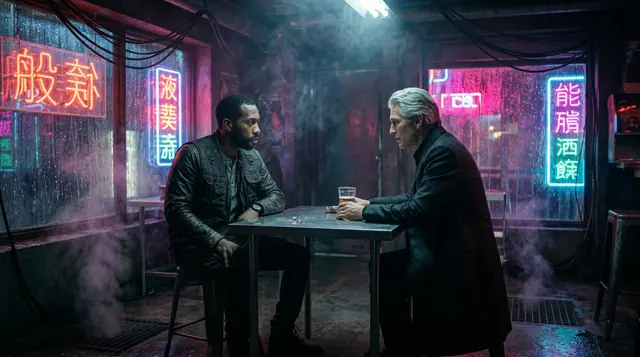 38 s
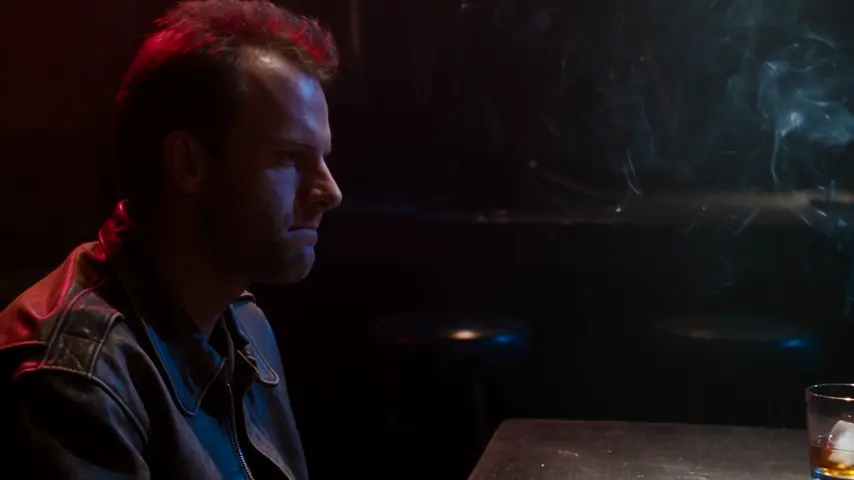
@Ivo 把一个信封推过桌面。@Kai 没有碰。
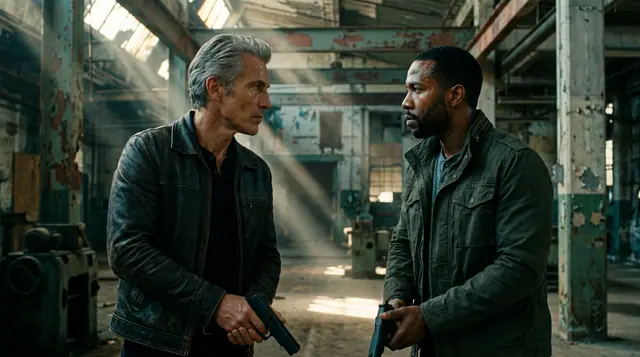 48 s
@Ivo 和 @Kai 对峙,谁都不先动。
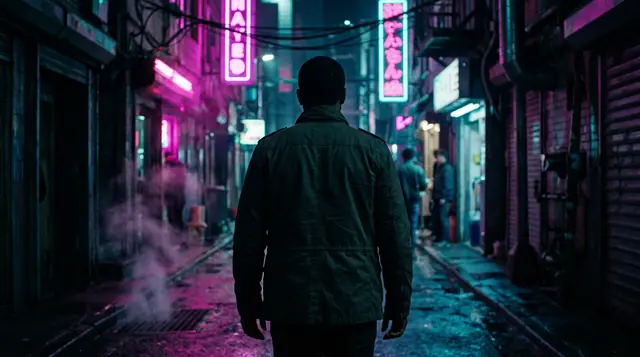 56 s
@Kai 独自走进霓虹里。
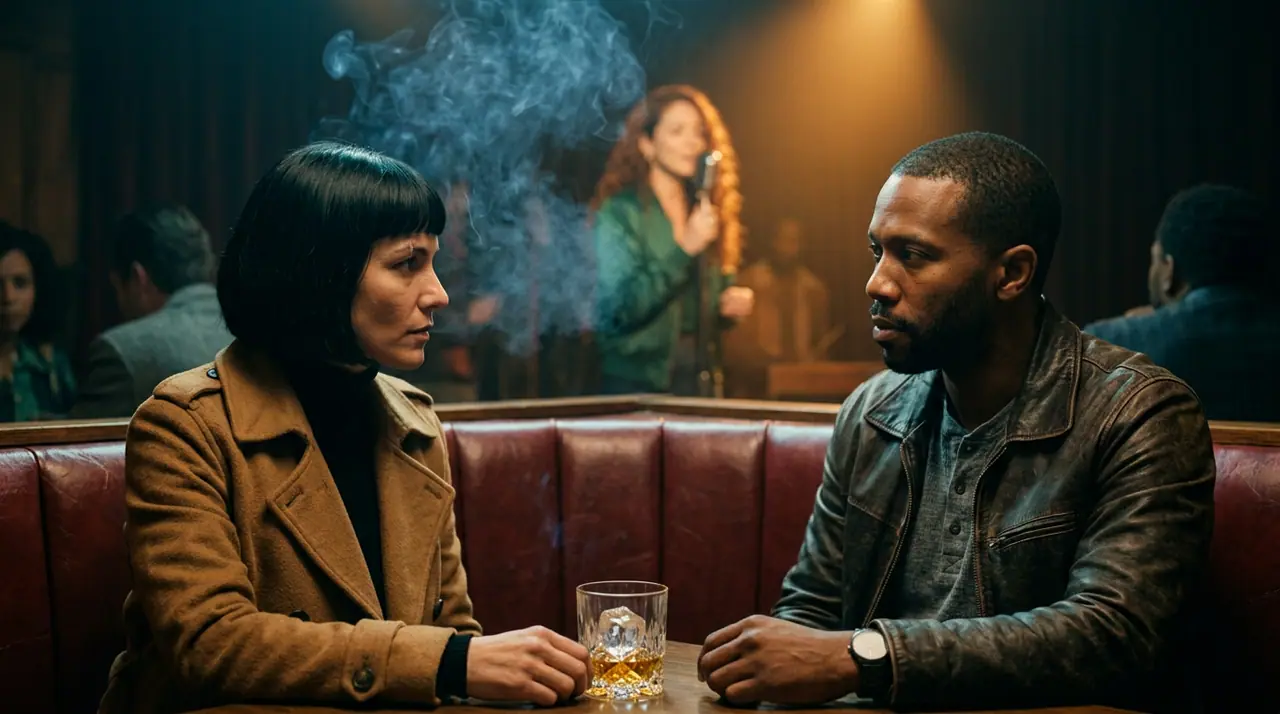 66 s
@Mara、@Lena 和 @Kai:上火车前的最后一杯。
所有镜头都已进入影片
Seedance 2.5 · 16:9 · 720p
- Shots
- Up to 100 per film, up to 30 seconds each as the engine and your plan allow
- Opens on
- Seedance 2.0 Mini · any video engine per film or per shot
- Price
- Each shot at its engine's price, shown before Shoot · writing, editing and export free
- Export
- One MP4 or WebM in your browser · 16:9, 9:16, 1:1 and 4:5
From a sentence to a film
- →1 · Open Cinema and write the idea, or pick a trend. Writing it with the Director is free.
- →2 · Read the board: every shot as a card, to open, change or drag. Cast each role with one of your Characters, or yourself from a photo.
- →3 · Shoot, at the price shown. Then the Edit tab: trim, music, titles, export.
Shots that look like cinema
- →24 camera moves, 6 lenses, 3 apertures and 7 lighting setups, set once for the film or shot by shot.
- →A new film opens on Seedance 2.0 Mini, which renders sound and several shots in one take; switch the engine for the whole film or one shot.
- →Characters keep their faces from shot to shot: every shot of a role reads their identity sheet.
Trends to start from
Formats written for you, each with its roles to cast: Office mockumentary, Blockbuster trailer, Wildlife documentary, Telenovela twist, Best man's toast, Found-footage horror, Pop music video and Noir case. One runs 19 to 30 seconds and costs 285 to 450 credits on Seedance 2.0 Mini, shown before anything renders.
Clap · AI 智能体
或者让 Clap 包办整部影片
在 Ask 里描述你想要的影片。Clap 会问清所需信息,写好每场戏和台词,为你的角色选角,绘制分镜,并给出计划报价。你确认后,它会逐个生成镜头,一键即可在 Cinema 中打开剪辑。全程自动,从一句话到一条时间线。
- 1Clap 一次只问一个问题,并随时更新简报、演员阵容和分镜。
- 2运行之前,计划会列出每一项生成及其价格。
- 3点一下“批准”,全部开始生成。失败的条目会自动退款。
Ask · Clap
Clap · 思考了 6 秒
分镜已就绪:三场戏,新黑色风格,Mara、Kai 和 Ivo 按各自的设定图选角。计划如下。
制作

剪辑版在 Cinema 中打开
从这里开始
选一个:它会填进顶部的输入框,直接就能生成。
常见问题
What is a cinematic AI video generator?
A tool that makes a film rather than one clip: several shots with a camera language, the same cast throughout, cut together. On eroq that is Cinema: the Director writes the shots, you shoot and cut them.
Do I have to write a script?
No. One sentence is enough: the Director writes the shots, and you change any of them in words or by hand before you shoot.
How long can a film be?
Up to 100 shots, each up to 30 seconds as the engine and your plan allow, cut into one file.
Can the characters talk?
Yes: lines are written in the shots, and the engines with sound (Motion Pro, Seedance, Veo, Kling, Hailuo 3 and Wan 3.0) render them spoken.
Is it free?
Free to start: every new account gets 40 free credits with no card, and writing a film with the Director costs nothing. A clip costs from 50 credits for five seconds on eroq Motion One at 480p, shown before you click, and a failed render refunds itself. More credits start with a $10 pack (1,000 credits) or a plan from $15/month.
免费试用
打开工作室并自动填好内容。生成时再注册:免费送 40 积分,无需绑卡。
继续探索