Tool
AI skin enhancer
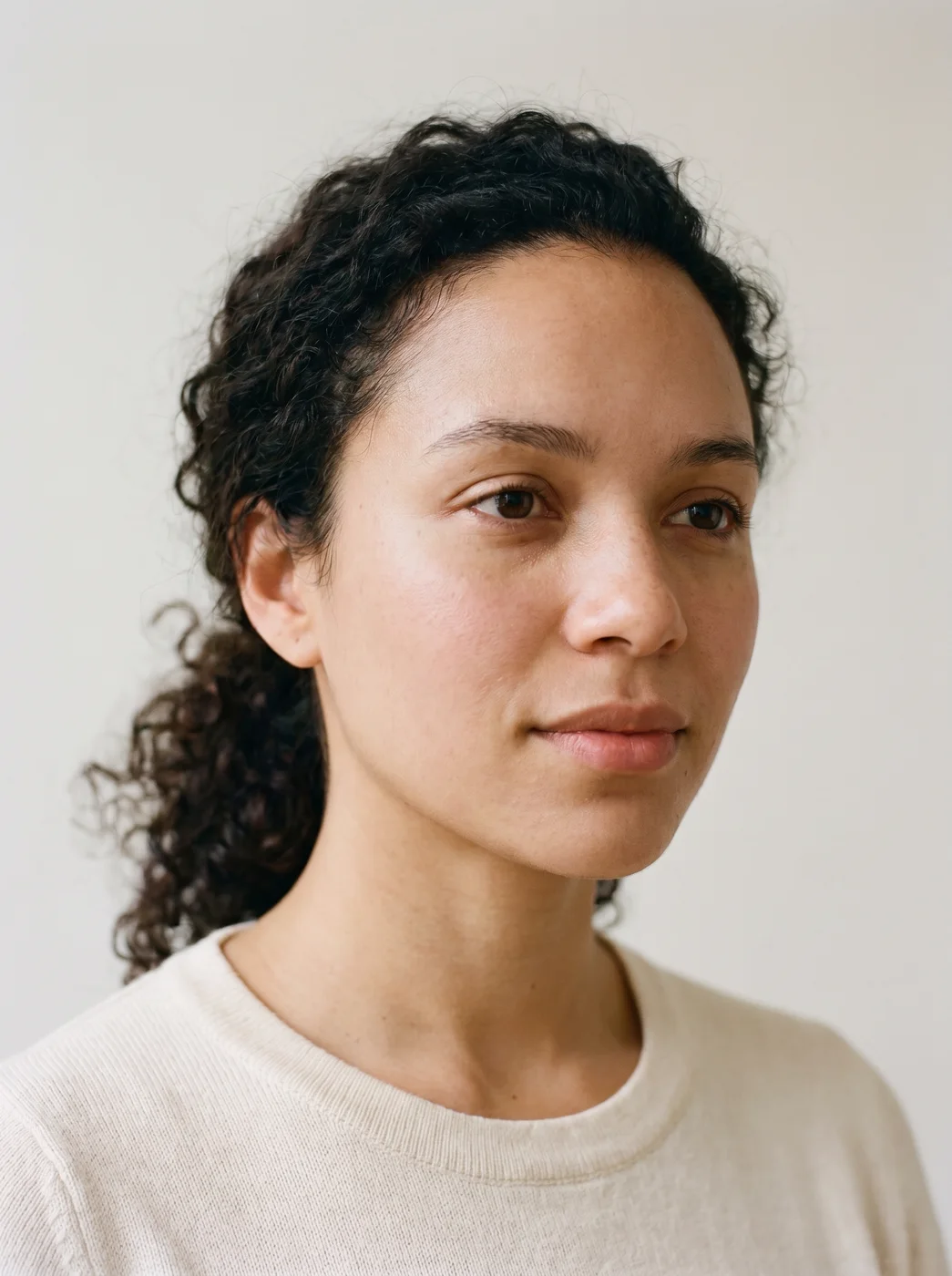
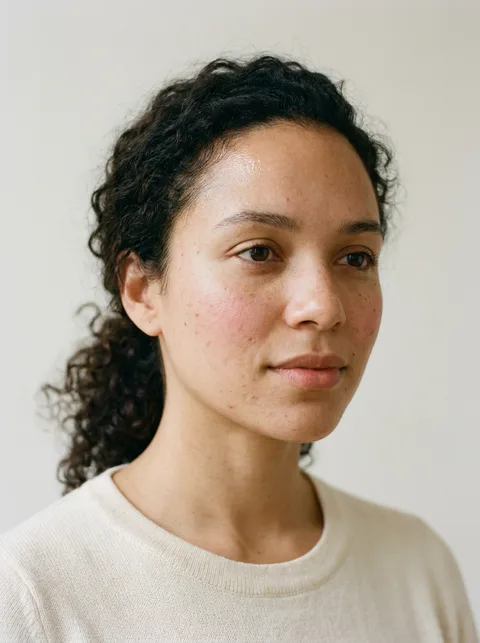
The eroq Skin retouch app evens the tone of the skin in your photo, softens blemishes and redness and takes down shine, while pores and real texture stay. Upload a portrait, press Generate, and the same face comes back with the hair, light and background as they were.
免费送 40 积分 · 无需绑卡 · 每个账号都有私密模式
- App
- Skin retouch, in the eroq studio: one click, no prompt to write
- Input
- Your photo
- Output
- A picture
- Price
- 124 credits a picture, shown before you click
- Plans
- Every plan, free accounts included
- Policy
- Fiction only · 18 or older · no real people without consent
How it works
- →1 · Upload your photo: a portrait or a selfie, your own or of someone who agreed.
- →2 · Nothing to set: the app knows the retouch to make.
- →3 · Press Generate, compare the result with your photo, and download it.
Where it helps
- →A profile picture or a dating photo taken in harsh light.
- →A headshot for a CV, a team page or a speaker bio.
- →Event photos where the flash left shine on the forehead and nose.
- →Selfies with redness from cold, heat or a long day.
What stays, what changes
- →Stays: the face and its features, the expression, the eyes, the hair, the outfit, the light, the background.
- →Changes: the skin tone evened, blemishes and redness softened, shine reduced.
- →It does not reshape: no slimmer face, no new nose, no different eyes.
- →A scar or a tattoo is not its job; the Inpaint app removes one mark by name.
常见问题
How do I retouch skin in a photo with AI?
Upload the photo to the Skin retouch app and press Generate. The app evens the tone, softens blemishes and shine, and gives back the same photo with better skin.
Does it keep skin texture?
Yes. Pores and real texture stay on purpose, so the skin does not look airbrushed or plastic.
Will it change my face?
No, it is made to return the same person: features, expression, eyes and hair stay as they were. Compare the result with your photo and generate again if anything drifted.
Can it remove a scar or a tattoo?
Not this app: it retouches the skin as a whole and does not erase marks. For one mark, use the Inpaint app and write what to remove.
Is the Skin retouch app free?
You can open the app and set it up without an account. A picture costs 124 credits, shown on the button before you click, and a failed render gives the credits back. Every new account gets 40 free credits with no card; more credits start with a $10 pack (1,000 credits) or a plan from $15/month.
免费试用
免费送 40 积分 · 无需绑卡 · 每个账号都有私密模式
继续探索