Tool
Retro paint portrait from a photo
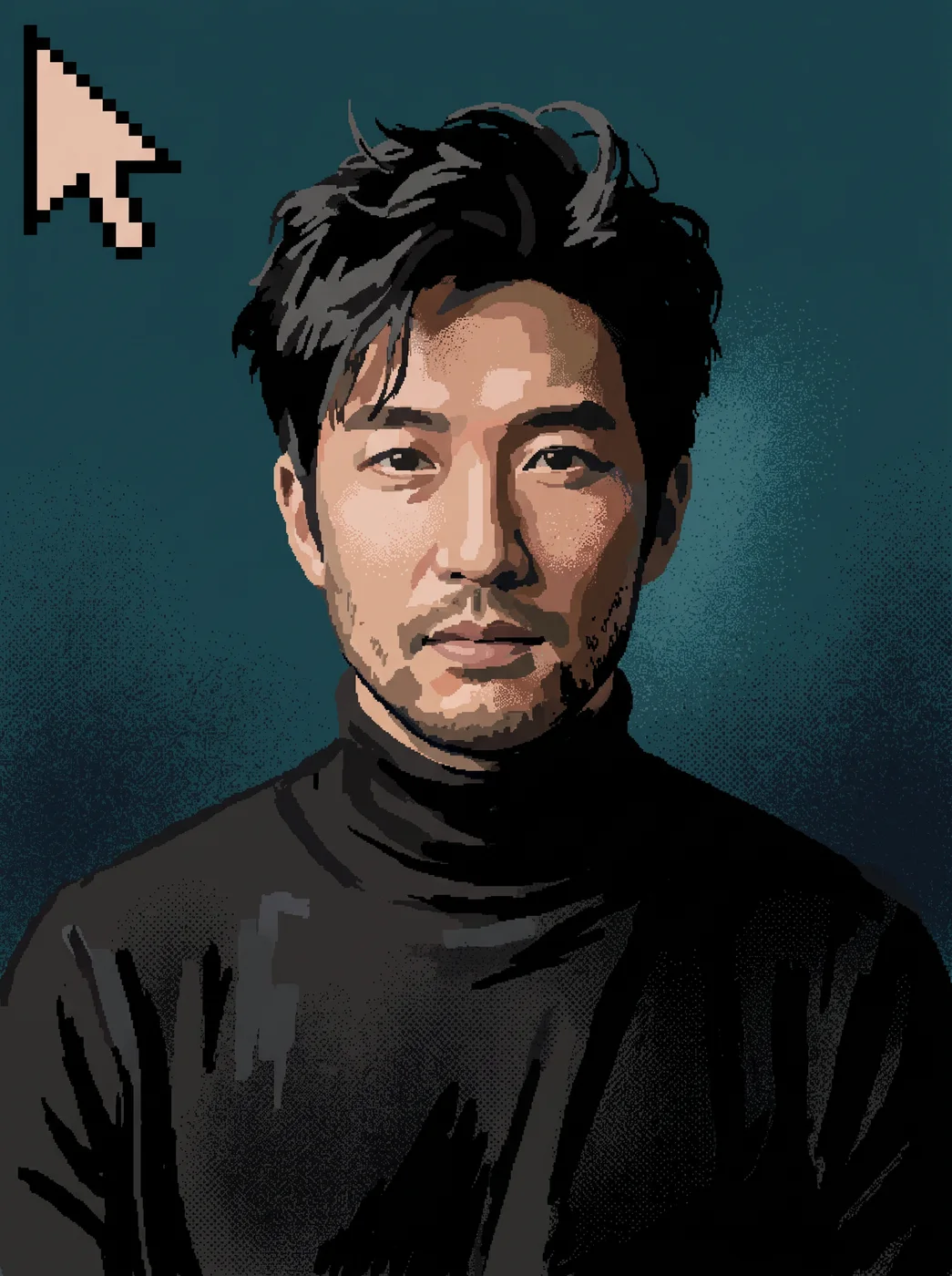
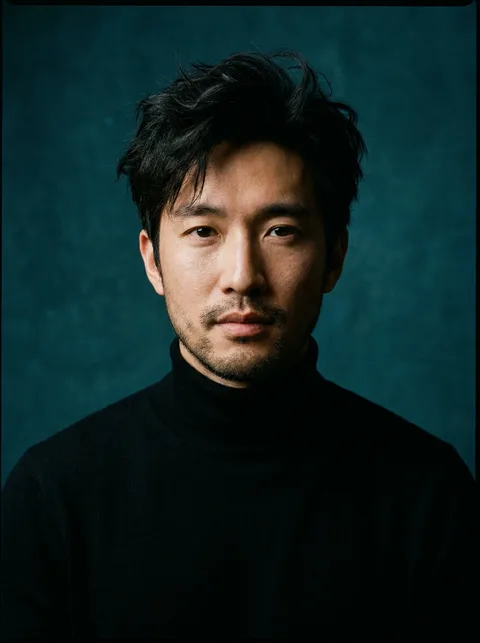
eroq's Paint app art turns a photo into a pixelated portrait in the style of early 1990s paint programs, with chunky strokes, a 16-color palette and flat fills, the likeness kept. It is a rough, hand-painted pixel look rather than a tidy game sprite, which is what makes it read as retro.
40 credit miễn phí · không cần thẻ · chế độ riêng tư cho mọi tài khoản
- App
- Paint app art, in the eroq studio: one click, no prompt to write
- Input
- A photo, or one of your characters
- Output
- A picture
- Price
- 124 credits a picture, shown before you click
- Plans
- Every plan, free accounts included
- Policy
- Fiction only · 18 or older · no real people without consent
Quyền riêng tư
Riêng tư và không giới hạn
- Không bộ lọc trên các engine của chính eroq: thay vào đó là một chính sách bằng văn bản.
- Họ không lưu gì, và không có gì huấn luyện trên tác phẩm của bạn.
- Chế độ riêng tư không lưu bất kỳ tệp nào.
How it works
- 1 · Upload a portrait (your own, or of someone who agreed), or pick one of your characters.
- 2 · Press Generate.
- 3 · Download it and crop it for your profile.
Where a retro portrait works
- An avatar for a gaming profile, a forum or a chat server.
- A stream overlay or a break screen.
- Badge art for a team, a club or a guild.
- A small mark for a personal site or a newsletter header.
Getting a crisp result
- Use a close portrait:the face should fill most of the frame.
- Strong contrast helps; a dark face on a dark background loses its edges.
- For a sprite on an exact grid, use the result as a guide in a pixel editor.
Câu hỏi thường gặp
How do I turn my photo into retro paint art?
Upload it to Paint app art and press Generate: the app redraws it with chunky pixel strokes and a 16-color palette, the likeness kept.
Is it true pixel art on a grid?
Not strictly. It imitates old paint-program art, so the strokes are blocky but loose, with spray dots and flat fills.
Can I make a retro avatar of my AI character?
Yes: pick one of your characters instead of uploading a photo.
Can I use it for a channel or a brand?
Yes, under the terms of service. If the portrait shows someone other than you, they should have agreed to it.
Is the Paint app art app free?
You can open the app and set it up without an account. A picture costs 124 credits, shown on the button before you click, and a failed render gives the credits back. Every new account gets 40 free credits with no card; more credits start with a $10 pack (1,000 credits) or a plan from $15/month.
Dùng thử miễn phí
40 credit miễn phí · không cần thẻ · chế độ riêng tư cho mọi tài khoản
Khám phá thêm