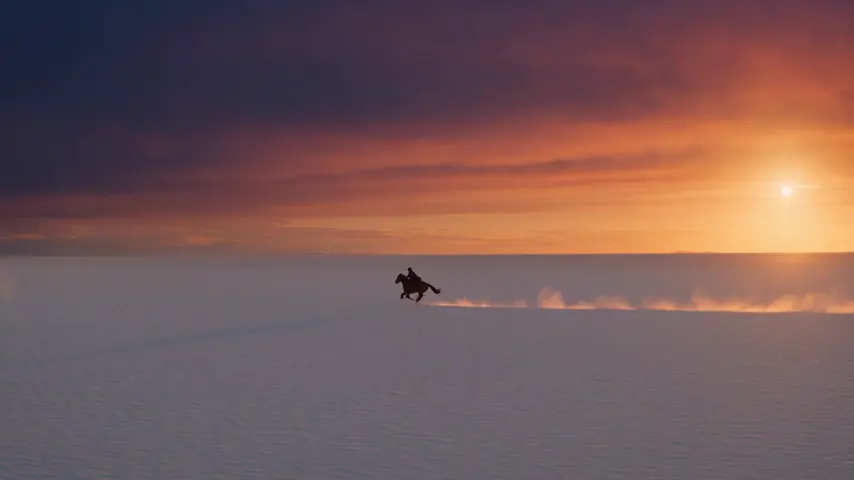


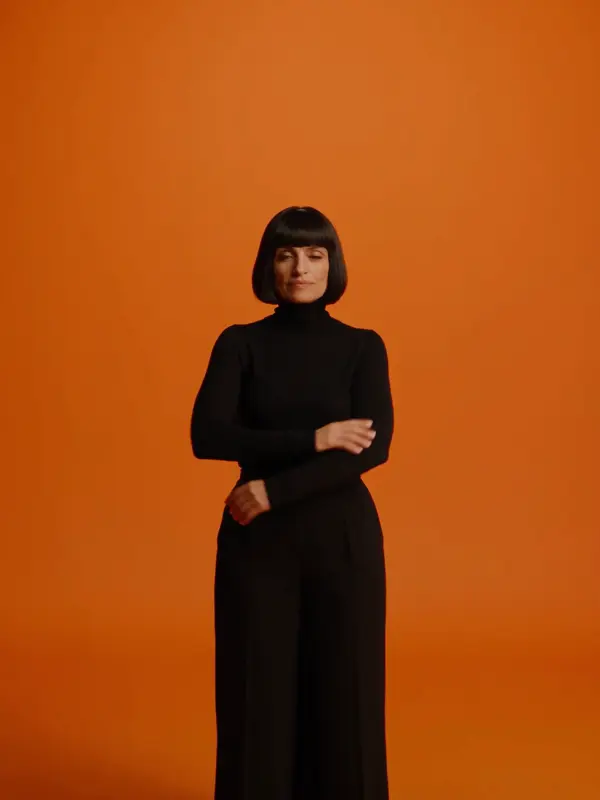

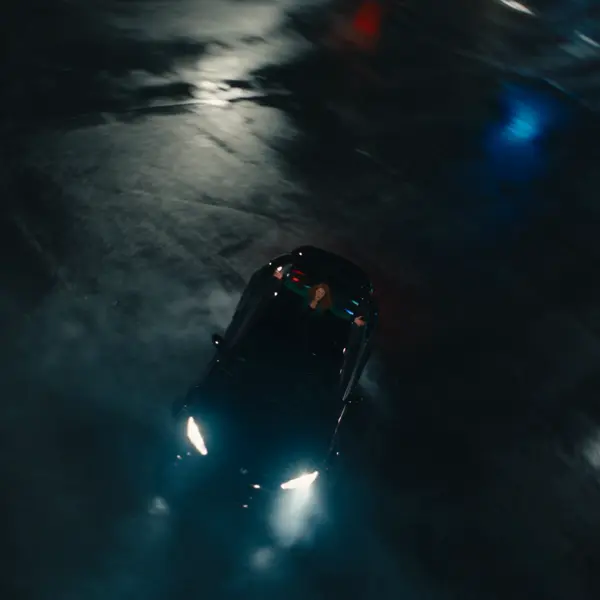
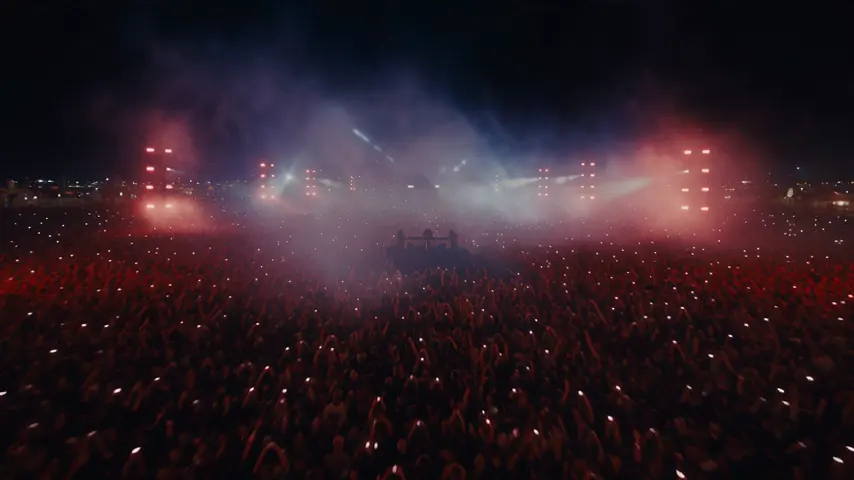







13 ต.ค. 01:42:07·พร้อมแล้ว · ใช้เวลา 1 min 8 sec · −816 เครดิต
@Mara บนดาดฟ้ายามพลบค่ำ เสื้อโค้ตพลิ้วตามลม เมืองด้านล่างเริ่มสว่างไสว anamorphic, 35mm ซูมเข้าช้าๆ
Veo 3.1 Fast · 8s · 1080p · 16:9 · 2 เทค


ต่อความยาว นำเข้าสู่
Tool
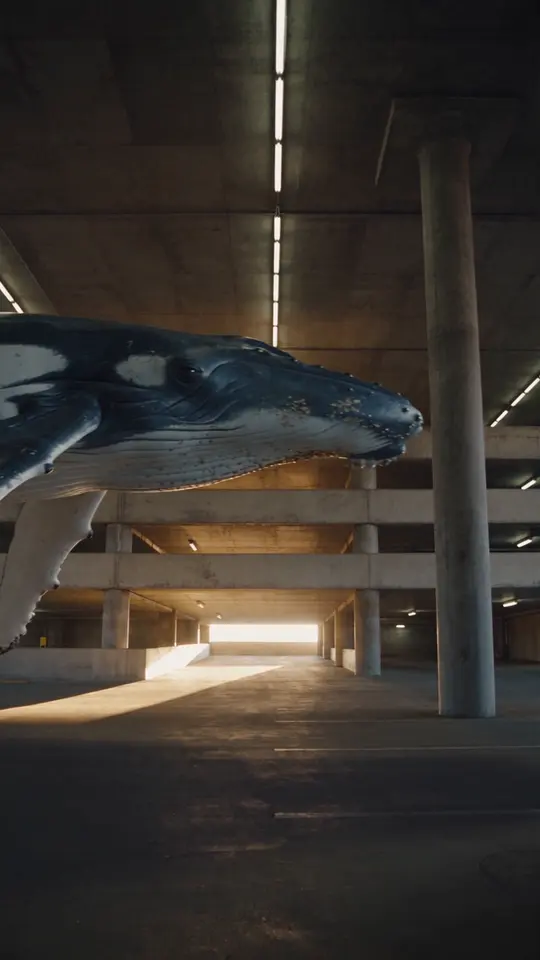
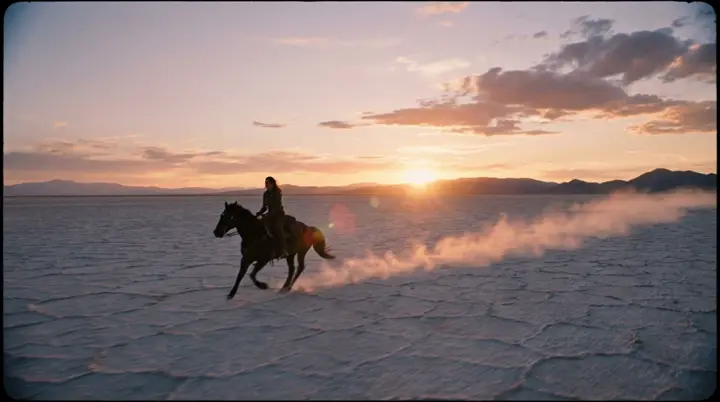
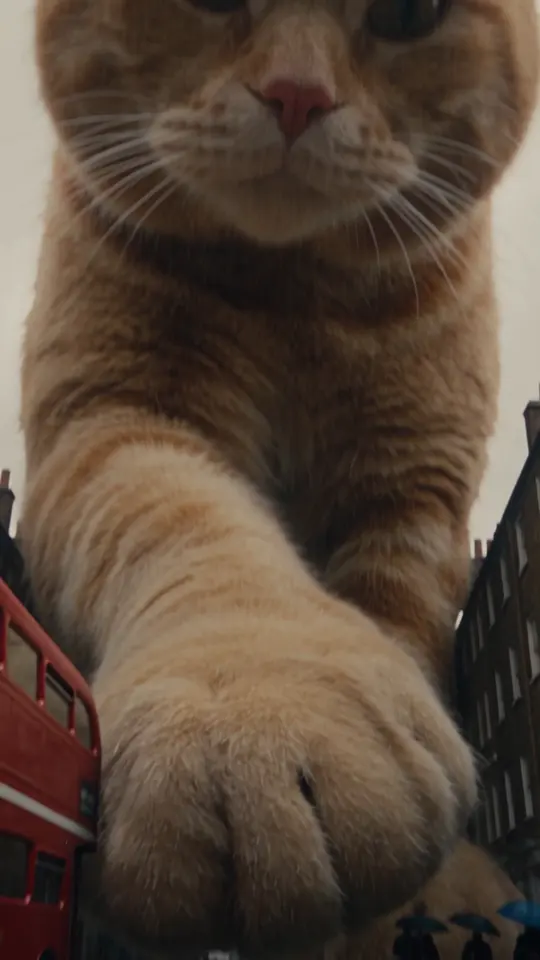
On eroq, Veo 3.1 animates your picture: add it as the first frame (and a last frame if the shot should land somewhere), describe the motion, and the clip opens on it. Five seconds at 1080p cost 845 credits, shown before you click.
เปิดสตูดิโอพร้อมข้อมูลนี้ สมัครสมาชิกตอนสร้าง: ฟรี 40 เครดิต ไม่ต้องใช้บัตร40 เครดิตฟรี · ไม่ต้องใช้บัตร · โหมดส่วนตัวในทุกบัญชี
วิดีโอ · สร้าง
13 ต.ค. 01:42:07·พร้อมแล้ว · ใช้เวลา 1 min 8 sec · −816 เครดิต
@Mara บนดาดฟ้ายามพลบค่ำ เสื้อโค้ตพลิ้วตามลม เมืองด้านล่างเริ่มสว่างไสว anamorphic, 35mm ซูมเข้าช้าๆ
Veo 3.1 Fast · 8s · 1080p · 16:9 · 2 เทค
@Mara บนดาดฟ้ายามพลบค่ำ เสื้อโค้ตพลิ้วตามลม เมืองด้านล่างเริ่มสว่างไสว anamorphic, 35mm ซูมเข้าช้าๆ
Veo 3.1 keeps its maker's filter and may turn down a photo of a real-looking person. eroq Motion One, eroq's own engine, animates any picture within the written policy, from 50 credits for 5 seconds at 480p.
Clap · เอเจนต์ AI
อธิบายผลลัพธ์ที่ต้องการใน Ask แล้ว Clap จะถามสิ่งที่ต้องรู้ เลือกเอนจิน เขียนพรอมต์ และคิดราคาแผน เมื่อคุณอนุมัติ มันจะเรนเดอร์ทุกอย่างเข้าคลังผลงานของคุณ อัตโนมัติทั้งหมด และไม่มีอะไรรันก่อนที่คุณจะตอบตกลง
Ask · Clap
Clap · คิดอยู่ 6 วินาที
สามเทค ท่าเดียวกัน คลิปละเทค นี่คือแผน
โปรดักชัน
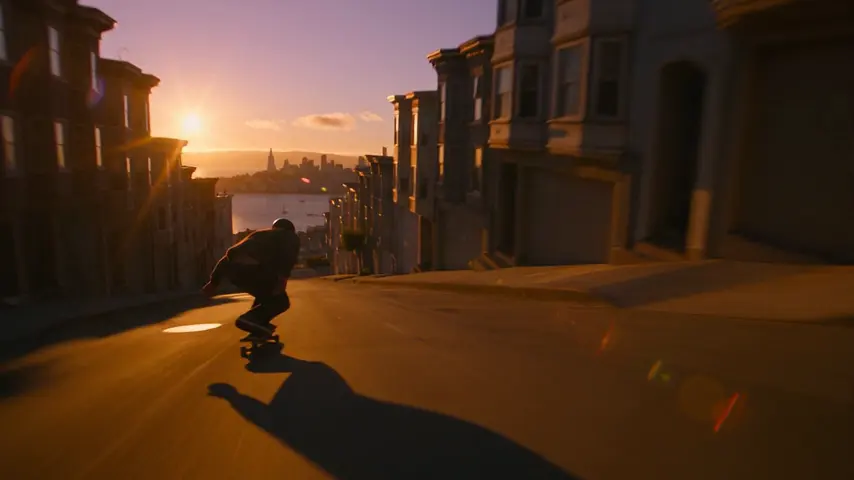

บันทึกในคลังผลงานแล้ว
เลือกหนึ่งอัน แล้วระบบจะใส่ในช่องด้านบน พร้อมสร้างทันที
ความเป็นส่วนตัว
เป็นส่วนตัวและไม่จำกัด
Open Video on eroq, pick Veo 3.1, add the picture as the first frame and describe the motion. The clip opens on your picture.
The motion and the camera ("she turns to the window, slow push-in"), not what the picture already shows: describing it again can change it.
845 credits for 5 seconds at 1080p on Veo 3.1. A failed render refunds itself.
Only your own, or one you have consent for. Real, identifiable people without their consent are refused by the policy.
Free to start: every new account gets 40 free credits with no card. A five-second eroq Motion One clip at 480p is 50 credits, so the $10 pack (1,000 credits) makes about 20 of them.
เปิดสตูดิโอพร้อมข้อมูลนี้ สมัครสมาชิกตอนสร้าง: ฟรี 40 เครดิต ไม่ต้องใช้บัตร40 เครดิตฟรี · ไม่ต้องใช้บัตร · โหมดส่วนตัวในทุกบัญชี