A model or tool is greyed out
อ่าน 1 นาที
สรุปสั้น ๆ
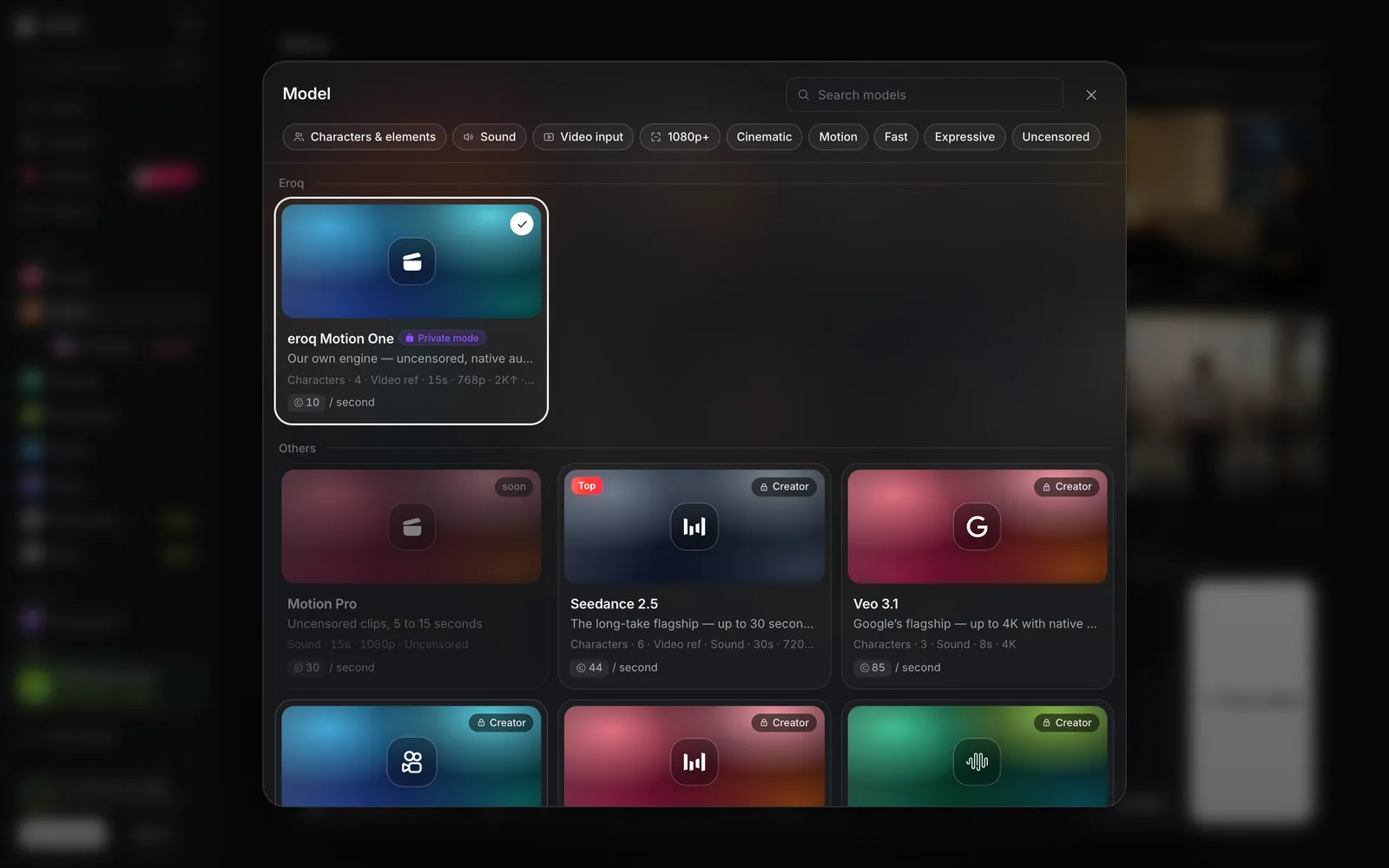
Either your plan does not unlock it yet, or it is not available on this deployment. Neither charges you.
A tag with a plan name (on an engine card, a tab like Replace, or a Generate button that reads "Unlock …") means it needs that plan; clicking it opens Billing on that plan. A length pill with a small sparkle is a length your plan does not unlock yet.
"Soon" means the engine or tool is not available on this deployment right now — its provider or backend is off. It comes back on its own; nothing to do on your side.
A duration pill or a resolution greyed out is the engine's own limit (its grid of lengths, its top resolution), not a bug. The "…" after the pills lists the lengths other engines render.
Add character or Add context elements faded in Video: the engine reads no reference pictures; hover it and "Change model" opens the engine list.
คำตอบนี้ตอบคำถามของคุณไหม
ที่เกี่ยวข้อง
ยังติดปัญหาอยู่?
บอกเราว่าเกิดอะไรขึ้น แล้วจะมีคนตอบภายในหนึ่งวันทำการ หรือเขียนมาที่ hello@eroq.ai