The studio at a glance
1 min di lettura
In breve
What each item in the left rail does, pins, the search bar, themes and languages.
In questa pagina
The rail
Home: Ask, your chat with Clap, with your recent work, your cast and the trending shelf below it.
Explore — the community shelf inside the studio: films, clips, stills and voices, with likes.
Create: Image, Video, Cinema, Ads (the Ads Studio), Voice and Text. Video has four tabs (Create, Replace, Effects and Editor), and Replace and the Editor also have their own rows under it.
Assets: the Library (everything you have rendered, with folders, favorites and search, and Storage as its second tab), then Characters, Elements and Voices, each on its own page.
The account menu (your avatar) holds your credits, settings, billing, the workspace, invitations, the help center, the language switcher and the theme. Notifications have their own bell beside it.
Pinned: hover a row of the rail and click its pin to keep it under Pinned, at the top. A tab (Image · Edit, Effects, Storage…), a film or a brand pins the same way, from the pin beside its name.
At the bottom: Developers (keys, usage, webhooks), Connectors and the docs, then the workspace switcher.
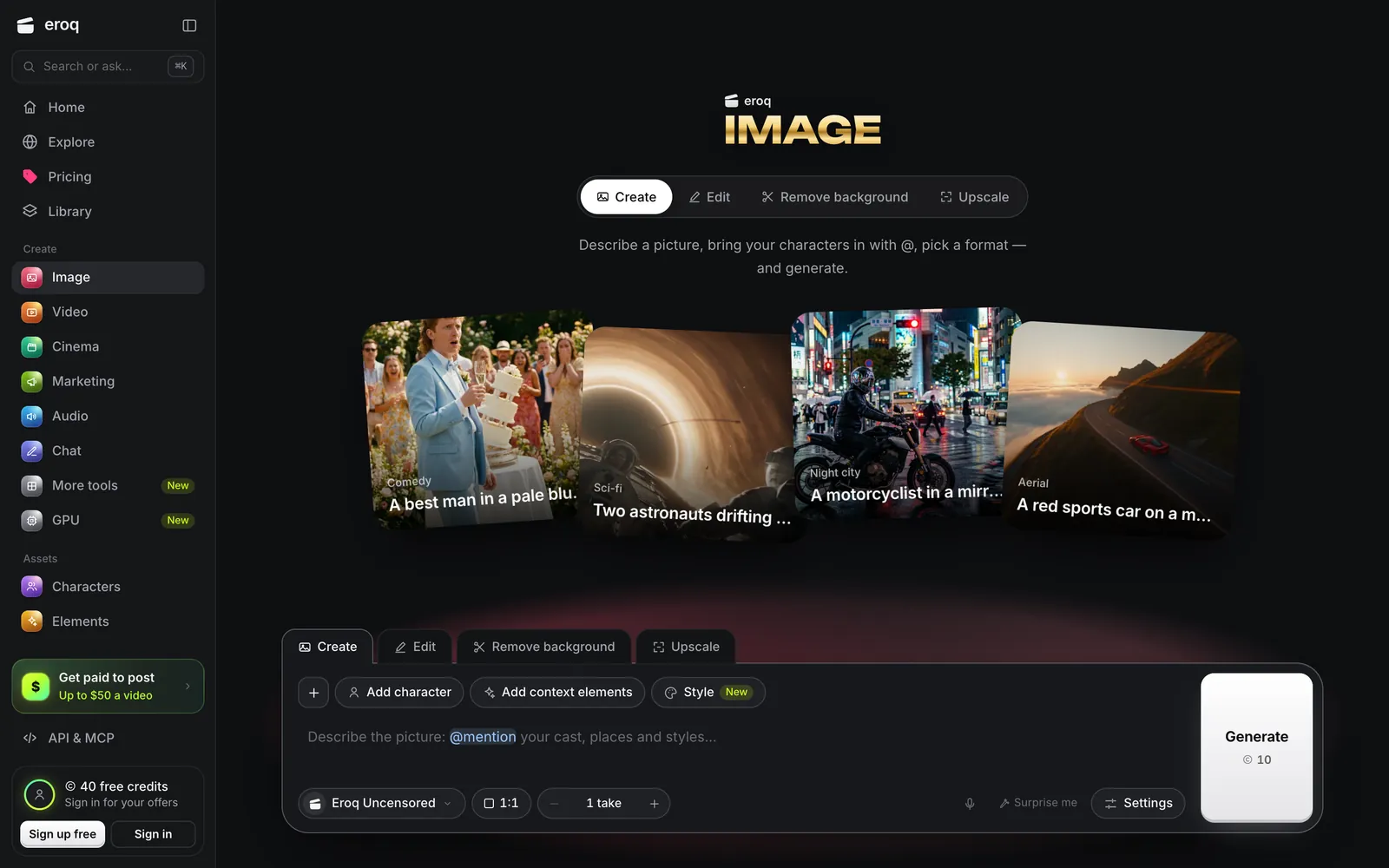
Search and Ask
Press ⌘K (Ctrl+K) anywhere to jump to a page, a tool or a render by name. Type a sentence instead and the same box hands it to Ask, where Clap answers, sets a tool up or produces it with you. The studio home is that chat, and every tool's side panel has an Ask tab of its own.
Theme and language
The studio and the docs follow a light or dark theme — toggle it in the account menu; it is remembered on this browser. The interface is available in English, Spanish, Japanese, Korean and German, from the same menu.
Questa risposta ti è stata utile?
Correlati
Sei ancora bloccato?
Raccontaci cos’è successo e una persona ti risponde entro un giorno lavorativo, oppure scrivi a hello@eroq.ai