



13 Okt, 01.42.07·Siap · Butuh waktu 1 min 8 sec · −816 kredit
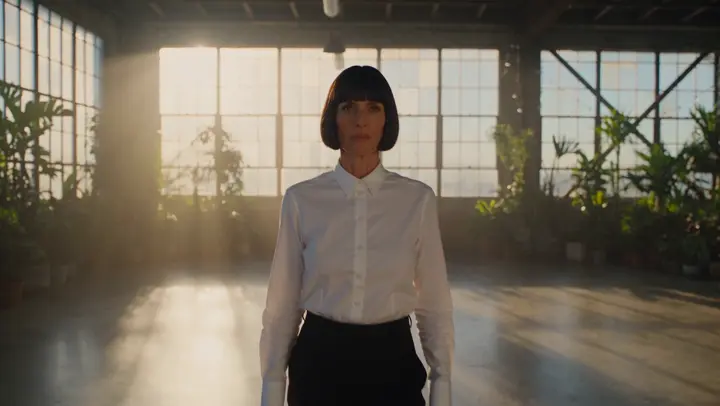
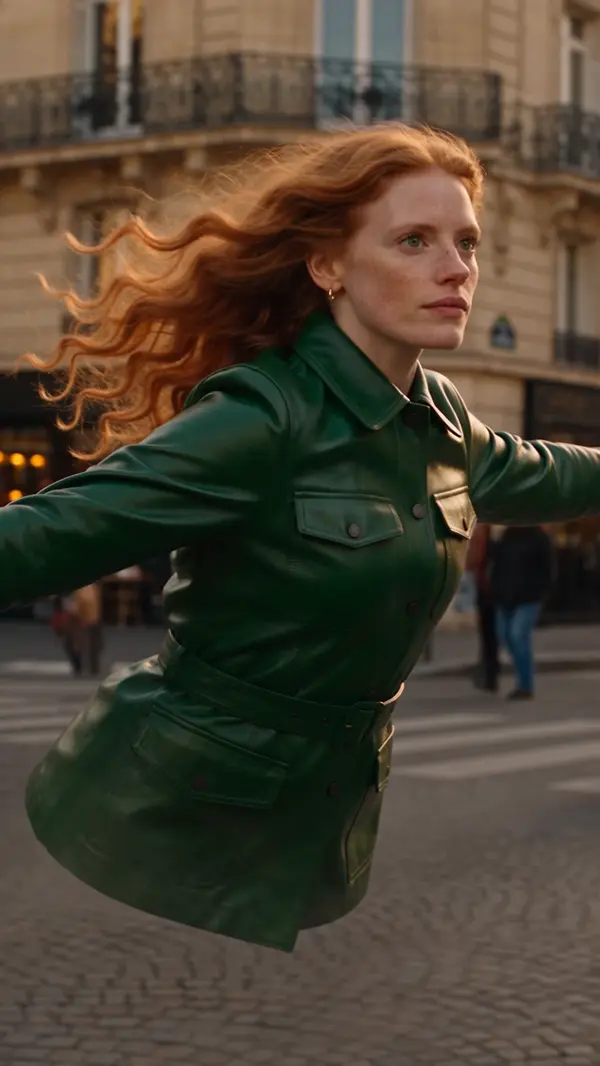
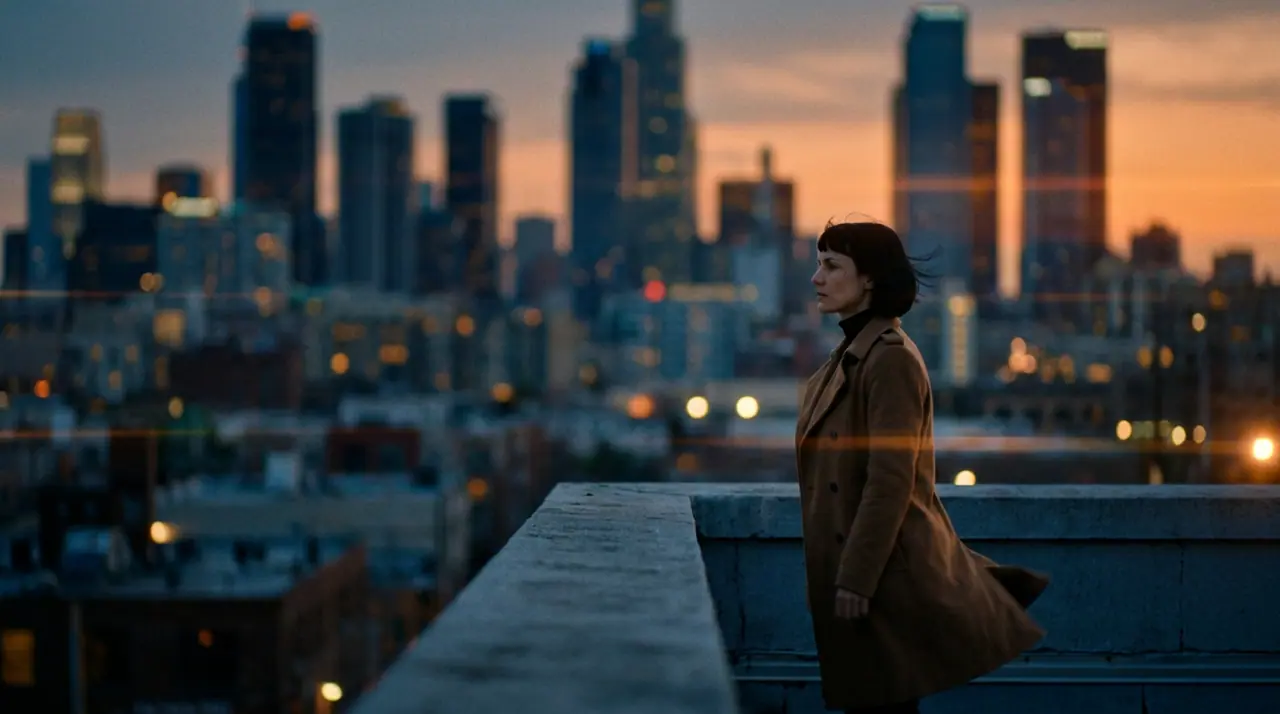
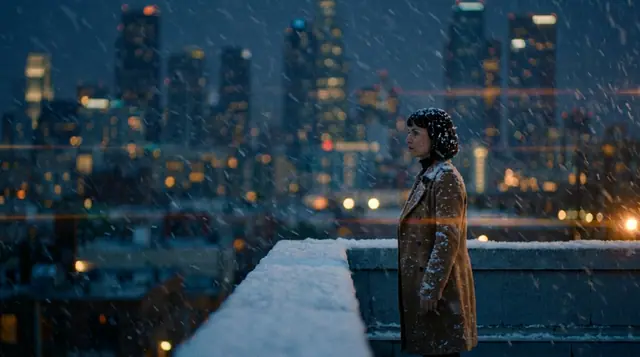
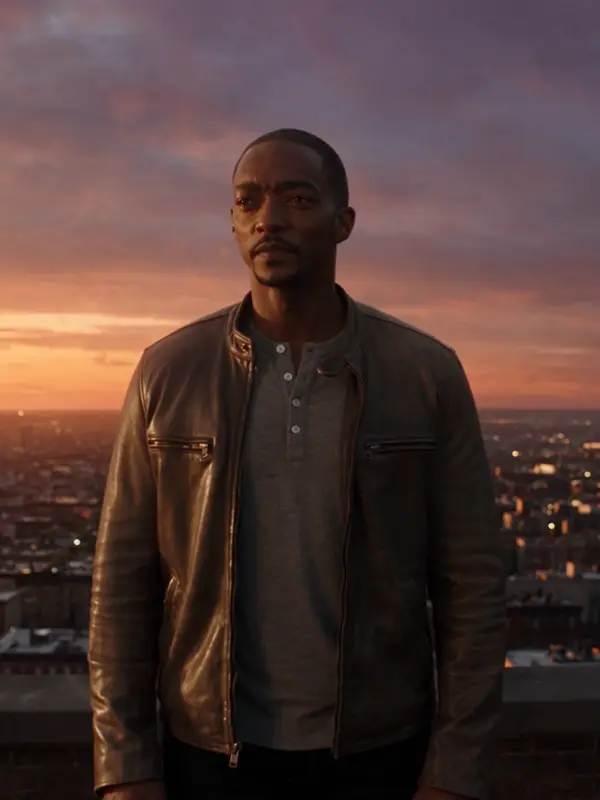
@Mara di atap gedung saat senja, mantelnya tertiup angin, kota menyala di bawahnya. anamorphic, 35mm. zoom lambat
Veo 3.1 Fast · 8 dtk · 1080p · 16:9 · 2 take
Perpanjang Mengarah ke
Tool
eroq removes the background of a clip in Video › Edit › Remove background: bring the clip, pick Transparent or a color, and eroq Cutout keeps the person or the subject on every frame, with the sound. Transparent gives a WebM with alpha for the web and the editors that read it; a color gives an MP4 to key out in any editor.
40 kredit gratis · tanpa kartu · mode privat di setiap akun
Video · Buat
13 Okt, 01.42.07·Siap · Butuh waktu 1 min 8 sec · −816 kredit
@Mara di atap gedung saat senja, mantelnya tertiup angin, kota menyala di bawahnya. anamorphic, 35mm. zoom lambat
Veo 3.1 Fast · 8 dtk · 1080p · 16:9 · 2 take
@Mara di atap gedung saat senja, mantelnya tertiup angin, kota menyala di bawahnya. anamorphic, 35mm. zoom lambat
2 credits per second of clip, 3 seconds at least: a 10-second clip is 20 credits, the 30-second maximum 60 credits. It runs on eroq's own GPUs.
Clap · agen AI
Deskripsikan hasilnya di Ask. Clap menanyakan apa yang dibutuhkan, memilih mesin, menulis prompt, dan menghitung harga rencananya. Setelah kamu setujui, semuanya dirender ke pustakamu. Sepenuhnya otomatis, dan tidak ada yang berjalan sebelum kamu bilang ya.
Ask · Clap
Clap · Berpikir selama 6s
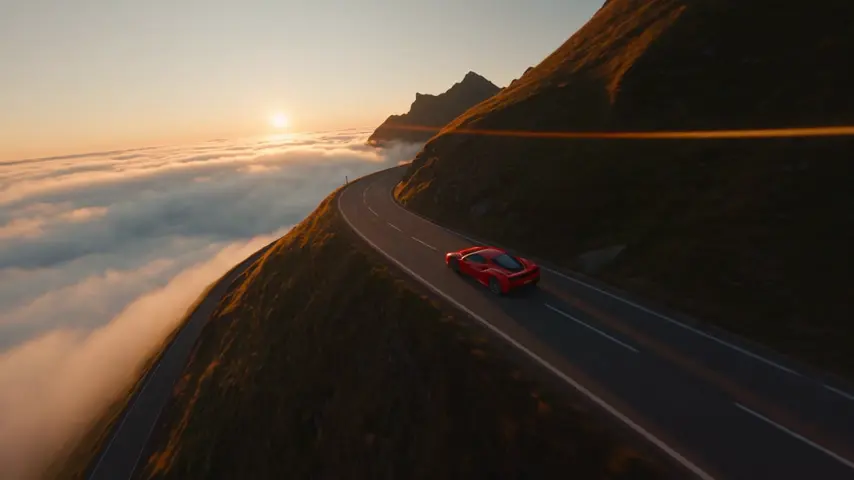
Tiga take untuk gerakan yang sama, masing-masing satu klip. Ini rencananya.
Produksi
Disimpan di pustakamu
Privasi
Privat dan tanpa batasan
Open Video › Edit › Remove background, bring the clip, pick Transparent or a color and generate. The person stays on every frame, with the clip's sound.
Safari shows the WebM on black. For Apple devices or any player, pick a color (a green screen to key out, or white or black as a backdrop): you get an MP4.
Yes: the clip comes back with its own soundtrack, only the background is gone.
Yes, in Image › Remove background: a transparent PNG for 5 credits.
Free to start: every new account gets 40 free credits with no card, 20 seconds of clip at 2 credits a second. More credits start with a $10 pack (1,000 credits) or a plan from $15/month.
40 kredit gratis · tanpa kartu · mode privat di setiap akun